Power on the Base Station
STEP 4
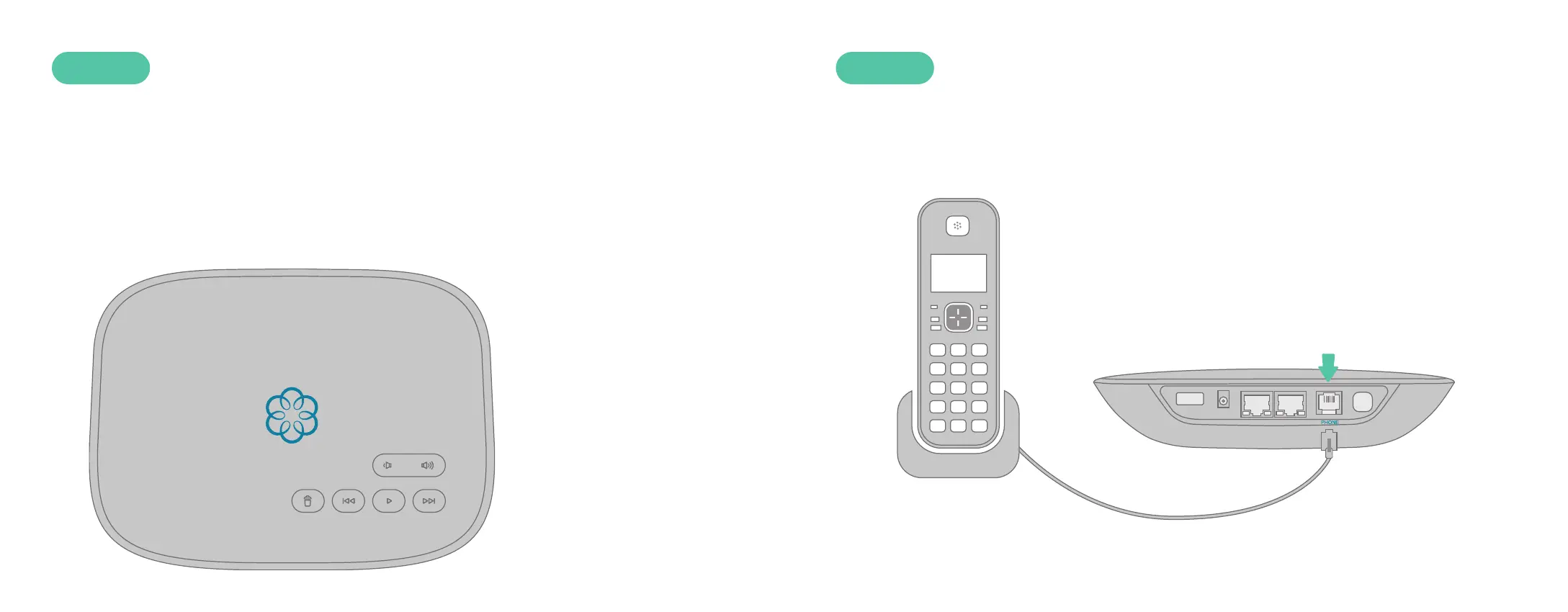
The first time you power on the Base Station, it will need to download
software updates. This process can take up to 45 minutes. While the system
is updating, the light on the front of the Base Station may cycle between red,
purple, and blue. You will know your system is ready for use when the light
has remained blue for more than 10 minutes.
Connect a Phone
STEP 5
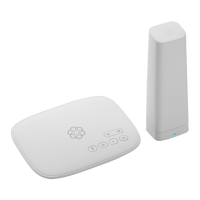
Make sure your Base Station is powered on and that it has downloaded
any updates. Use a phone cord to connect your existing corded or cordless
phone to the PHONE port on the back of the Base Station.
Corded or Cordless
Phone
8 9



 To Next Page