Page 25
Using the OontZ app for Audio Source selection
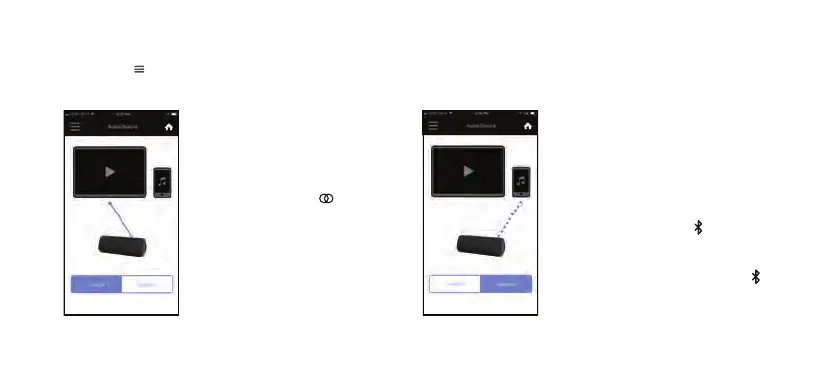
Select the Menu in the upper left hand corner of the app and select ‘Audio Source’ from the menu.
Press “Aux In” to change the audio
source for the OontZ Angle 3 Pro to
play from the device connected to the
OontZ Angle 3 Pro Aux In Jack.
The Source Button Light on the
OontZ Angle 3 Pro will be lit solid
Green.
Press “Bluetooth” to change the audio
source for the OontZ Angle 3 Pro to
Bluetooth. The last device connected
to the OontZ Angle 3 Pro will
automatically reconnect if that device is
turned on and within range.
The Bluetooth Button Light on the
OontZ Angle 3 Pro will flash Blue until
reconnected to your device. After
connected the Bluetooth Button Light
wil be lit solid Blue.














 To Next Page