The OontZ app allows you to control different supported OontZ speakers.
The OontZ app currently supports the following OontZ speaker models:
- OontZ Angle 3 Pro
- OontZ Angle 3 Shower with Alexa (OontZ app support only for Alexa function)
For the latest list of supported OontZ speakers please visit
TheOontZ.com/OontZapp
To utilize the OontZ app with a different supported OontZ speaker.
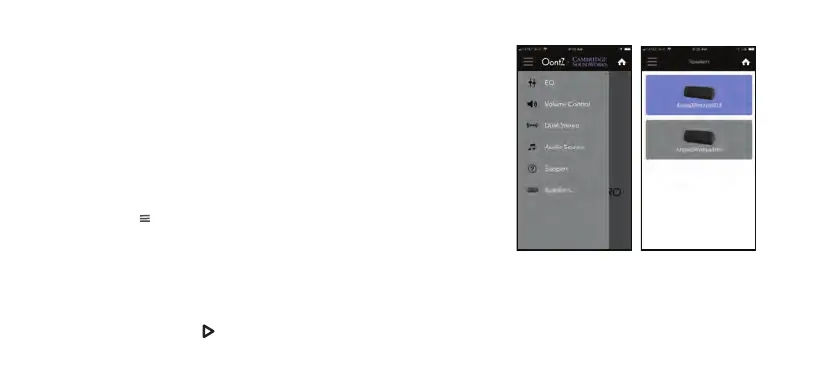
- Select the Menu in the upper left hand corner of the OontZ app and select
‘Speakers’ from the menu
- Select the desired speaker from the available list of OontZ speakers
- Speaker icon is Blue - the OontZ app is already enabled with this speaker
- Speaker icon is Grey - press and the OontZ app will be enabled with this
speaker.
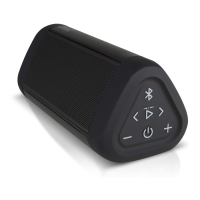
The Play/Pause Button Light on the OontZ Angle 3 Pro will be lit solid Green to
indicate the OontZ app is enabled with this speaker.
Page 26
Using the OontZ app for Speaker selection
Menu screen
Speaker screen














 To Next Page