Page 9
12.10.12 Issue 1
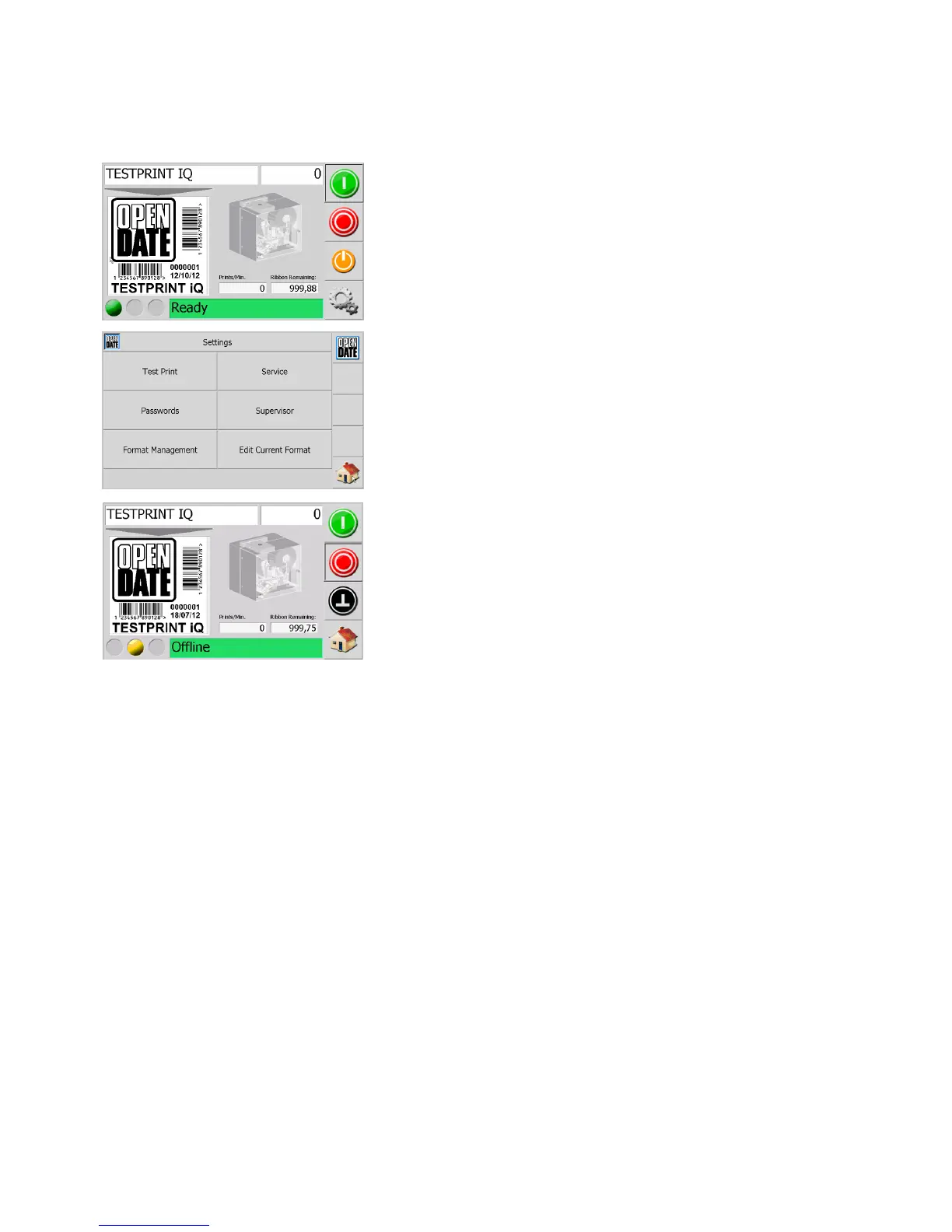
To test that the printer is working correctly a format must be
loaded (refer to software manual for details).
To perform a test print the printer must be put into Test Print
mode.
To do this first press the Settings button.
Then on the new screen press the “Test Print” button.
To return to the main screen press the “Home” button.
The “Test” button will now be displayed on the home screen.
To operate the printer press the “Test” button.
To continuously cycle the printer press the “Start” button and to
stop this press the “Stop” button.
To exit the test print mode press the “Home” button twice.
5.1 Test Printing



 To Next Page