SNMP Service
CONFIGURE > SNMP > SNMP Service
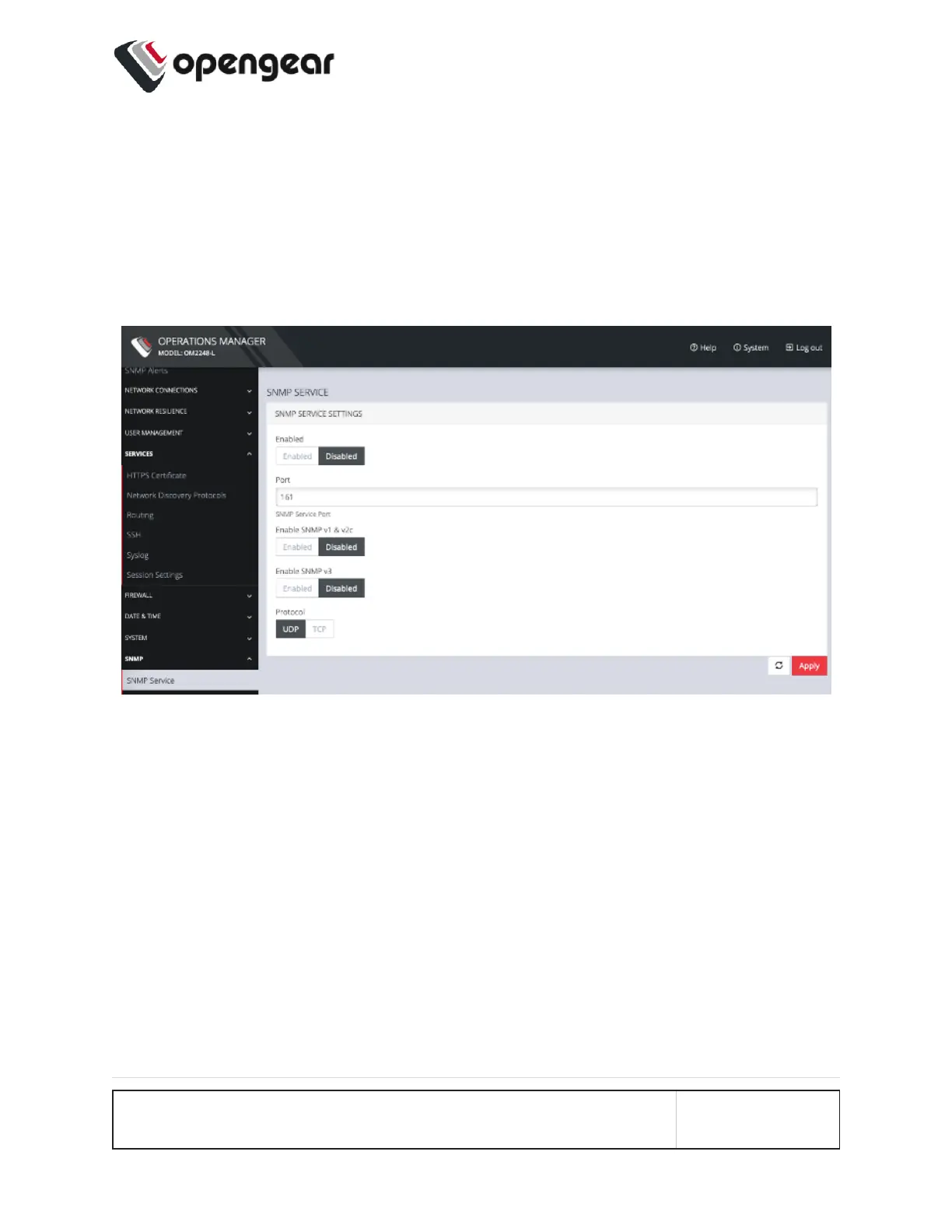
Navigate to the CONFIGURE > SNMP > SNMP Service to open the SNMP Ser-
vice page.
This page allows you to specify which SNMP services to enable. When you click
on ENABLED for SNMP V1 & V2 or SNMP V3, a detail form appears where you
can add service specific settings.
You can also specify the SNMP Service Port and choose between UDP or TCP for
the Protocol.
CONFIGURE MENU 136



 To Next Page