MULTIMEDIA
30
■ Time shift
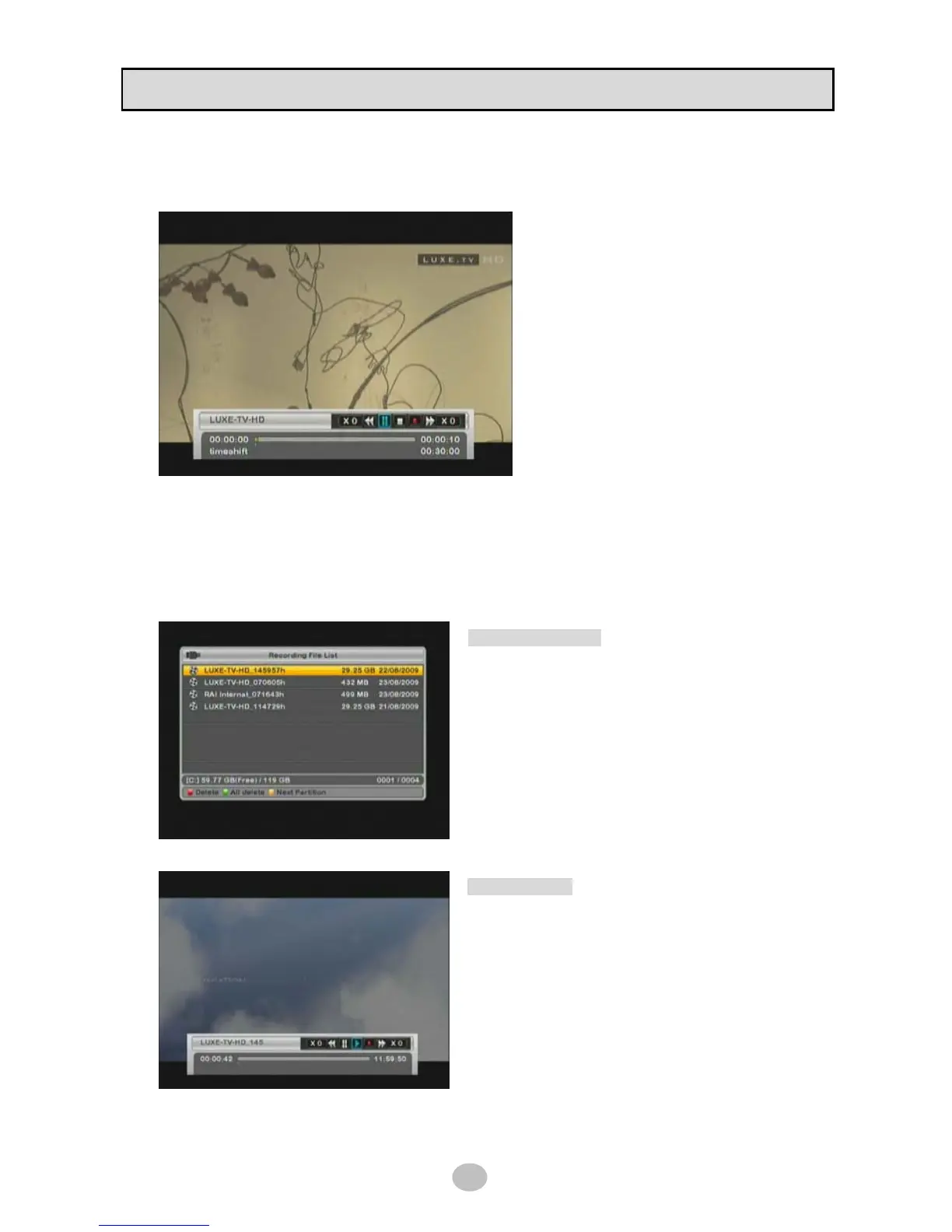
While watching channel, press [PAUSE] button on RCU then time shift immediately started.
While time shift is working, trick modes are
supported like Play/Pause/Seek/FF/REW as
well as slow playback in both direction.
Refer to RCU picture in page 8 in this manual
for trick mode key operation.
Press [●] button on RCU to switch recording.
■ Playback
To play recorded file in USB device, press [▶] button on RCU then recorded file list box appeared as
below picture.
Recorded file list box
◆ Delete : delete a selected file
◆ All delete : delete all files
◆ Next Partition : switch to next partition if
USB device have more than one partition.
Simple select file and press OK to play.
Playback infobar
While playback, trick modes are supported like
Play/Pause/Seek/FF/REW as well as slow playback in
both direction.
Refer to RCU picture in page 8 in this manual for trick
mode key operation.


 To Next Page