118 Operation
Sure Sort™ Operator Manual
OPEX Corporation
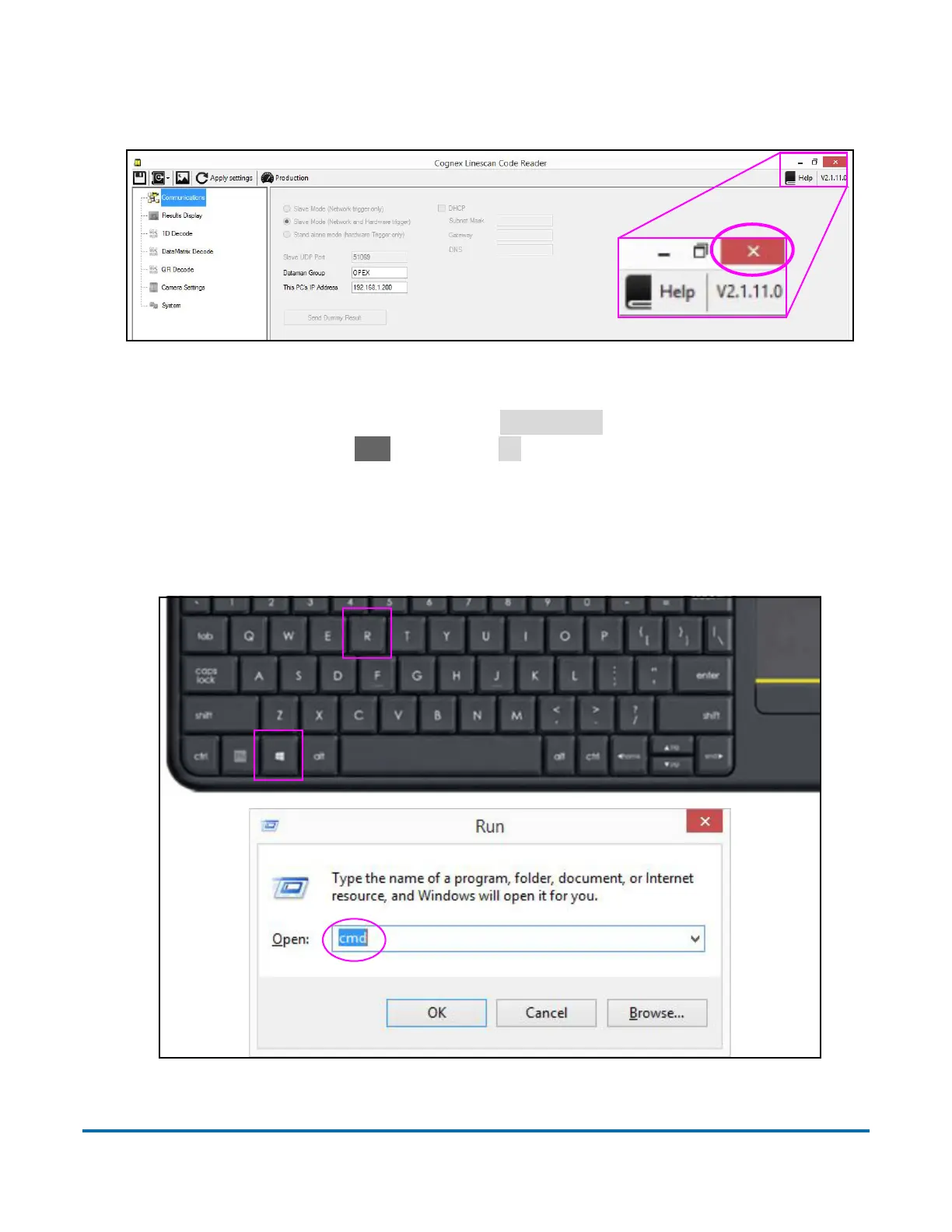
b. Close the Linescan application by pressing the red close button in the
upper right corner (Figure 4-8).
Figure 4-8: Linescan application
c. On the operator keyboard, press
Windows+R
to open the Windows Run
prompt, then type cmd and press
OK
to open the Command prompt
(Figure 4-9).
Note: If you don’t have a keyboard, you can select the Start button on the
touchscreen, scroll down and expand the Windows System folder, then
select Command Prompt.
Figure 4-9: Accessing Command prompt



 To Next Page