126 Operation
Sure Sort™ Operator Manual
OPEX Corporation
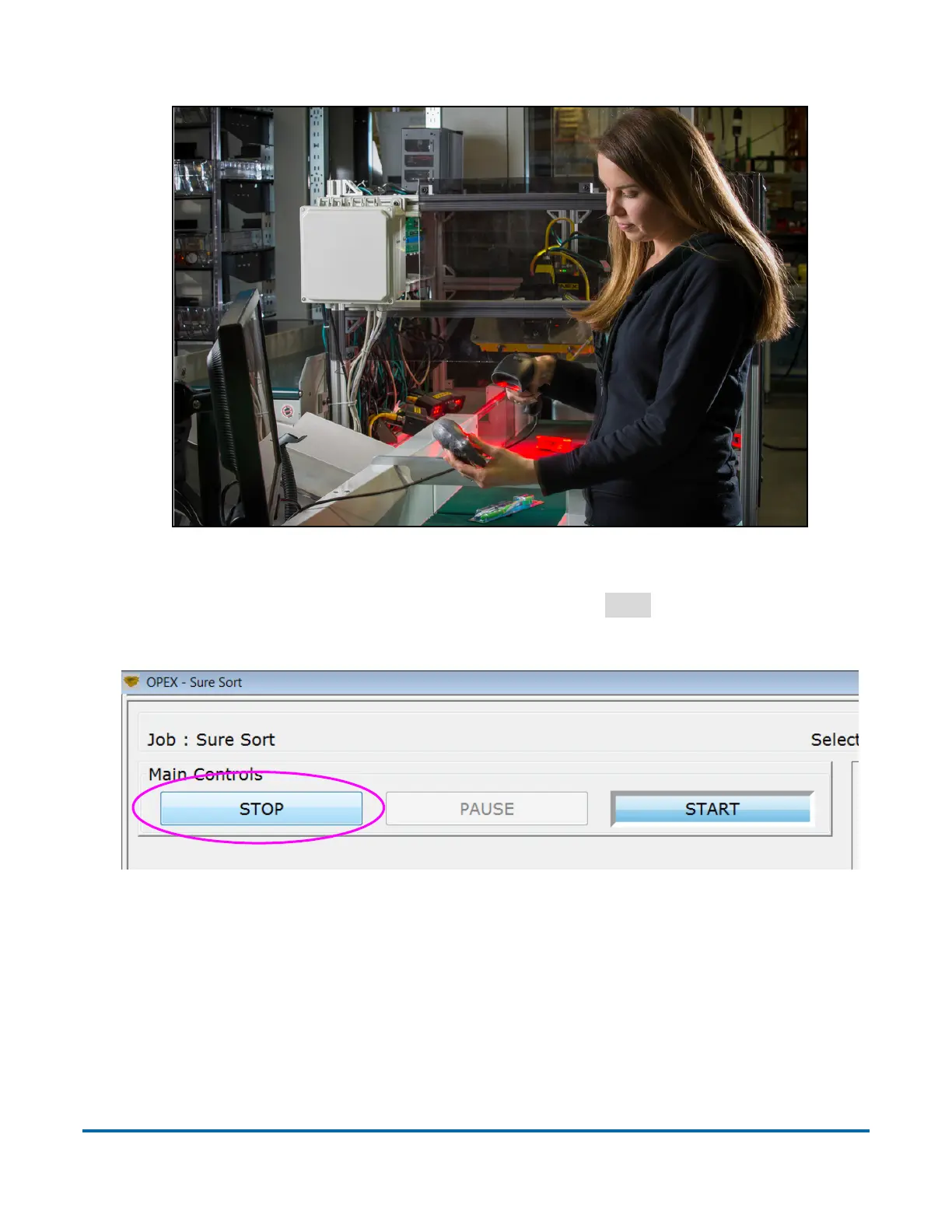
Figure 4-20: Optional hand scanner
8. When finished, on the OPEX Host screen, click
STOP
(Figure 4-21). This
stops the conveyors and homes the iBOTs.
Figure 4-21: OPEX Host Run Screen - STOP button



 To Next Page