Operation 129
Sure Sort™ Operator Manual
OPEX Corporation
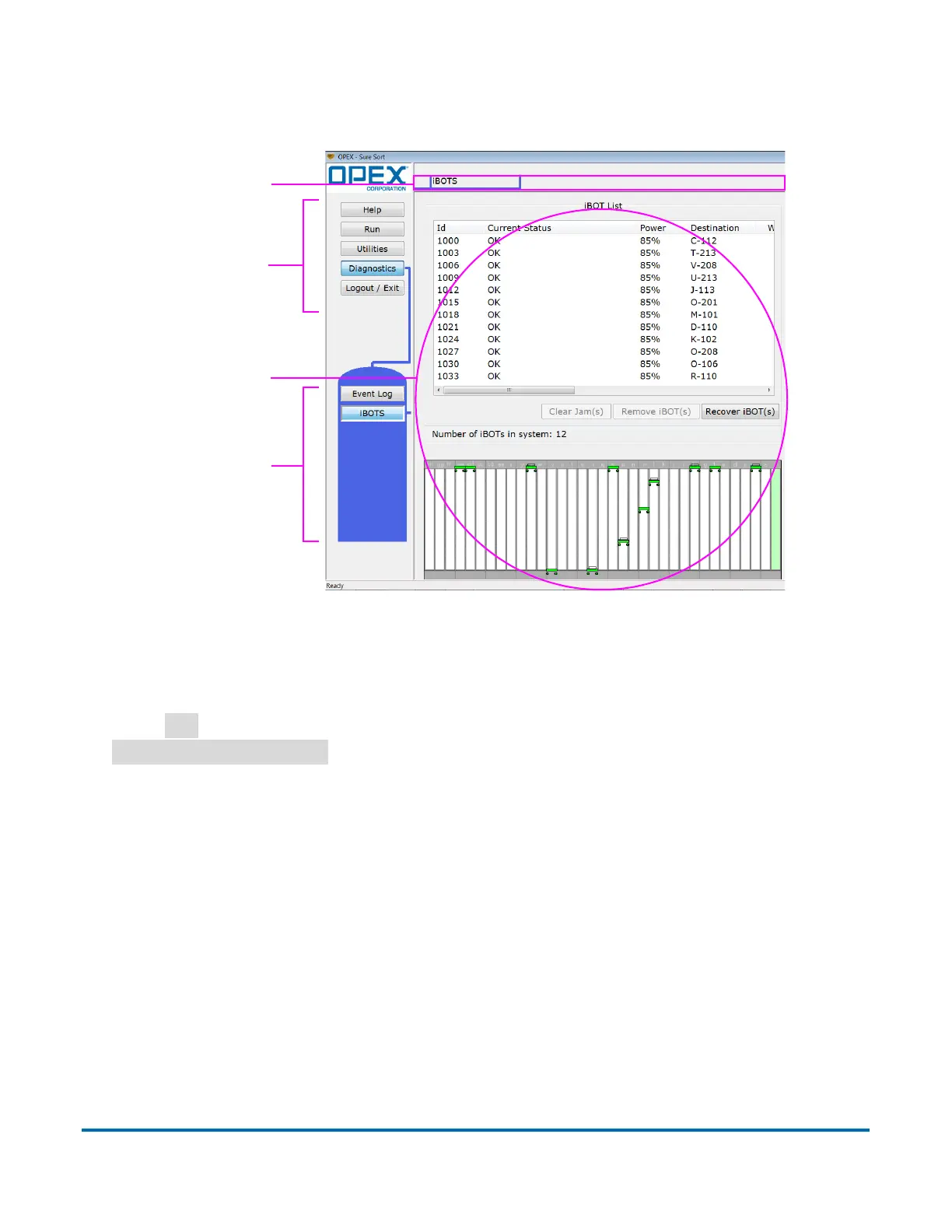
Main window View and adjust settings and make selections in the main
window.
Figure 4-24: Host software interface
4.1.5. Run Screen details
Click
Run
in the Menu Bar, select a job to run in the Main Window, and click the
Go to Run Screen >>
button to access the Run screen (Figure 4-25).
Use the Run screen to:
• Start and stop the job
• View vital system information about the current job as the machine is
running
• View information about jams
Menu
Main
Menu
window
Tab
bar
bar
options



 To Next Page