130 Operation
Sure Sort™ Operator Manual
OPEX Corporation
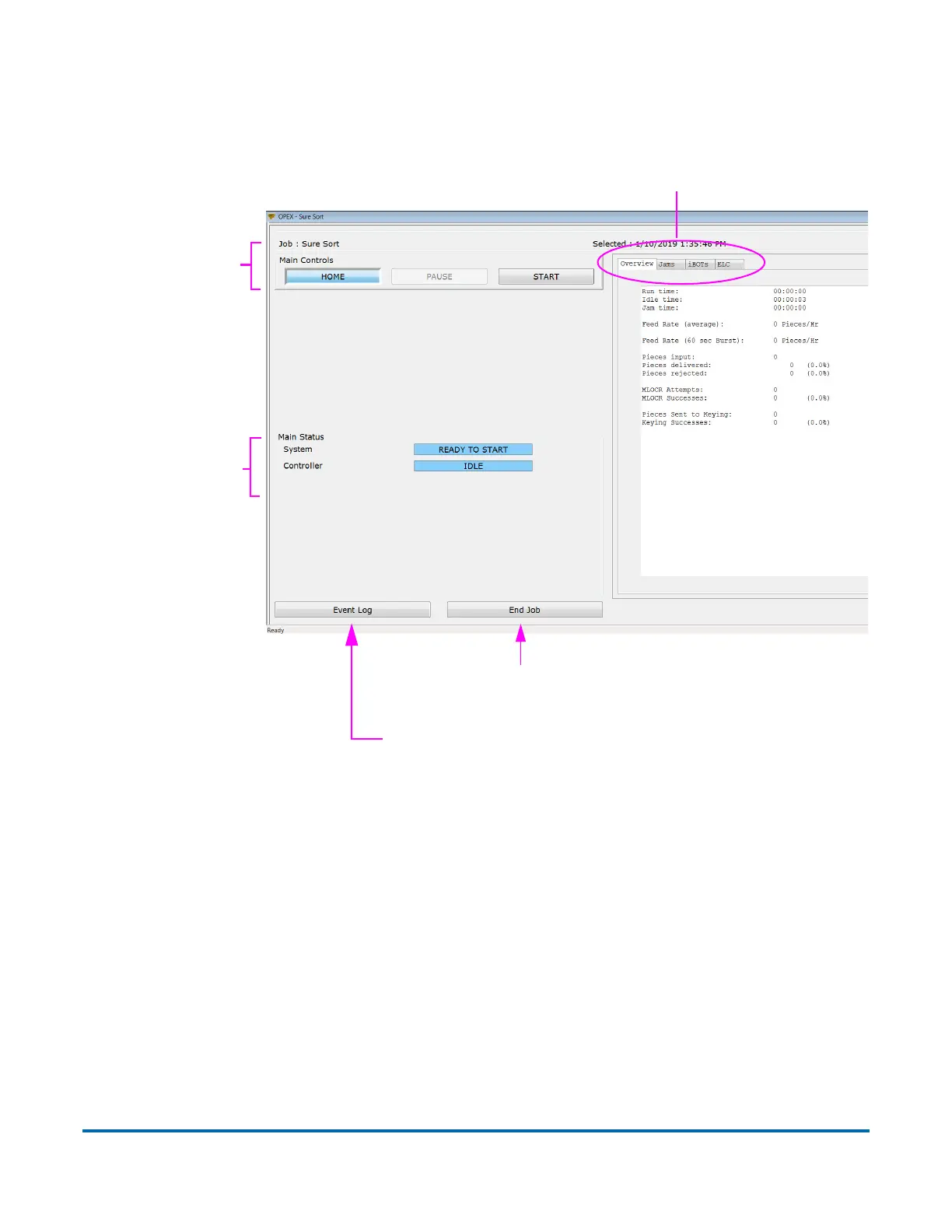
There are three main components to the Run screen, as shown in Figure 4-25:
the main controls, the main status area, and the information tabs.
Figure 4-25: Run screen components
4.1.6. Information tabs
The information tabs on the right side of the Run screen provide information
about the machine and its performance during the run. The default user will
have limited access to settings and features while logged in. Features that are
available in the information tab section are listed below.
Exit the Run screen and return
to the Job Select screen
View the Event Log
Information tabs
Main controls
Main Status



 To Next Page