Statistics 145
Sure Sort™ Operator Manual
OPEX Corporation
• Barcode Readers
- Auto Read Attempts - total number of barcodes read
- Auto Good Reads - total number of successful barcodes read
- Auto Bad Reads - total number of bad barcode reads
- Manual Reads - total number of manual barcode reads
• Outsorts - Customer Backend told item to go to a different location and not
to sort
• Rejects
- ELC Rejects - Customer backend not ready to send to a bin (most
common)
- Sorter Rejects - Host issue - examples: Unknown bin location, Barcode
scan time out, Unread piece, Gap to small, iBOT unavailable
5.2.1. Setting the Time Range
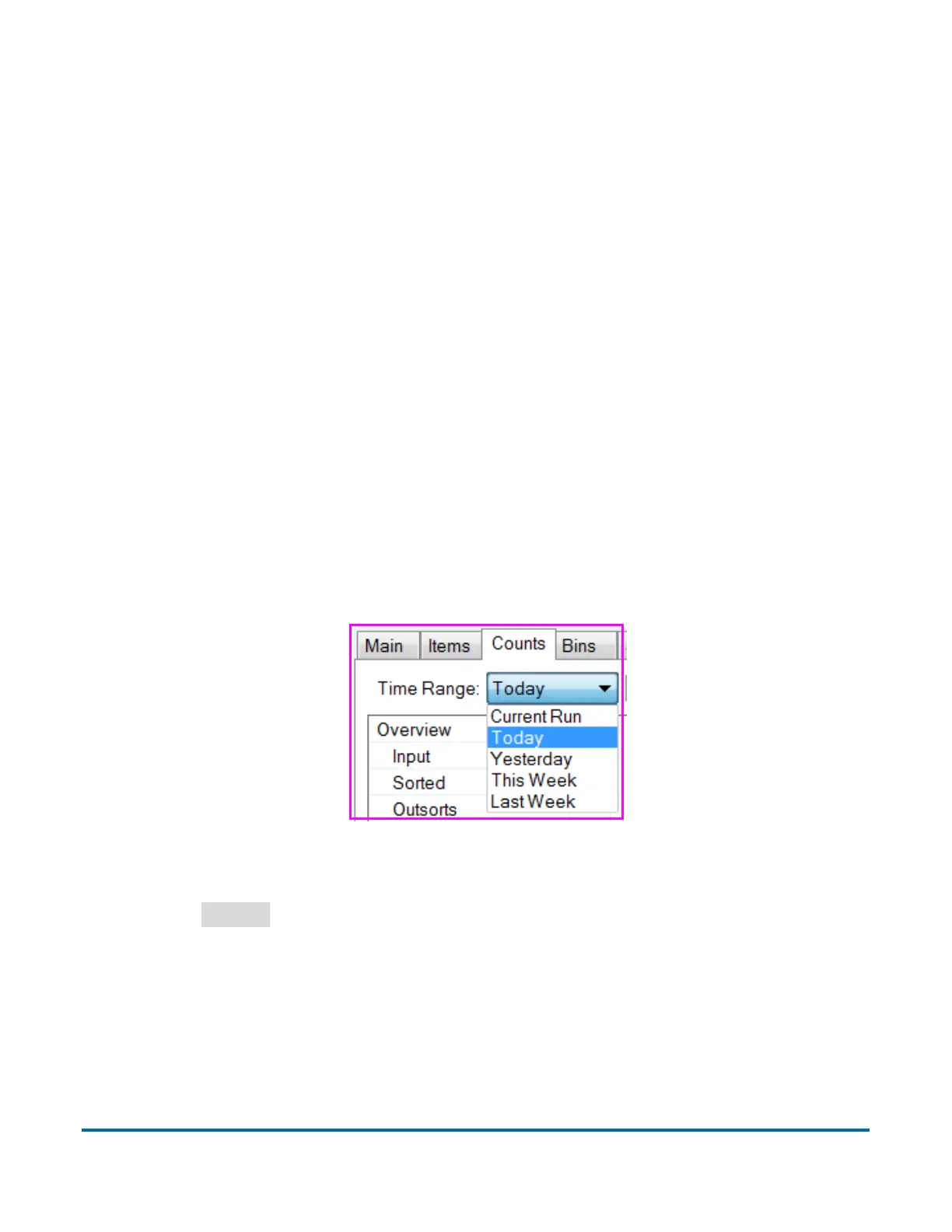
Selecting a Time Range (see Figure 5-2) you would like to use for your statistics
report. Click the down arrow and select from the available options: Current Run,
Today, Yesterday, This Week, Last Week.
Figure 5-2: Counts tab - Time Range
Click the
Export
button at the bottom of the Counts window to save a .csv file
of your current report to the hard drive. The .csv file will be saved to the default
directory: C:/OPEX/Export/Induct ELC.



 To Next Page