OPC-3301i
Specifications Manual
11
8.8. Scanning from LCD Screen
Bar codes displayed on LCD screens (brightness of white part 30 cd/m
2
or more, contrast ratio
100:1) can be read.
<Conditions>
Bar code
: JAN (resolution 0.26 mm) specified in Section 8.1.
Ambient light : 100 lx or less
Distance : 127 mm from the front edge of the scanner
Angle : α = 0°, β = 0°, γ = 0°
LCD screen type : Transmissive (backlight) TFT
Brightness of white parts
Contrast ratio =
Brightness of black parts
* The bar code resolution is the value when displayed on the LCD screen.
* The width of bar code element is an integral multiple of pixel width of LCD screen.
* The reading characteristics may deteriorate due to the specular reflection of LED illumination when
the reflectivity is high.
8.9. Auto Trigger
When the scanner is placed in a dedicated stand (sold separately) which contains a magnet, it can
detect this magnet and enters auto trigger mode. The scanner starts scanning automatically when it
detects a change in brightness that occurs when a bar code label is presented in front of it.
8.9.1. Stand Detection
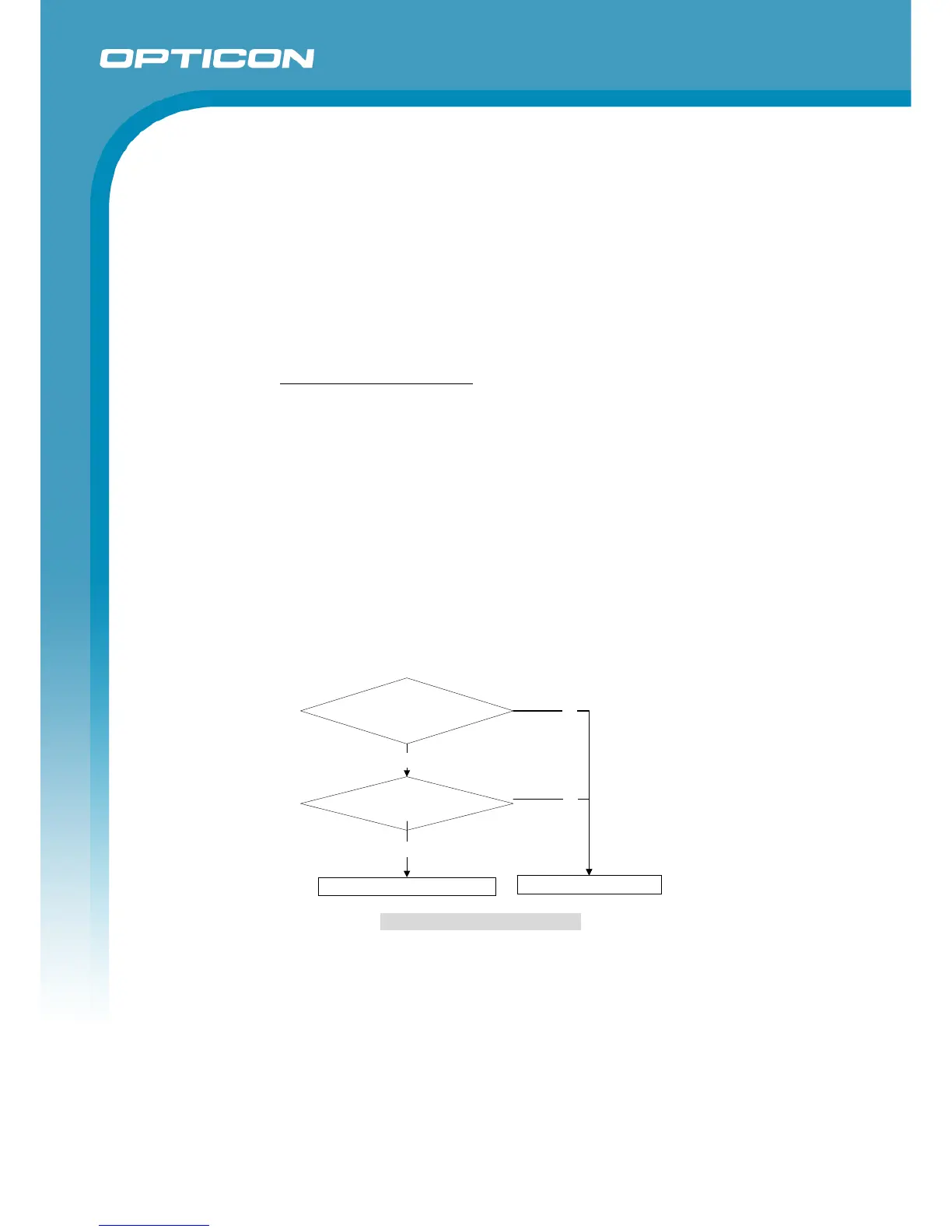
“Stand detection - Auto trigger flow”
Figure 7: Stand Detection Flow
* The dedicated stand is an optional accessory that can be purchased separately.
* The stand detection mode is disabled by default. It must be enabled to be used.
Is Stand Detection
mode “*4” enabled?


 To Next Page