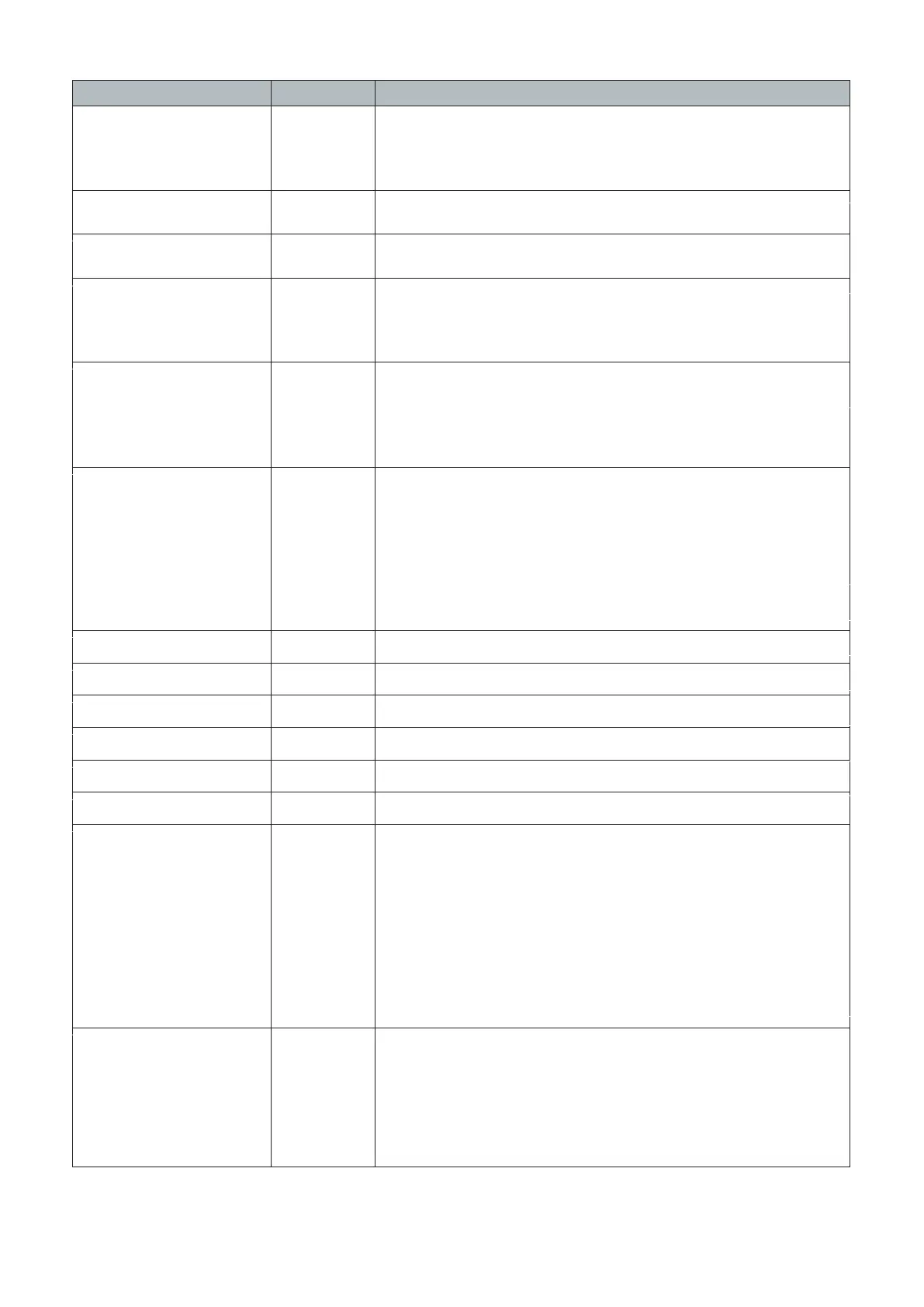
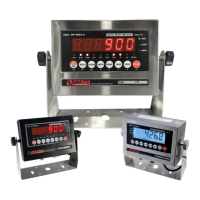
Function Parameter Settings/Options
Calibration
C06
0 = calibration not needed
1 = Ready to calibrate with one calibration weight
2 = Ready to calibrate using multiple calibration weights (Linear)
3 = Sensitivity Output
Restore Default Settings 0 = do not restore
1 = restore to default settings
Warning Tone 0 = turn off warning tone
1 = turn on warning tone
Automatic
Power Off
0 = turn off auto power off
10 = power off automatically if no change within 10 minutes
30 = power off automatically if no change within 30 minutes
60 = power off automatically if no change within 60 minutes
Power Saving Mode
LED Version OP900A:
0 = turn off power saving setting
3 = turn off display if no change within 3 minutes
5 = turn off display if no change within 5 minutes
LCD Version
Hold Function
0 = turn off hold function
1 = Peak hold - Grabs the highest weight
2 = Manual hold - Grabs the current weight
3 = Auto hold - Automatically holds data when stable
4 = Average hold - for animal weighing, averages the weight from a
sample of 3 seconds
5 = Auto Average hold - Average hold without the need to press the
hold key
Unit Conversion * See table 2
Upper Limit Alarm Set upper limit within the max. capacity
Lower Limit Alarm Set lower limit within the max. capacity
Inner Code Display check the inner code (raw data)
Set Date Set date from left to right: year/month/day
Set Time Set the time from left to right: hour/minute/second
Communication
Setting
Set the serial interface data output method:
0 = Turn off serial interface data output
1 = Continuous sending mode, for remote display
2 = Print to paper thermal ticket printer
3 = Command request mode, for computer.
4 = PC continuous sending mode, for computer
5 = PC/remote display, continuous sending mode
6 = Print to adhesive label thermal printer
7 = Print to Zebra/large adhesive label thermal printer
8 = Reserved
Baud Rate
C07
C08
C09
C10
C11
C12
C13
C14
C15
C16
C17
C18
C19
0 = 1200 (for OP-910 remote
display)
1 = 2400
2 = 4800
3 = 9600 (for all printers and OP-910X, OP-
910XL)
4 = 14400
- 11 -


 To Next Page