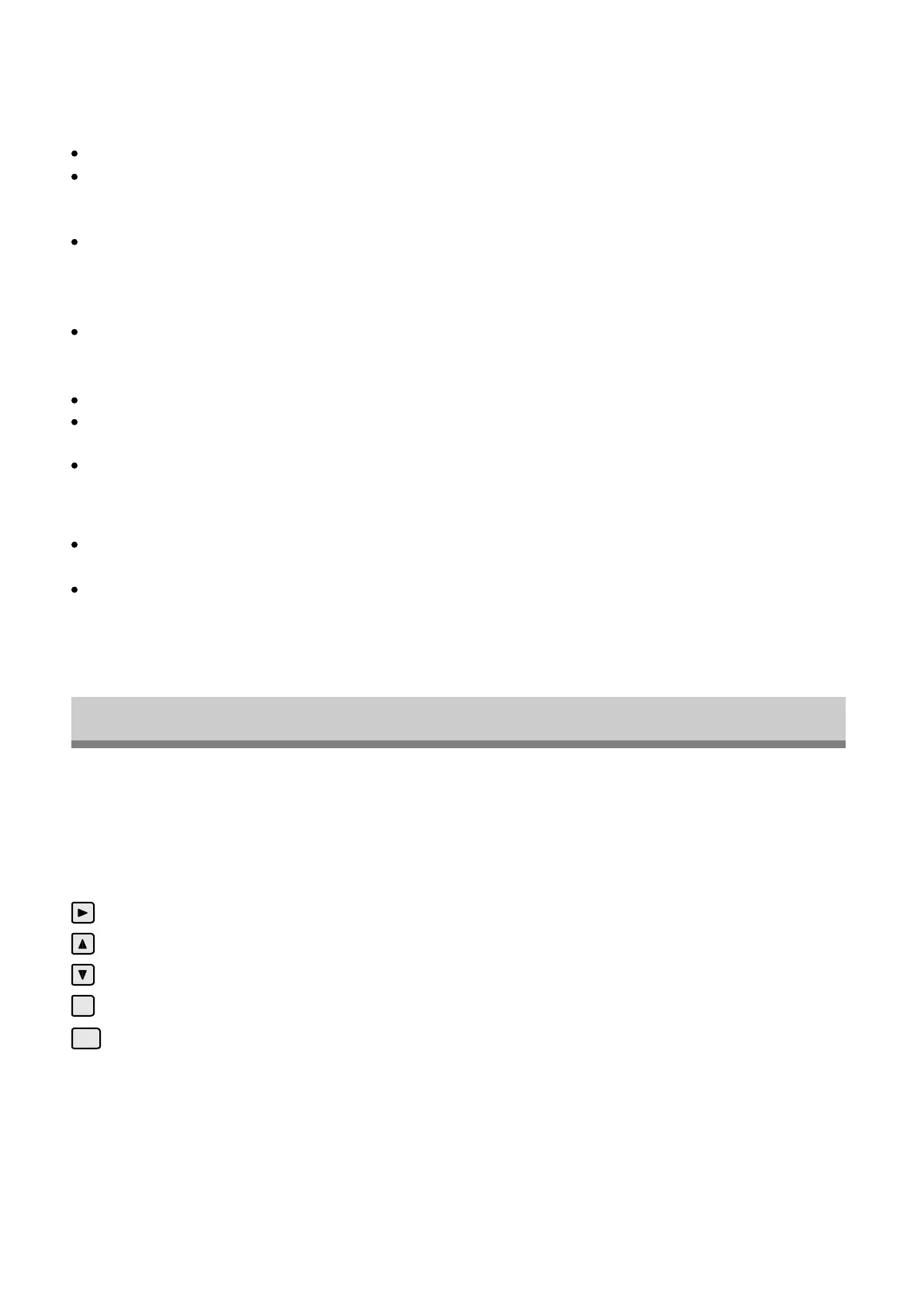
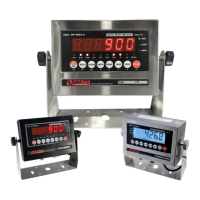
Hold
There are 4 different hold functions you can choose from in the C11 parameter
1.Peak Hold: Grabs the highest weight (for materials testing, ie. tension and pulling force)
Press the HOLD key then add weight to the scale
The indicator will show the highest weight it recorded and hold it on the screen until a higher
weight is placed on the scale
2.Manual Hold: Grabs the current weight and holds it so it will not change/fluctuate
While weighing, press HOLD and the indicator will hold the current weight on the screen until
HOLD is pressed again
3.Auto Hold: If the weight on the scale is above 20d (20 x division) and is stable, the indicator will
hold that weight on the screen for 3 seconds then go back to general weighing
Pressing the hold key is unnecessary, holding is done automatically when the scale is stable
4.Average Hold: Used for weighing animal, the indicator will display the average weight sampled
from 3 seconds
Add livestock to scale and press HOLD
Indicator screen will show “LOC” for 3 seconds, then display the average weight from those
3 seconds
Press HOLD again to exit holding mode
Print
If the indicator is connected to a printer and the weight on the scale is stable press the PRINT
key to print the current weight
In accumulation mode hold the PRINT key for one second when the last 4 digits of the total
weight are shown to print the total weight
Note: In tare mode the printer cannot print if negative weight is shown
CALIBRATION PROCEDUER
How to enter
Available Keys
1. Turn on the scale by holding ON/OFF for 2 seconds
2. Press HOLD and PRINT together to access the setup menu.
Move to the right by 1 place of the set value
Increase the set value
Reduce the set value
Exit current menu
Move into next menu
esc
enter
- 7 -


 To Next Page