EasyManua.ls Logo

Optima Scale OP-900 SERIES - User Manual

Optima Scale OP-900 SERIES
30 pages
Print Icon
To Next Page IconTo Next Page
Loading...
optimascale.com
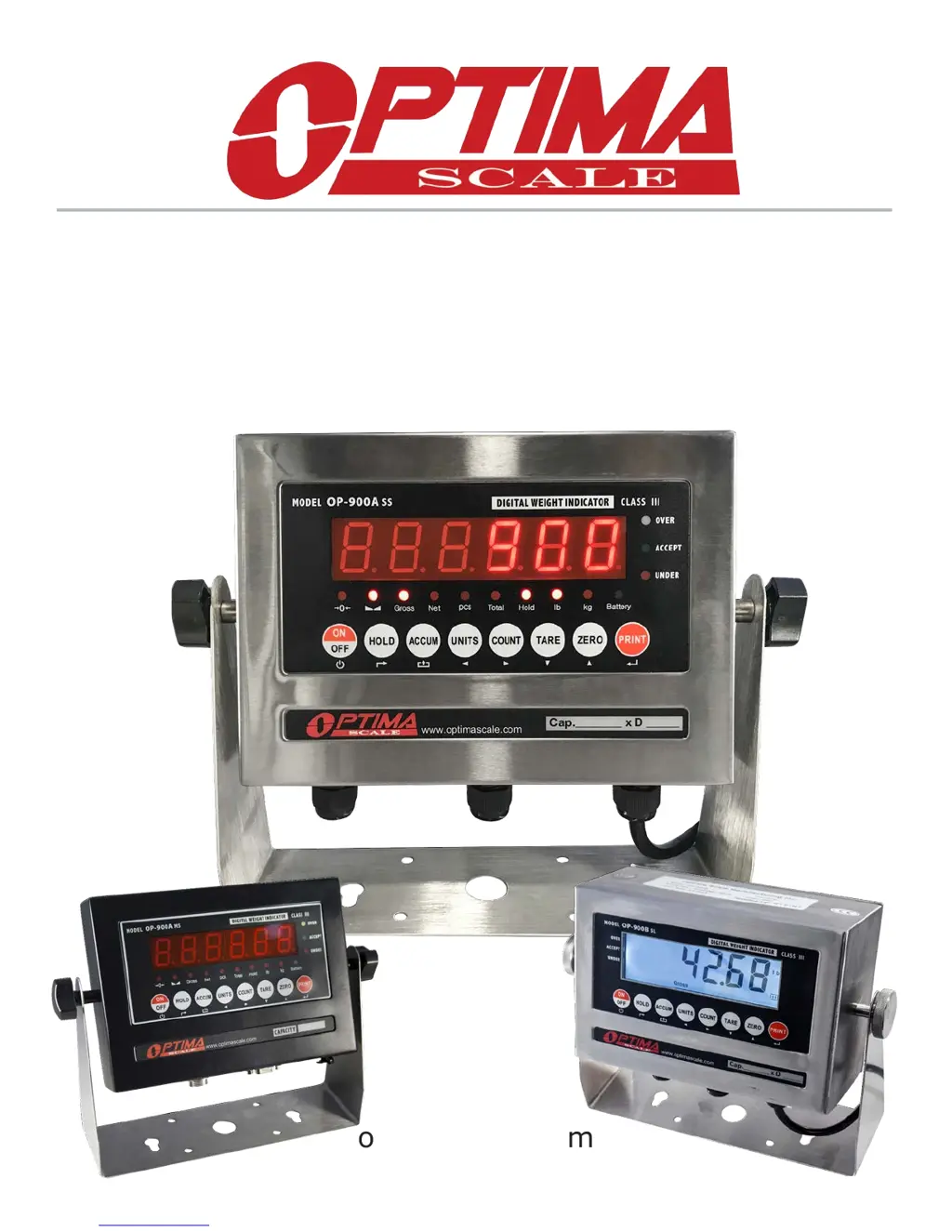
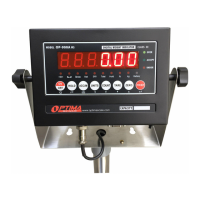
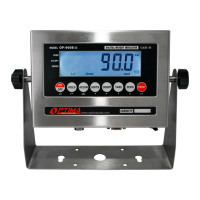
OP-900 SERIES INDICATOR
USER’S MANUAL
(OP-900A, OP-900B Series)

Questions and Answers

  • M
    Monica VasquezJul 27, 2025
    What to do if Optima Scale OP-900 Accessories shows UUUUUU?
    • S
      Samantha ZamoraJul 27, 2025
      If the Optima Scale Accessories displays 'UUUUUU', it indicates an overload. Try reducing the weight on the scale. It could also mean there's a wrong connection with the load cell, so you should check the load cell connection. Alternatively, the load cell might have a quality problem; inspect the load cell and check its input/output.
  • M
    Matthew SmithJul 31, 2025
    What to do if Optima Scale OP-900 Accessories displays ERR3?
    • D
      Donald MarshallJul 31, 2025
      If your Optima Scale Accessories shows 'ERR3' during calibration, this indicates a negative input signal. First, check all wire connections. Second, check the load cell. Third, recalibrate the scale. If these steps fail, a PCB replacement may be needed.
  • B
    Brandon MartinezAug 4, 2025
    What to do if Optima Scale OP-900 displays ERR2?
    • P
      Patrick ClarkeAug 4, 2025
      If your Optima Scale Accessories displays 'ERR2' during calibration, it means the weight used is below the minimum required weight. The calibration weight minimum is 10% of the maximum capacity set in C04. It is recommended to use 60%-80% of max capacity if possible.
  • J
    John FreyAug 8, 2025
    What to do if Optima Scale OP-900 Accessories displays ERR4?
    • T
      Teresa PierceAug 8, 2025
      If Optima Scale Accessories displays 'ERR4', it means the signal is unstable during calibration. Ensure the platform is stable before starting the calibration process.
  • L
    Lee HughesAug 12, 2025
    Why does my Optima Scale OP-900 Accessories display nnnnnnn?
    • T
      Tara HollandAug 12, 2025
      If the Optima Scale Accessories displays 'nnnnnnn', it could be due to calibration issues. Make sure the scale is level. Another potential cause is a wrong connection with the load cell, so check the load cell connection. Also, the load cell might have a quality problem, so check the load cell input and output resistance.
  • R
    reynoldsrichardAug 17, 2025
    What to do if Optima Scale Accessories displays ERR1?
    • M
      Mr. Michael FieldsAug 17, 2025
      If your Optima Scale Accessories displays 'ERR1', it indicates that during calibration, either no weight was used, or the weight exceeded the maximum capacity. Use the correct weight within the defined range.
  • D
    Daniel HarrisAug 21, 2025
    How to fix ERR5 on Optima Scale Accessories?
    • D
      Dalton WallerAug 21, 2025
      If the Optima Scale Accessories displays 'ERR5', this indicates an EEPROM Error. The suggested solution is to change the PCB.

Summary

Safety Precautions

Features

Operating Instructions

Counting and Accumulation

Procedures for counting items and accumulating weights.

Calibration Procedure

Single Point Calibration

Guide for calibrating using a single known weight.

Linear Calibration

Guide for calibrating using multiple known weights for accuracy.

Indicator Parameter Settings

RS232 Serial Output Format

Continuous Sending Modes

Formats for remote display and PC continuous data transmission.

4-20 mA Analog Output (Optional)

Relay Output (Optional)

Troubleshooting

Optima Scale OP-900 SERIES Specifications

General IconGeneral
BrandOptima Scale
ModelOP-900 SERIES
CategoryAccessories
LanguageEnglish

Related product manuals