EasyManua.ls Logo

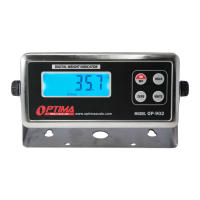
Optima Scale OP-902 - User Manual

Optima Scale OP-902
15 pages
Print Icon
To Next Page IconTo Next Page
Loading...
optimascale.com
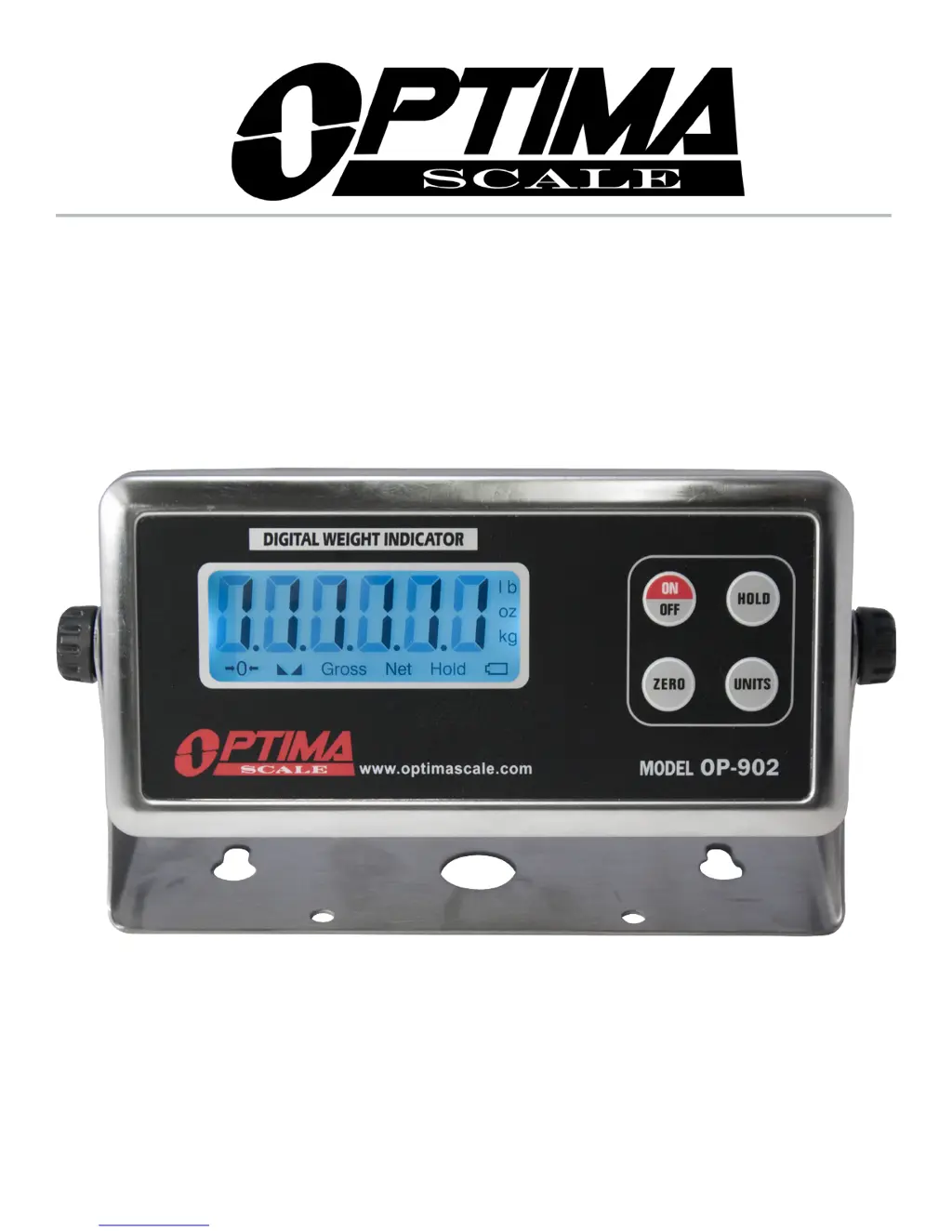
OP-902 INDICATOR
USER’S MANUAL

Questions and Answers

  • J
    Jacob PetersonJul 31, 2025
    What to do if my Optima Scale Measuring Instruments displays UUUUUU?
    • R
      rogersgregoryJul 31, 2025
      If the Optima Scale Measuring Instruments displays 'UUUUUU', it could be due to several reasons: * **Overload:** Try reducing the weight on the scale. * **Load Cell Connection:** Ensure the load cell is correctly connected. * **Load Cell Quality:** Inspect the load cell and check its input/output.
  • K
    Kara Smith MDAug 4, 2025
    Why does my Optima Scale Measuring Instruments display nnnnnnn?
    • N
      Nicolas JonesAug 4, 2025
      If your Optima Scale Measuring Instruments shows 'nnnnnnn', there are a few potential causes: 1. **Calibration Issues:** Ensure the scale is level for accurate calibration. 2. **Load Cell Connection:** Double-check the load cell connection. 3. **Load Cell Quality:** Verify the load cell's input and output resistance.
  • S
    simpsonlindaAug 9, 2025
    What to do if Optima Scale Measuring Instruments displays ERR3?
    • V
      vancepaulAug 9, 2025
      If your Optima Scale Measuring Instruments displays 'ERR3' during calibration, it indicates a negative input signal. Here’s what you should do: * Check all wire connections. * Inspect the load cell. * Try recalibrating the device. * If the issue persists after these steps, the PCB may need replacement.
  • J
    Jason JacobsAug 13, 2025
    What to do if my Optima Scale Measuring Instruments displays ERR1?
    • C
      carla39Aug 13, 2025
      If your Optima Scale Measuring Instruments displays 'ERR1', it means that during calibration, either no weight was used, or the weight exceeded the maximum capacity. To resolve this, use the correct weight within the defined range during calibration.
  • D
    David MarshallAug 17, 2025
    What to do if my Optima Scale Measuring Instruments displays ERR2?
    • D
      djohnsonAug 17, 2025
      If your Optima Scale Measuring Instruments displays 'ERR2', it indicates that the weight used during calibration is below the minimum required weight. The calibration weight minimum is 10% of the max. capacity set in C04. It is recommended to use 60%-80% of max. capacity if possible.
  • D
    David SimpsonAug 22, 2025
    What to do if my Optima Scale Measuring Instruments displays ERR4?
    • P
      Paige DeanAug 22, 2025
      If your Optima Scale Measuring Instruments displays 'ERR4', it means the signal was unstable during calibration. Ensure the platform is stable before starting the calibration process.
  • K
    Kyle WardAug 26, 2025
    What to do if my Optima Scale Measuring Instruments displays ERR5?
    • G
      Gregory HendersonAug 26, 2025
      If your Optima Scale Measuring Instruments displays 'ERR5', it indicates an EEPROM Error, which means you need to change the PCB.

Summary

Safety Precautions

Anti-Static Prevention Measures

Specific measures for preventing static electricity discharge when handling the indicator or its components.

Preparation & Set Up

Operating Instructions

Powering On;Off and Auto Power Off

Instructions for turning the indicator on/off and details about the automatic power-off function.

Zero and Tare Functions

Guidance on using the zero and tare functions for accurate weight measurements.

Hold Functions

Calibration

Entering Calibration Settings

Procedure to access the calibration menu by pressing specific keys during startup.

Calibration Procedures

FS=6 Calibration Steps

Specific steps for calibration when the FS value is set to 6, including decimal places and capacity.

FS=0-6 Calibration Steps

General calibration procedures for FS values 0-6, covering zero and load calibration.

Parameter Settings

Parameter Settings Details

Detailed descriptions of various configurable parameters like power off, units, and hold functions.

Connectors

Troubleshooting

Specifications

Communication Modes

Optima Scale OP-902 Specifications

General IconGeneral
Readability0.002 lb
Platform Size90mm x 90mm
DisplayLCD
Auto-OffYes
Tare FunctionYes
Unit Conversionoz

Related product manuals