EasyManua.ls Logo

Optima Scale OP-900A SERIES - User Manual

Optima Scale OP-900A SERIES
30 pages
Print Icon
To Next Page IconTo Next Page
Loading...
optimascale.com
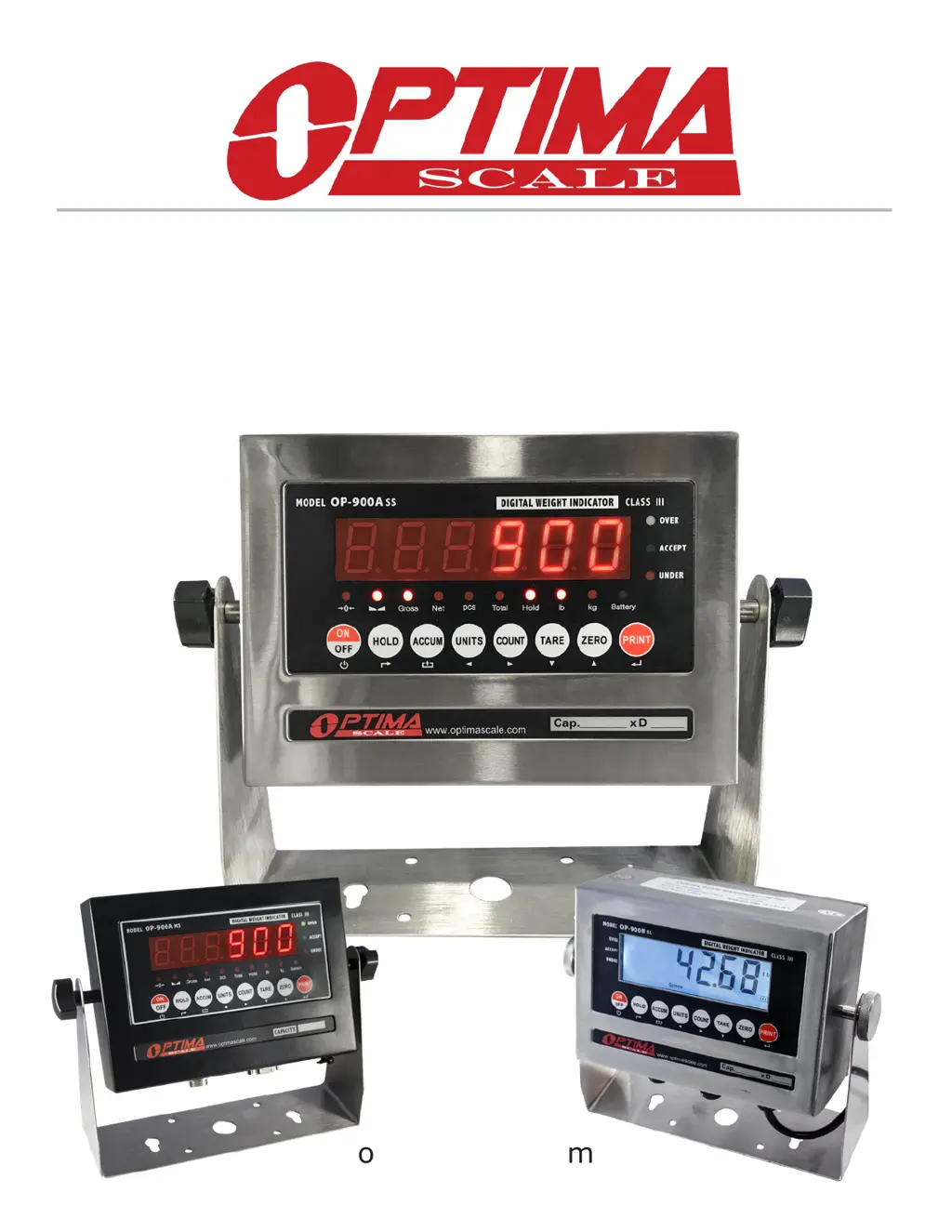
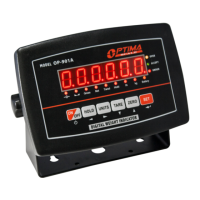
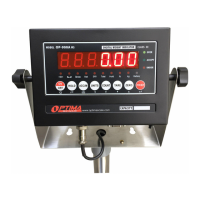
OP-900 SERIES INDICATOR
USER’S MANUAL
(OP-900A, OP-900B Series)
9.9.19

Questions and Answers

Summary

Safety Precautions

Anti-Static Prevention Measures

Discharge accumulated charge on the human operator's body before handling ESDs.

Preparation and Set Up

Technical Parameters

Power Supply

AC Adapter

Connect the adapter directly to the 'DC' pin at the bottom of the indicator.

Battery (Optional)

Instructions for charging and maintaining the rechargeable battery.

Display and Key Description

Operating Instructions

Power On

Press the power button for 2 seconds to turn on the indicator.

Counting Function

Accumulation

Hold

Calibration Procedure

Single Point Calibration

Instructions for single-point calibration using one known weight.

Indicator Parameter Settings

Connectors

DB9 Connection (9 pin Serial Connector)

RS232 Serial Output Format

Command Request Mode

4-20 mA Analog Output (Optional)

Relay Output (Optional)

Troubleshooting

Error Codes

Details specific error codes like Overload, Calibration errors, EEPROM, etc.

Q&A

Summary

Safety Precautions

Anti-Static Prevention Measures

Discharge accumulated charge on the human operator's body before handling ESDs.

Preparation and Set Up

Technical Parameters

Power Supply

AC Adapter

Connect the adapter directly to the 'DC' pin at the bottom of the indicator.

Battery (Optional)

Instructions for charging and maintaining the rechargeable battery.

Display and Key Description

Operating Instructions

Power On

Press the power button for 2 seconds to turn on the indicator.

Counting Function

Accumulation

Hold

Calibration Procedure

Single Point Calibration

Instructions for single-point calibration using one known weight.

Indicator Parameter Settings

Connectors

DB9 Connection (9 pin Serial Connector)

RS232 Serial Output Format

Command Request Mode

4-20 mA Analog Output (Optional)

Relay Output (Optional)

Troubleshooting

Error Codes

Details specific error codes like Overload, Calibration errors, EEPROM, etc.

Q&A

Optima Scale OP-900A SERIES Specifications

General IconGeneral
BrandOptima Scale
ModelOP-900A SERIES
CategoryAccessories
LanguageEnglish

Related product manuals