EasyManua.ls Logo

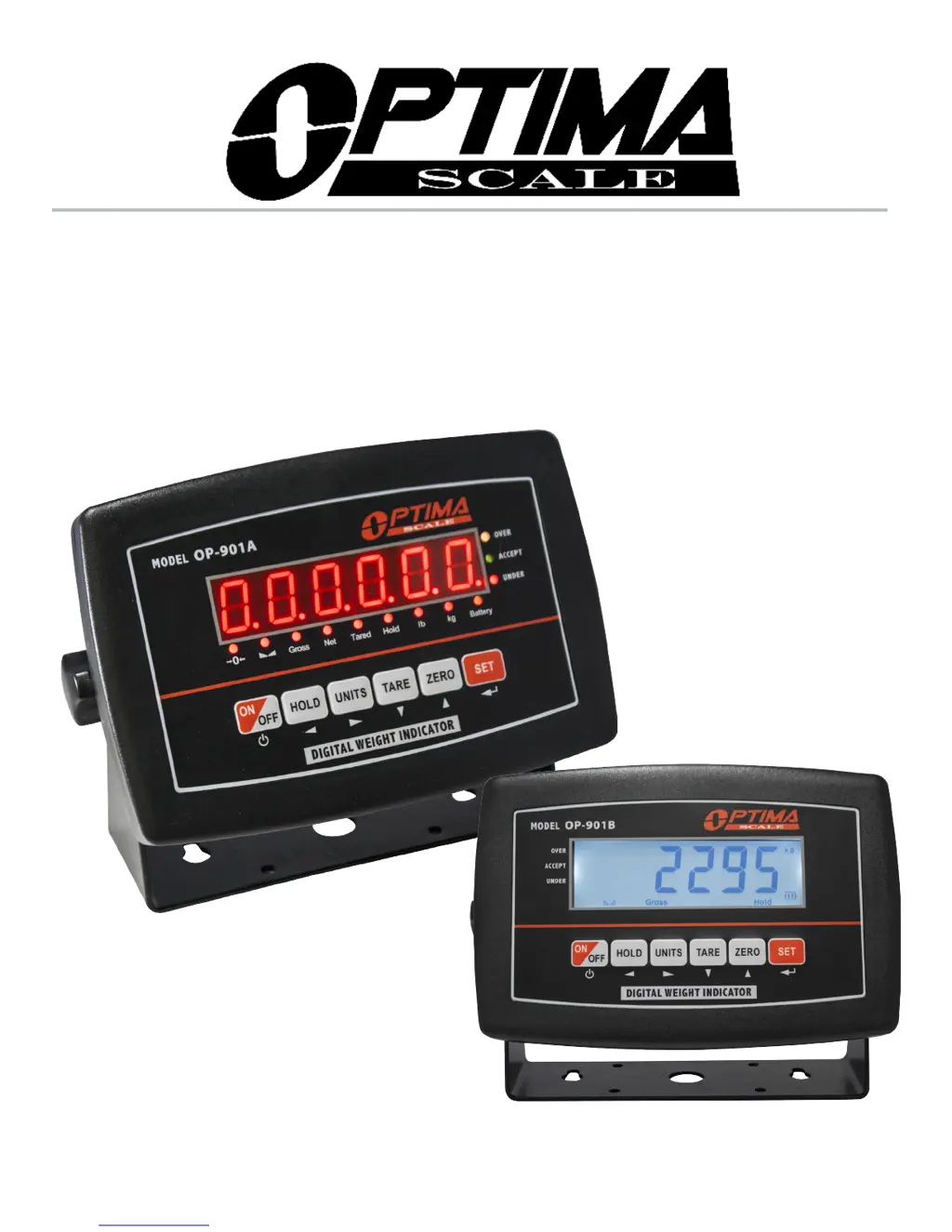
Optima Scale OP-901B Series - User Manual

Optima Scale OP-901B Series
19 pages
Print Icon
To Next Page IconTo Next Page
Loading...
optimascale.com
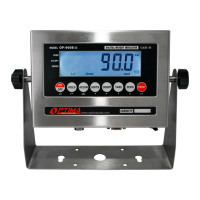
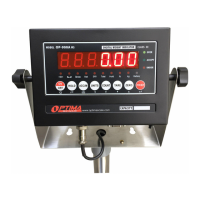
OP-901 SERIES INDICATOR
USER’S MANUAL
(OP-901A, OP-901B Series)

Questions and Answers

Summary

Safety Precautions

Preparation & Set Up

Features

Main Functions

Lists key operational features like multiple weighing units, hold functions, and auto power off.

Technical Parameters

Details technical specifications such as accuracy class, voltage, load capacity, and operating environment.

Specifications

Power Supply

AC Adapter

Guidelines for connecting the AC adapter and recommendations to avoid interference.

Battery

Instructions for charging, maintenance, and optimal use of the rechargeable battery.

Display and Key Description

Operating Instructions

Power On

Procedure for turning the scale on and the initial auto-check sequence.

Zeroing

How to use the zero function and its limitations based on range settings.

Unit Selection

Instructions for switching between different weighing units like kg, lb, and oz.

Tare Function

Detailed steps on how to use the tare function for weighing with containers.

Hold

Details the five available hold functions: Peak, Manual, Auto, Average, and Auto Average.

Print

Instructions on how to print the current weight if connected to a printer.

Calibration Procedure

Indicator Parameter Settings

Helpful Definitions

Connectors

Communication Mode

Troubleshooting

Contact Us

Provides contact email addresses for sales and support inquiries.

Summary

Safety Precautions

Preparation & Set Up

Features

Main Functions

Lists key operational features like multiple weighing units, hold functions, and auto power off.

Technical Parameters

Details technical specifications such as accuracy class, voltage, load capacity, and operating environment.

Specifications

Power Supply

AC Adapter

Guidelines for connecting the AC adapter and recommendations to avoid interference.

Battery

Instructions for charging, maintenance, and optimal use of the rechargeable battery.

Display and Key Description

Operating Instructions

Power On

Procedure for turning the scale on and the initial auto-check sequence.

Zeroing

How to use the zero function and its limitations based on range settings.

Unit Selection

Instructions for switching between different weighing units like kg, lb, and oz.

Tare Function

Detailed steps on how to use the tare function for weighing with containers.

Hold

Details the five available hold functions: Peak, Manual, Auto, Average, and Auto Average.

Print

Instructions on how to print the current weight if connected to a printer.

Calibration Procedure

Indicator Parameter Settings

Helpful Definitions

Connectors

Communication Mode

Troubleshooting

Contact Us

Provides contact email addresses for sales and support inquiries.

Optima Scale OP-901B Series Specifications

General IconGeneral
ModelOP-901B Series
CategoryAccessories
TypeBench Scale
DisplayLCD
Auto Power OffYes
Overload IndicatorYes
Low Battery IndicatorYes
Power SupplyAC Adapter
Unitsoz

Related product manuals