EasyManua.ls Logo

Optima Scale OP-901A Series - User Manual

Optima Scale OP-901A Series
19 pages
Print Icon
To Next Page IconTo Next Page
Loading...
optimascale.com
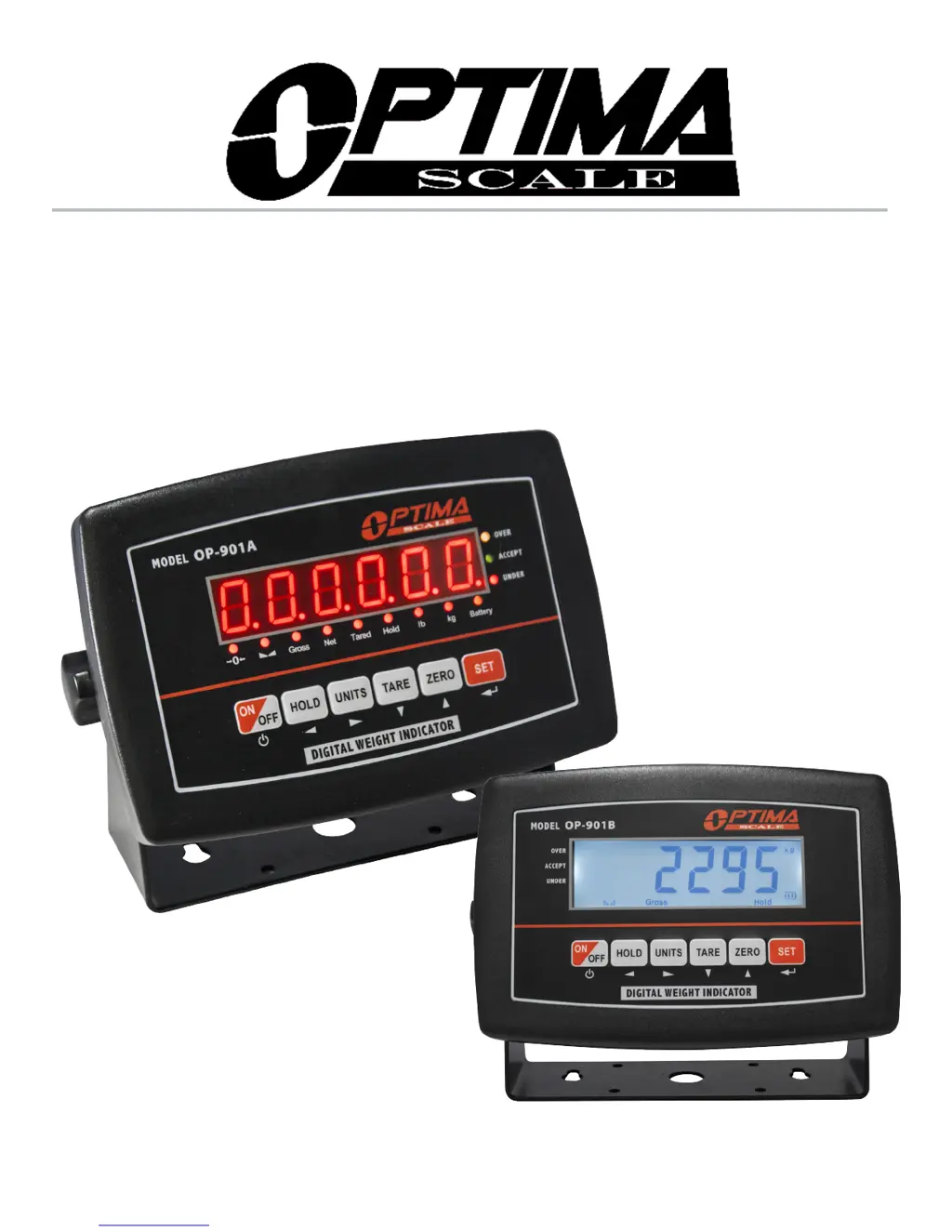
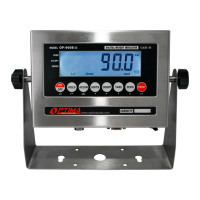
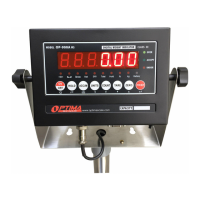
OP-901 SERIES INDICATOR
USER’S MANUAL
(OP-901A, OP-901B Series)

Questions and Answers

  • R
    ronnie02Aug 5, 2025
    What to do if my Optima Scale OP-901A shows UUUUUU?
    • A
      Andrew SmithAug 5, 2025
      If your Optima Scale Accessories display shows 'UUUUUU', it could be due to several reasons: * The scale might be overloaded. In this case, reduce the weight on the scale. * There might be a wrong connection with the load cell. Check the load cell connection. * The load cell itself might have a quality problem. Inspect the load cell and check its input/output.
  • J
    James MolinaAug 9, 2025
    What to do if Optima Scale Accessories displays ERR3?
    • J
      jsmithAug 9, 2025
      If your Optima Scale Accessories displays 'ERR3', you should: 1. Check all wire connections. 2. Check the load cell. 3. Recalibrate the scale. 4. If the previous steps fail, a PCB replacement may be needed.
  • C
    Christopher CombsAug 13, 2025
    What to do if my Optima Scale OP-901A Accessories shows nnnnnnn?
    • S
      Stacey KnappAug 14, 2025
      If your Optima Scale Accessories displays 'nnnnnnn', the following could be the reasons: * The calibration might be incorrect. Ensure the scale is level. * There might be a wrong connection with the load cell. Check the load cell connection. * The load cell might have a quality problem. Check the load cell input and output resistance.
  • M
    millsbarbaraAug 17, 2025
    What to do if Optima Scale Accessories displays ERR1?
    • B
      Bianca ShawAug 17, 2025
      If your Optima Scale Accessories displays 'ERR1', use the correct weight within the defined range.
  • A
    Amy RossAug 22, 2025
    What to do if Optima Scale OP-901A displays ERR2?
    • R
      rcrossAug 22, 2025
      If your Optima Scale Accessories displays 'ERR2', the calibration weight minimum is 10% of the maximum capacity set in C04. It's recommended to use 60%-80% of the maximum capacity if possible.
  • K
    Kathy CarrollAug 27, 2025
    What to do if Optima Scale OP-901A Accessories displays ERR4?
    • C
      Carla WilsonAug 27, 2025
      If your Optima Scale Accessories displays 'ERR4', start calibration after the platform is stable.
  • L
    Lauren MoodyAug 30, 2025
    What to do if Optima Scale OP-901A Accessories displays ERR5?
    • F
      fsimpsonAug 30, 2025
      If your Optima Scale Accessories displays 'ERR5', you should change the PCB.

Summary

Safety Precautions

Safety Instructions

General safety instructions for operating the weighing indicator, including static precautions.

Preparation and Set Up

Setup Instructions

Steps for preparing and setting up the weighing indicator for accurate weighing.

Features

Power Supply

Display and Key Descriptions

Operating Instructions

Power On and Zeroing

Procedures for turning the indicator on and performing zero calibration.

Calibration Procedure

Calibration Steps

Step-by-step guide for calibrating the weighing indicator, including zero and span calibration.

Indicator Parameter Settings

Troubleshooting

Error Codes and Solutions

List of common error codes displayed by the indicator and their corresponding solutions.

Optima Scale OP-901A Series Specifications

General IconGeneral
BrandOptima Scale
ModelOP-901A Series
CategoryAccessories
LanguageEnglish

Related product manuals