3
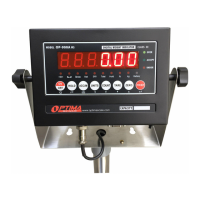
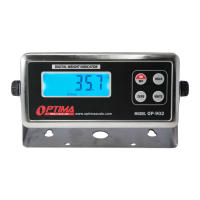
DISPLAY AND KEY DESCRIPTION
KEY Weighing Mode Parameter Setting
ON/OFF Powers the Indicator On or Off if held for 2 seconds Exit
HOLD 1. Peak hold - Grabs the highest weight
2. Data hold - Holds the current weight value
3. Auto hold
Conrm
ZERO Zero’s the scale
Tare’s the scale
Move Left
UNITS Shifts between weighing units (kg/lb) Move Down
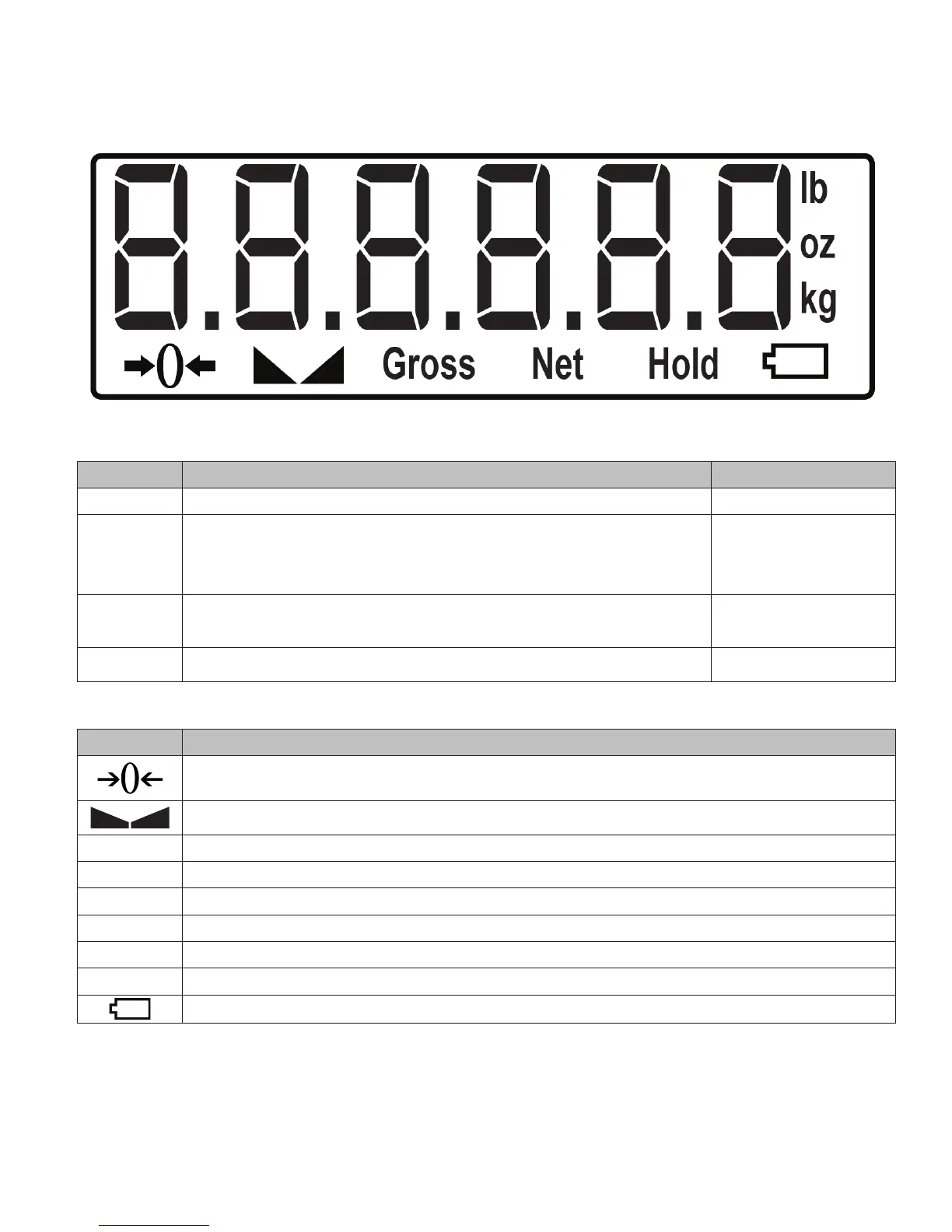
DISPLAY Meaning
The scale is at zero
The scale is stable
Gross Shows you are in Gross weight mode; default mode
Net Shows you are in Net weight mode (without tared weight)
hold Shows you are in Hold mode
lb The weight is shown in pounds
oz The weight is shown in ounces
kg The weight is shown in kilograms
Low battery


 To Next Page