10
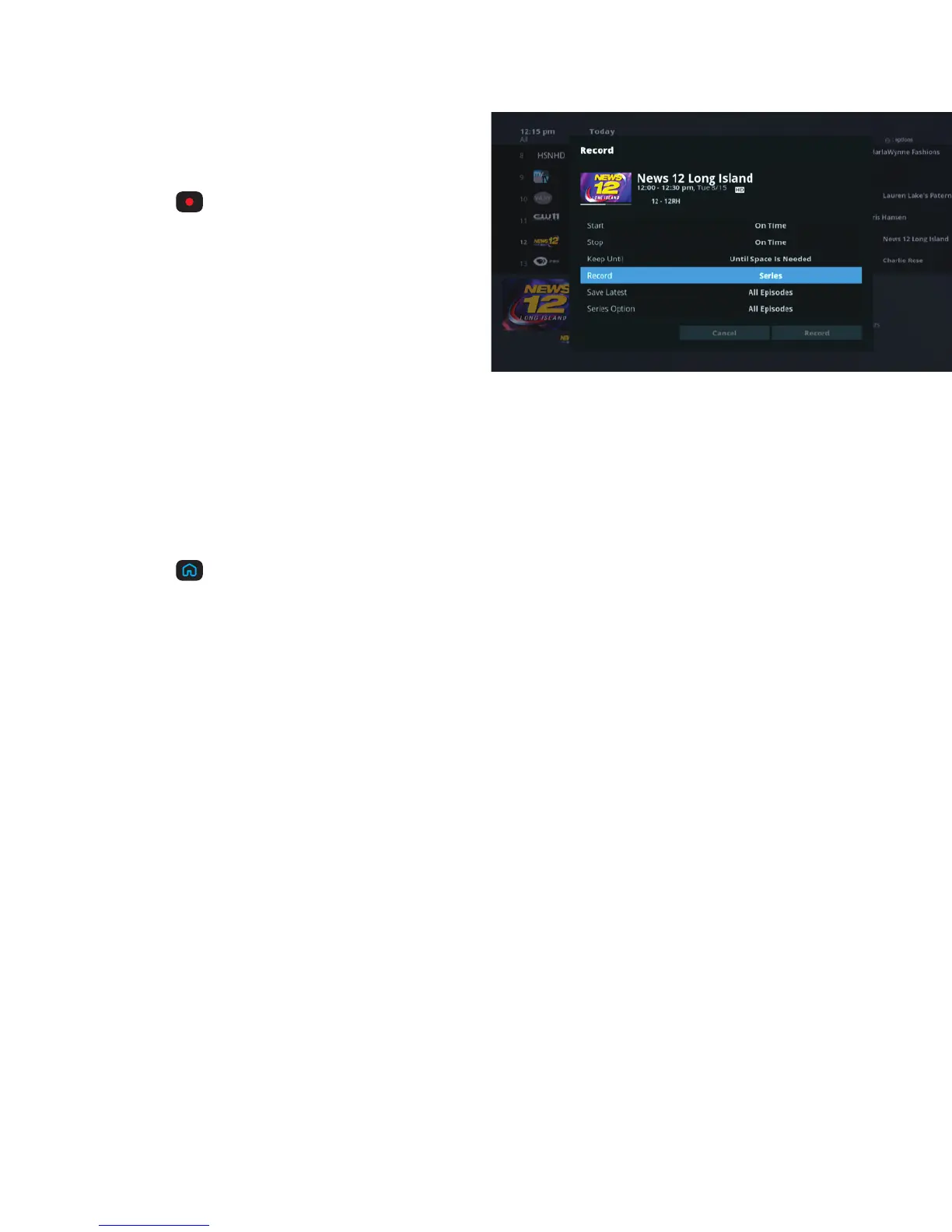
Record a series that
you’re watching
+ Press
to get to Recording Options.
+ Use the ARROWS to highlight the first
instance of Record and press SELECT.
+ Select Series then press SELECT.
+ Use the ARROWS to highlight Record at the
bottom of the screen and press SELECT.
By choosing Record, you instantly begin recording using default settings or your personal
preferences. If you want to customize this recording, you are given the choice to change the
recording options for this recording only.
Record a series from the program guide
+ Press
on your remote.
+ Use the ARROWS to highlight Guide and press SELECT.
+ Find the channel with the program you want to record.
+ See above and follow the steps for “Record a series that you’re watching”.



 To Next Page