14
When you’re finished watching a program, you can delete it easily.
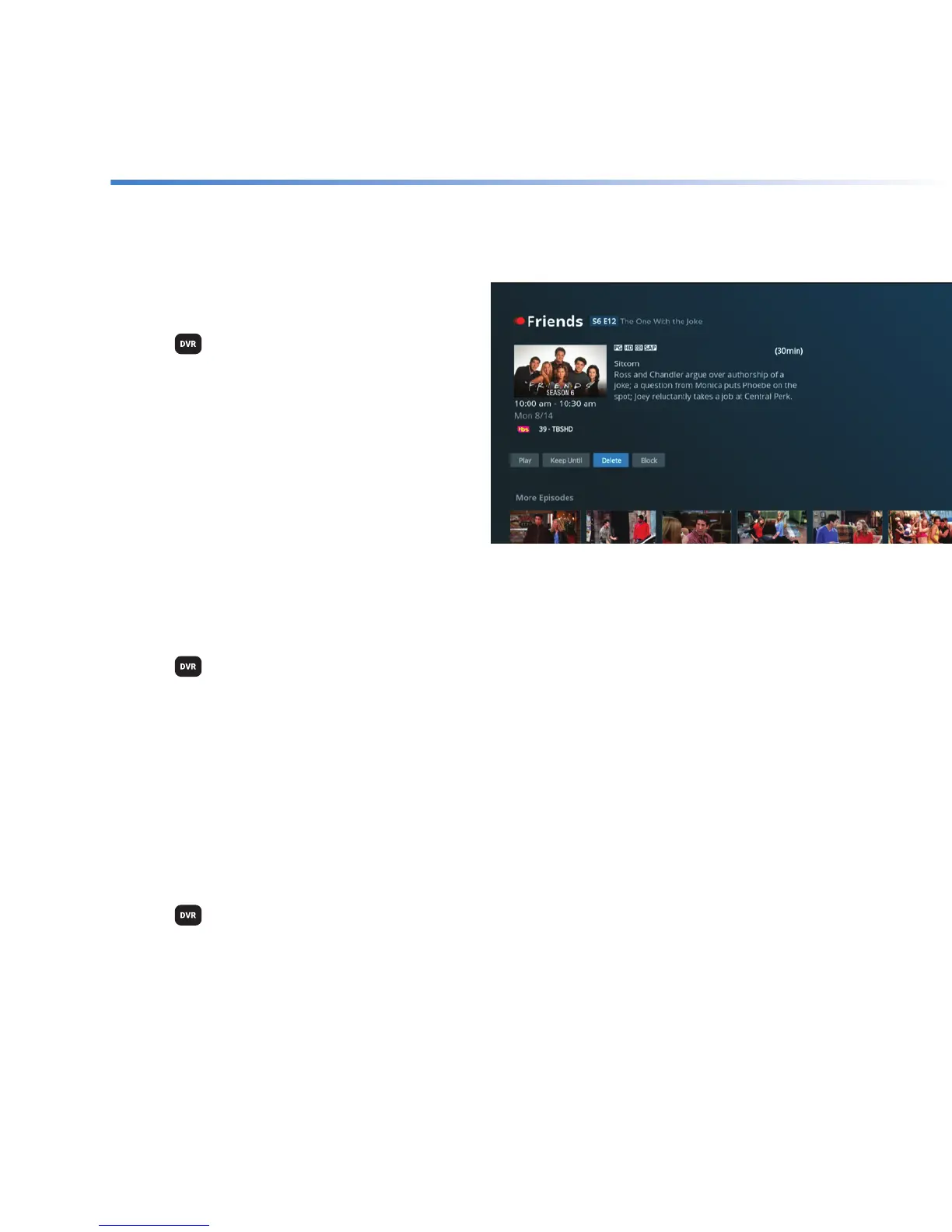
Delete a program
+ Press
on your remote.
+ Use the ARROWS to highlight the program
you want to delete and press SELECT.
+ Highlight Delete and press SELECT.
+ On the warning screen, highlight Yes and
press SELECT.
Once a program has been deleted, it will no
longer be available.
Delete a program from Clean-up My DVR
+ Press
on your remote.
+ Highlight Clean-up My DVR and press SELECT.
+ Use the ARROWS to highlight the program you wish to delete and press SELECT to instantly
delete it.
Once a program has been deleted, it will no longer be available.
Delete a series from Clean-up My DVR
+ Press
on your remote.
+ Highlight Clean-up My DVR and press SELECT.
+ Use the ARROWS to highlight a series and press SELECT.
+ Highlight Delete All and press SELECT to instantly delete it.
Once a folder has been deleted, the recordings in that folder will no longer be available.
Delete



 To Next Page