6
Parental controls
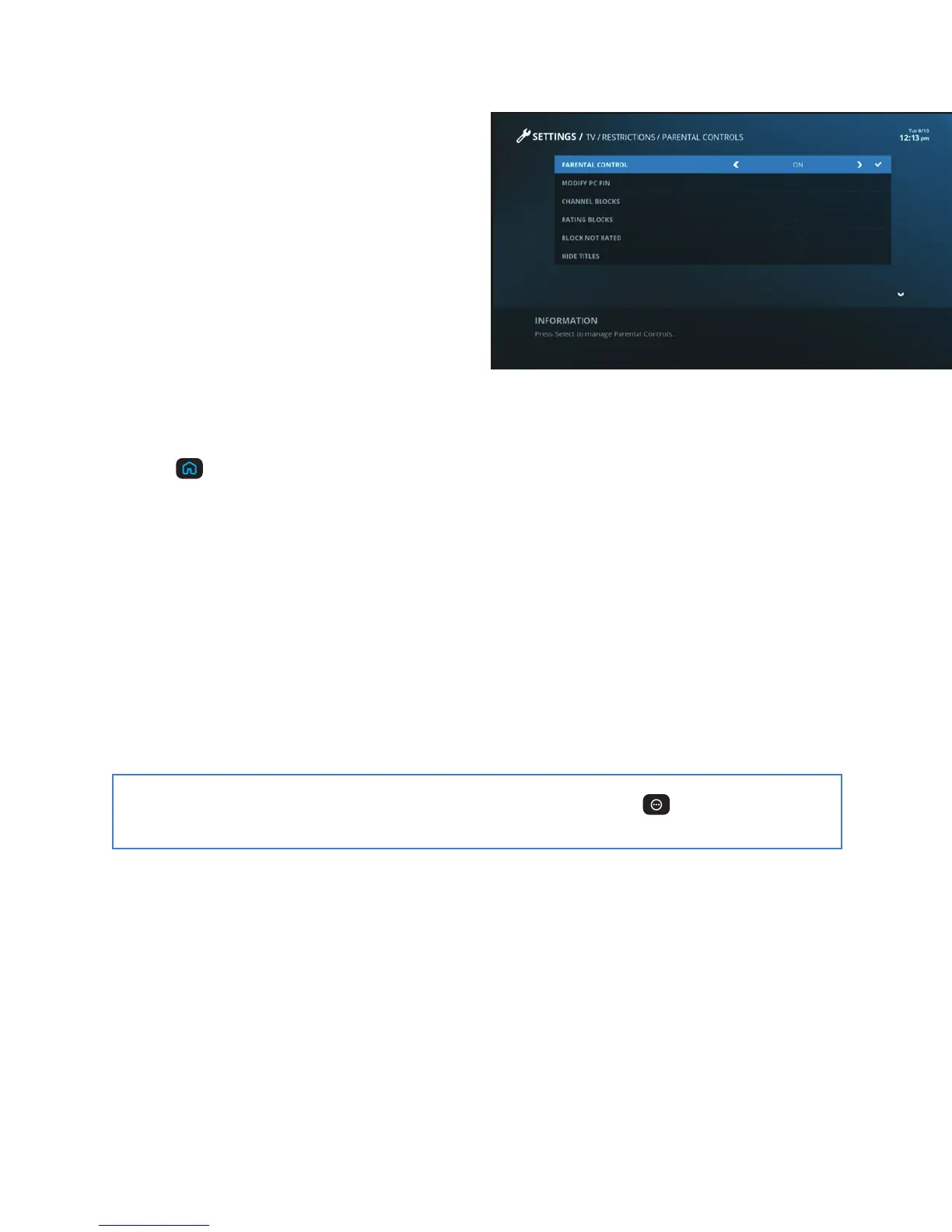
We believe our customers should decide what
TV content is best for their family. That’s why
we give you the tools to block programming
that you determine is inappropriate. Whether
you want to block certain channels or
titles, we make it easy. You can even block
programs by rating and hide titles so they
won’t appear in the program guide.
Create a PIN
To use parental controls, you need to create a personal identification number (PIN).
+ Press
on your remote.
+ Use the ARROWS to highlight Settings and press SELECT.
+ Highlight TV and press SELECT.
+ Choose Restrictions and press SELECT.
+ Highlight Parental Controls and press SELECT.
+ Enter your new 4-digit PIN and press SELECT.
+ Re-enter the same PIN for confirmation and the PIN is set.
To update or change your PIN, repeat the steps above.
Tip: To quickly turn parental controls on/off or block a channel, press
to open the
Quick Settings menu.



 To Next Page