13
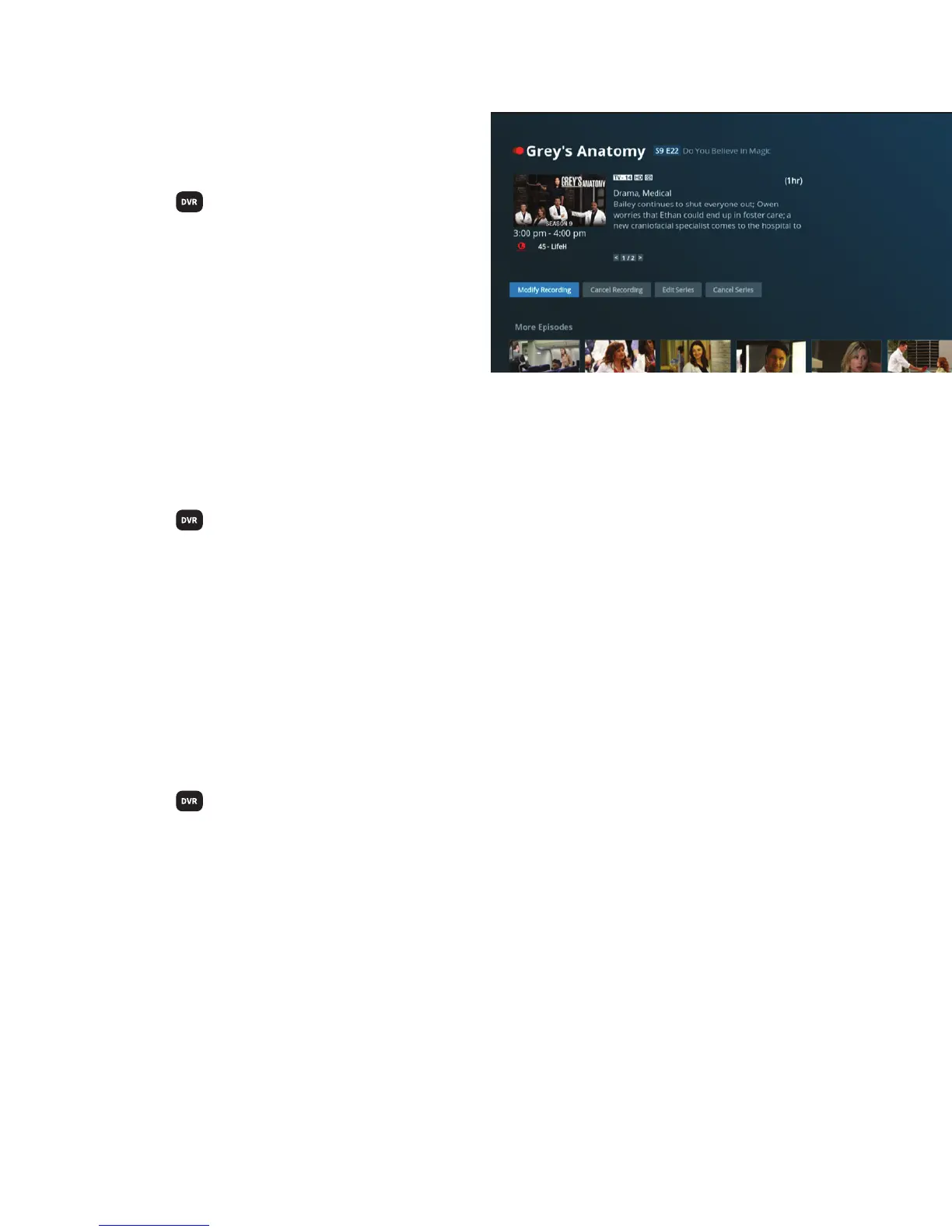
Modify a recording
in progress
+ Press
on your remote.
+ Use the ARROWS to select the program
that is currently recording and press
SELECT. An active recording will have a red
dot next to its name.
+ A list of options will appear. Choose
Extend Stop Time, Stop and Save,
Keep Until or Delete and press SELECT.
Cancel a program scheduled to record
+ Press
on your remote.
+ Highlight Scheduled List and press SELECT.
+ Choose the program from the list you wish to cancel and press SELECT.
+ Highlight Cancel Recording and press SELECT.
+ On the warning screen, highlight Yes and press SELECT.
Cancel a series scheduled to record
+ Press
on your remote.
+ Highlight Series Manager and press SELECT.
+ Use the ARROWS to highlight Series Manager and press SELECT.
+ Highlight Cancel Series and press SELECT.
+ On the warning screen, highlight Yes and press SELECT.
Canceling a series will affect only the future episodes of the series and won’t affect the episodes
that have been recorded already.



 To Next Page