9
Record
Record up to 15 programs at once, even while you’re watching something else.
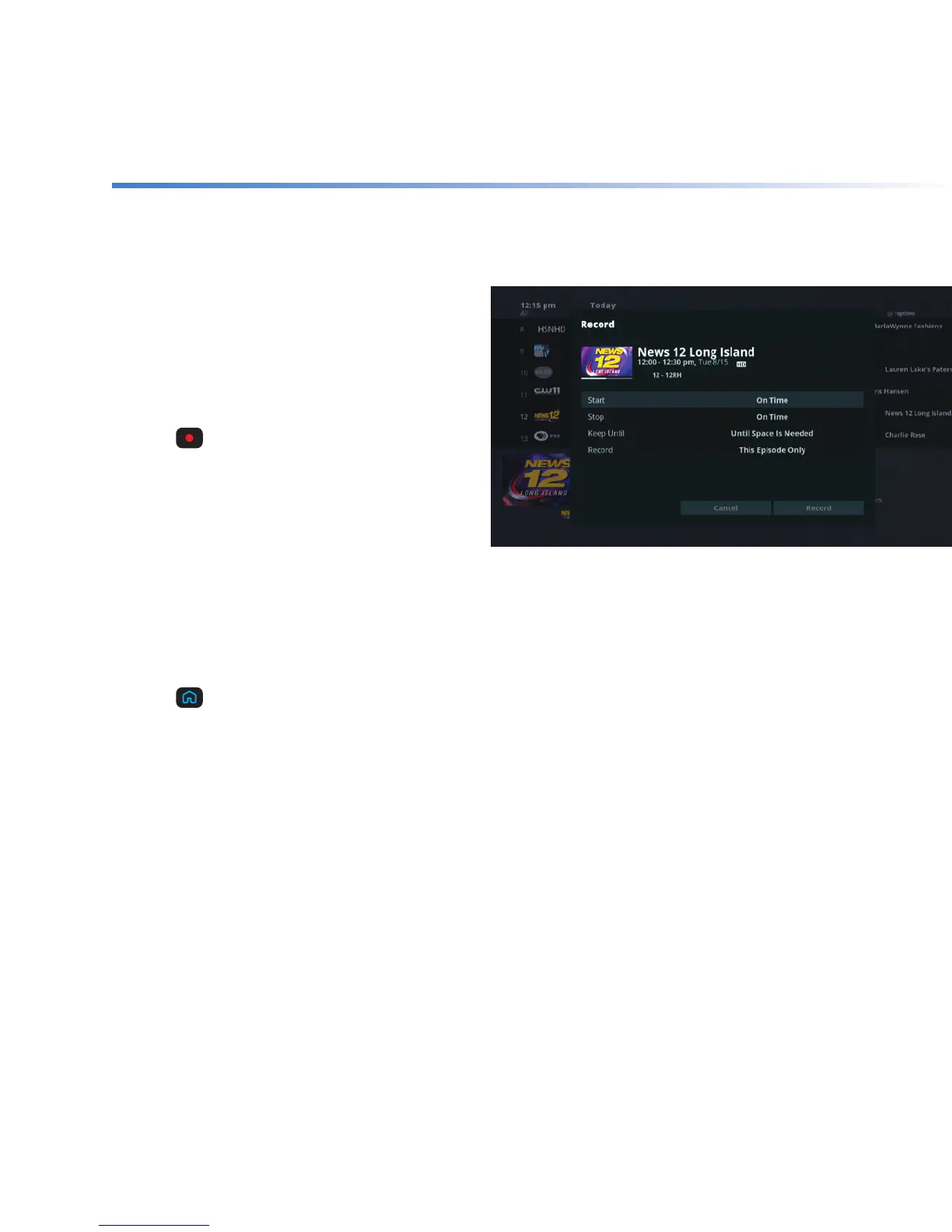
Record a program that
you’re watching
If you like what you’re watching, it’s easy to
start recording it.
+ Press
to get to Recording Options.
+ Use the ARROWS to highlight Record and
press SELECT.
By choosing Record, you instantly begin
recording the program using default settings
or your personal preferences.
Record a program from the program guide
+ Press
on your remote.
+ Use the ARROWS to highlight Guide and press SELECT.
+ Find the channel with the program you want to record.
+ See above and follow the steps for “Record a program you’re watching”.



 To Next Page