15
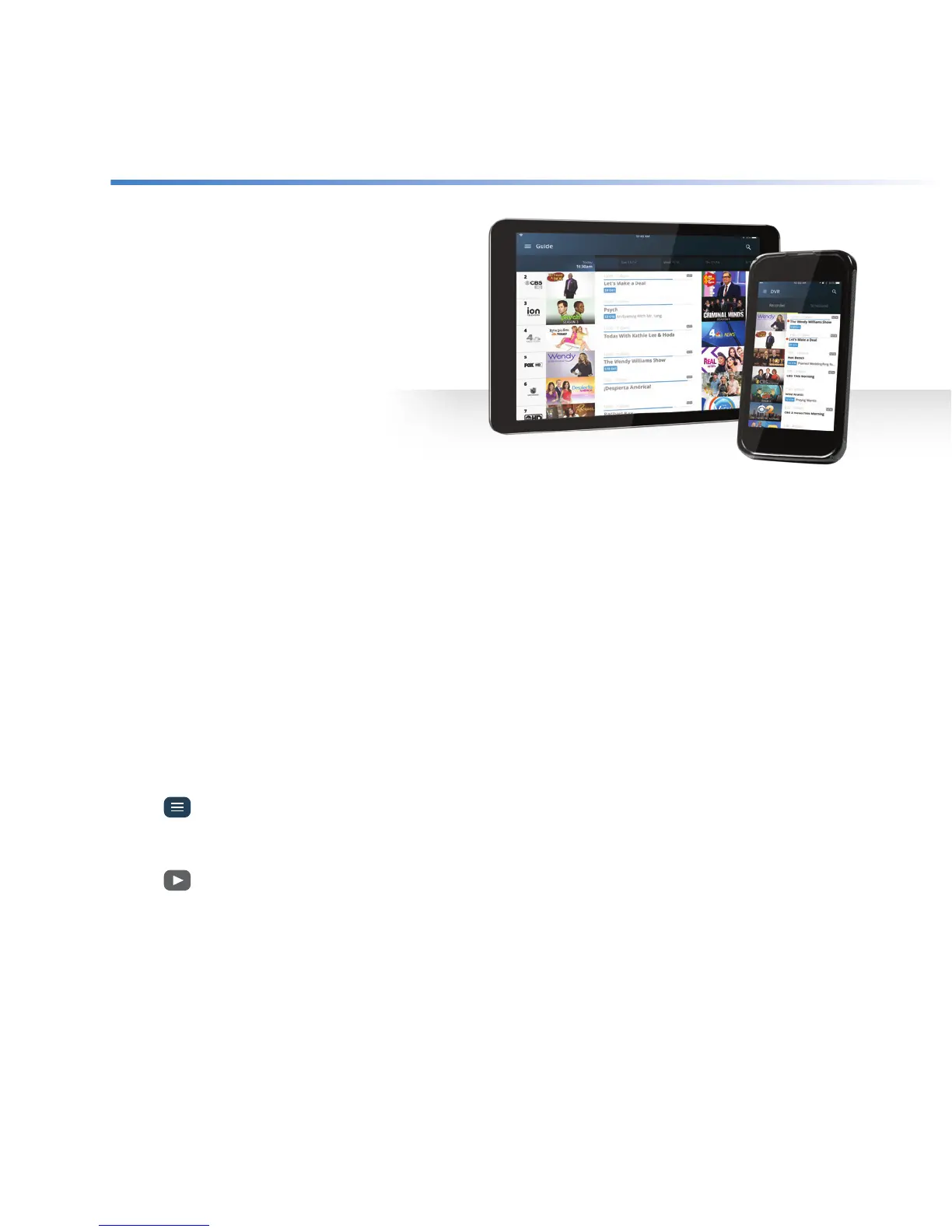
You can watch your DVR recordings on your
iOS, Android and Kindle devices using the
Altice One app anywhere in your home.
Don’t have the app? Download it at
optimum.net/app. You’ll need an Optimum
ID. If you don’t have one or don’t remember
it, go to optimum.net/idhelp.
Record
+ Open the Altice One App and login with
your Optimum ID and password.
+ Find the program you want to record and tap it to open the info screen.
+ Tap Record.
+ Choose This episode only or Series and if desired, select your other preferred recording options.
+ Tap Record.
Watch
+ Open the Altice One App and login with your Optimum ID and password.
+ Tap
and select DVR.
+ Under Recorded, scroll to the program you want to watch and tap it to open the info screen.
+ Tap
in the window to playback the recording.
Still have questions? You’ll find more answers online at optimum.net/support
Altice One App
Optimum, the Optimum family of marks and Optimum logos are registered trademarks of CSC Holdings, LLC, a subsidiary of Altice USA, Inc. ©2018 CSC Holdings, LLC.



 To Previous Page