12
Manage
You can edit or cancel scheduled recordings for a program or series in no time.
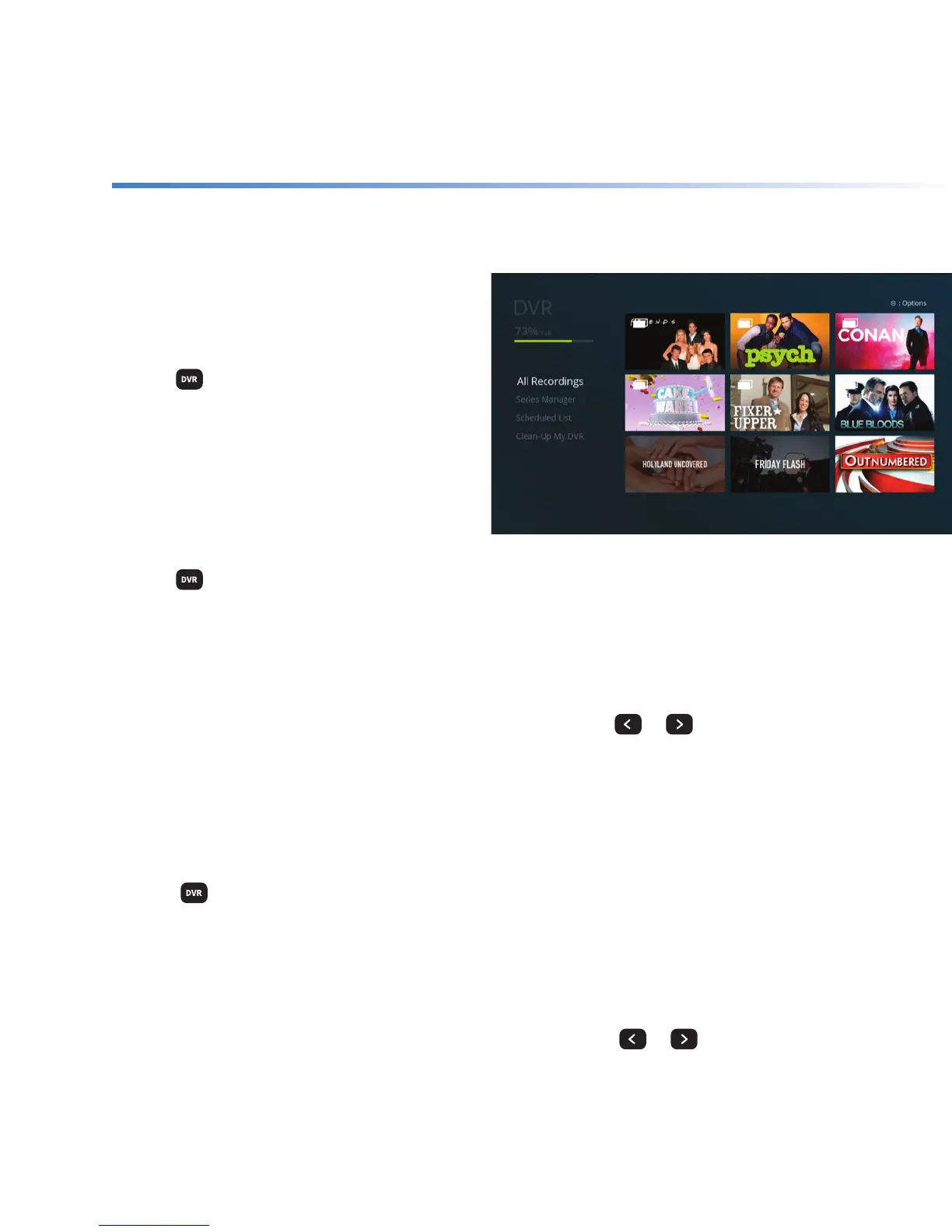
Check your
recording space
+ Press
on your remote.
+ At the top of the screen, you’ll see the
percentage of space currently being used.
Edit your scheduled
recordings
+ Press
on your remote.
+ Highlight Scheduled List and press SELECT.
+ Use the ARROWS to highlight a program from the list you wish to change and press SELECT.
+ Highlight Modify and press SELECT.
+ Highlight any option you wish to change and press SELECT. Use
or
to make the
change and press SELECT.
+ When the change is made, highlight I’m Done and press SELECT.
Modify a series recording
+ Press
on your remote.
+ Highlight Series Manager and use the ARROW to navigate to the series options.
+ Use the
ARROWS to highlight the series you wish to change and press SELECT.
+ Select Edit Series press SELECT.
+ Highlight any option you wish to change and press SELECT. Use
or
to make the
change and press SELECT.
+ When the change is made, highlight I’m Done and press SELECT.



 To Next Page