10
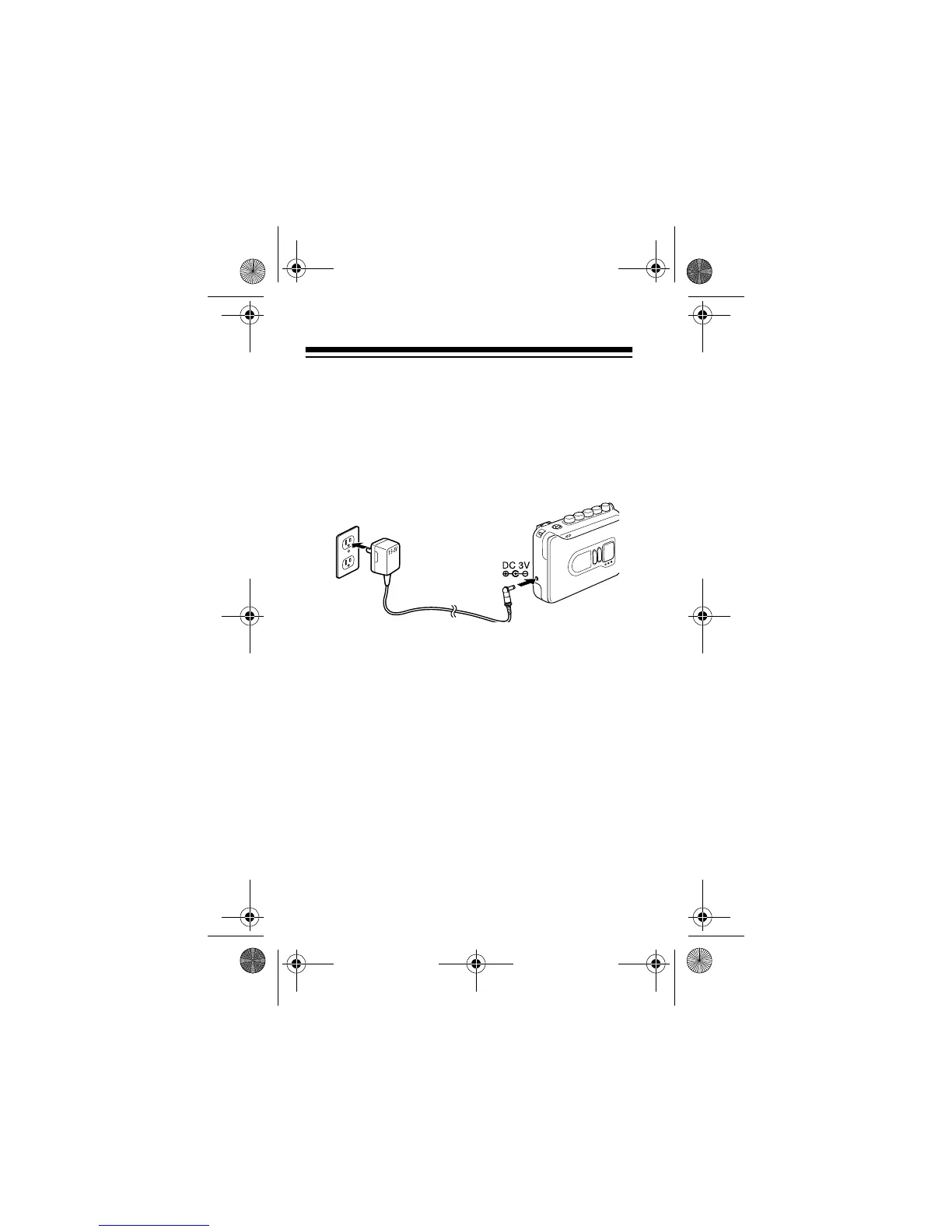
• Be sure you connect the adapter to the cassette
recorder before you plug it into the AC outlet,
and unplug the adapter from the AC outlet
before you unplug it from the cassette recorder.
Follow these steps to connect the cassette recorder
to AC power.
1. Set the adapter’s voltage switch to 3V.
2. Insert the adapter’s 3.4 mm outer diameter/1.3
mm inner diameter barrel plug into the adapter’s
cord, with the tip set to negative.
3. Insert the plug into the cassette recorder’s
DC 3V
jack.
4. Plug the adapter into a standard AC outlet.
14-1120.fm Page 10 Wednesday, January 19, 2000 4:27 PM



 To Next Page