25
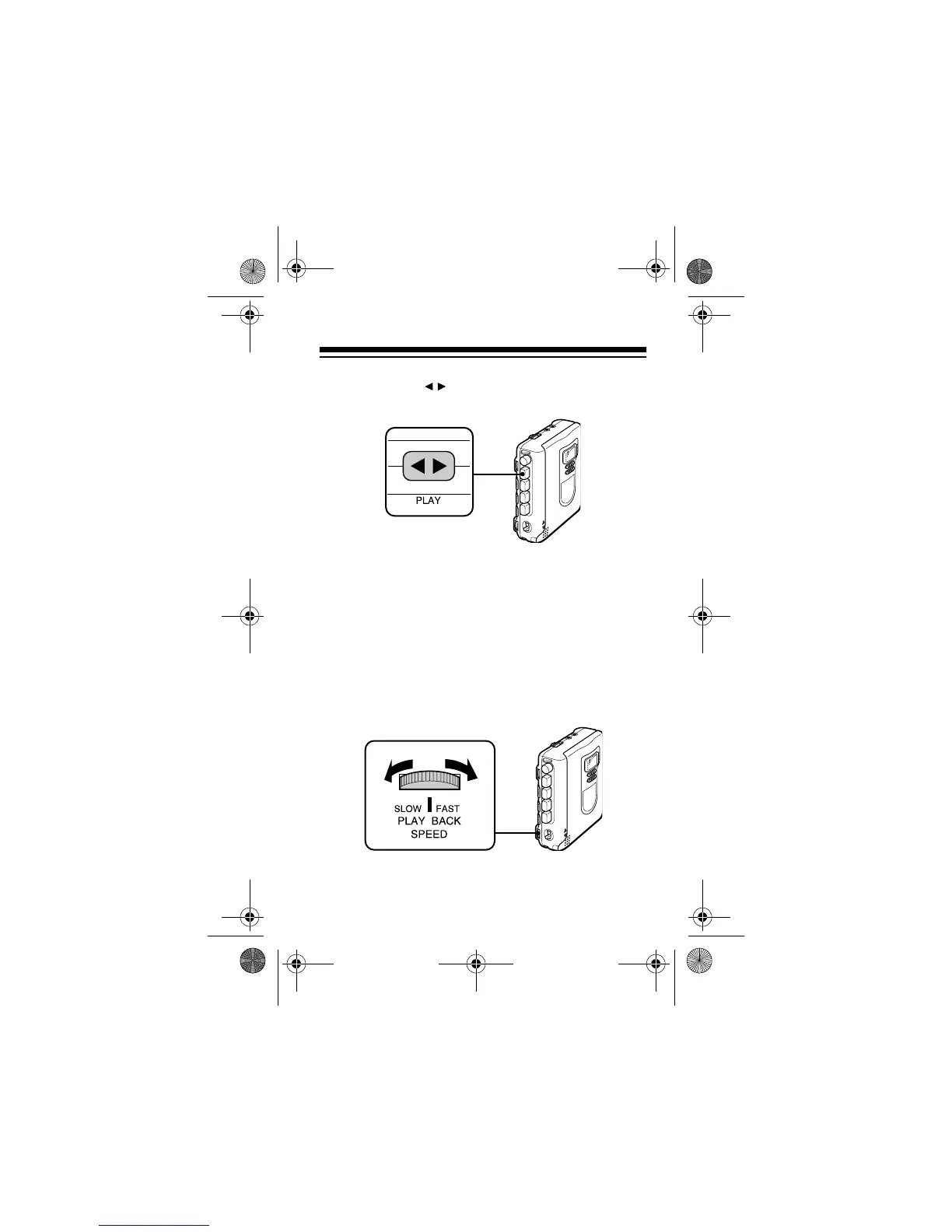
3. Press
PLAY
. The button locks down and the
tape plays.
Note:
Slide
REC SPEED
to
NORM
for tapes that
have been prerecorded on other recorders or
recorded with the normal record setting on this
recorder. Or slide
REC SPEED
to
EXT
for tapes
that have been recorded with the extended
record setting on this recorder.
4. Turn
PLAY BACK SPEED
toward
FAST
to play the
tape more quickly or toward
SLOW
to play it
more slowly.
14-1120.fm Page 25 Wednesday, January 19, 2000 4:27 PM



 To Next Page