18
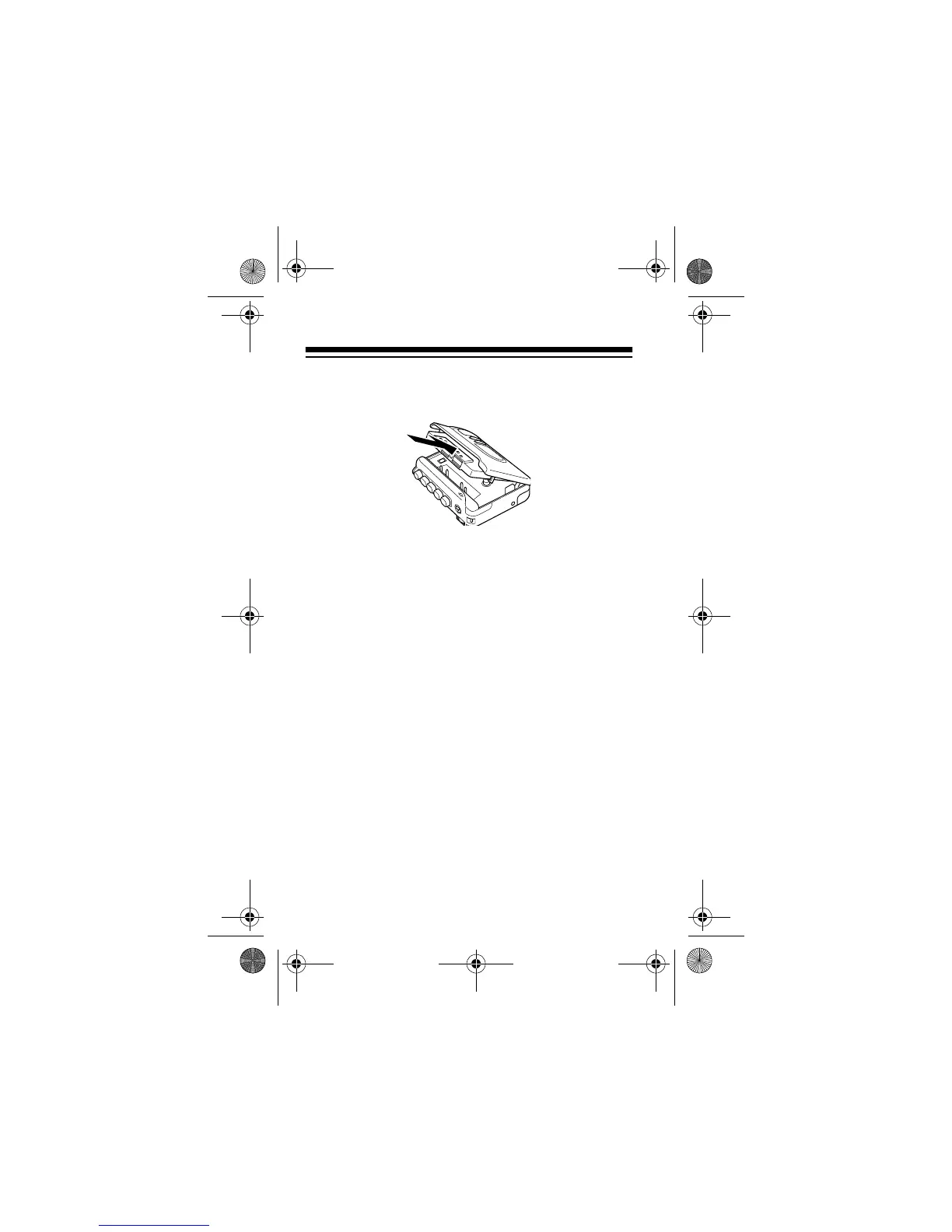
3. Insert a cassette into the door’s tape guides with
the cassette’s open edge facing up.
4. Close the door.
RECORDING
You can record using the built-in microphone or an
optional external microphone. For the best perfor-
mance, use any normal bias (Type I) tape up to 90
minutes long. We do not recommend 120-minute
tapes because they are thin and can easily tangle.
Notes
:
• The ALC (Automatic Level Control) circuit auto-
matically sets the recording level.
• If you set
DIRECTION
to
REV
, the cassette
recorder records on only the reverse side and
stops at the end of that side.
14-1120.fm Page 18 Wednesday, January 19, 2000 4:27 PM



 To Next Page