23
Notes:
• The CTR-114 records on one side of the tape,
automatically reverses the tape’s direction,
records on the reverse side of the tape, then
automatically stops.
• You can use an earphone (not supplied) to
monitor a recording in progress.
8. To stop recording before it automatically stops,
press
STOP
.
PLAYING A CASSETTE TAPE
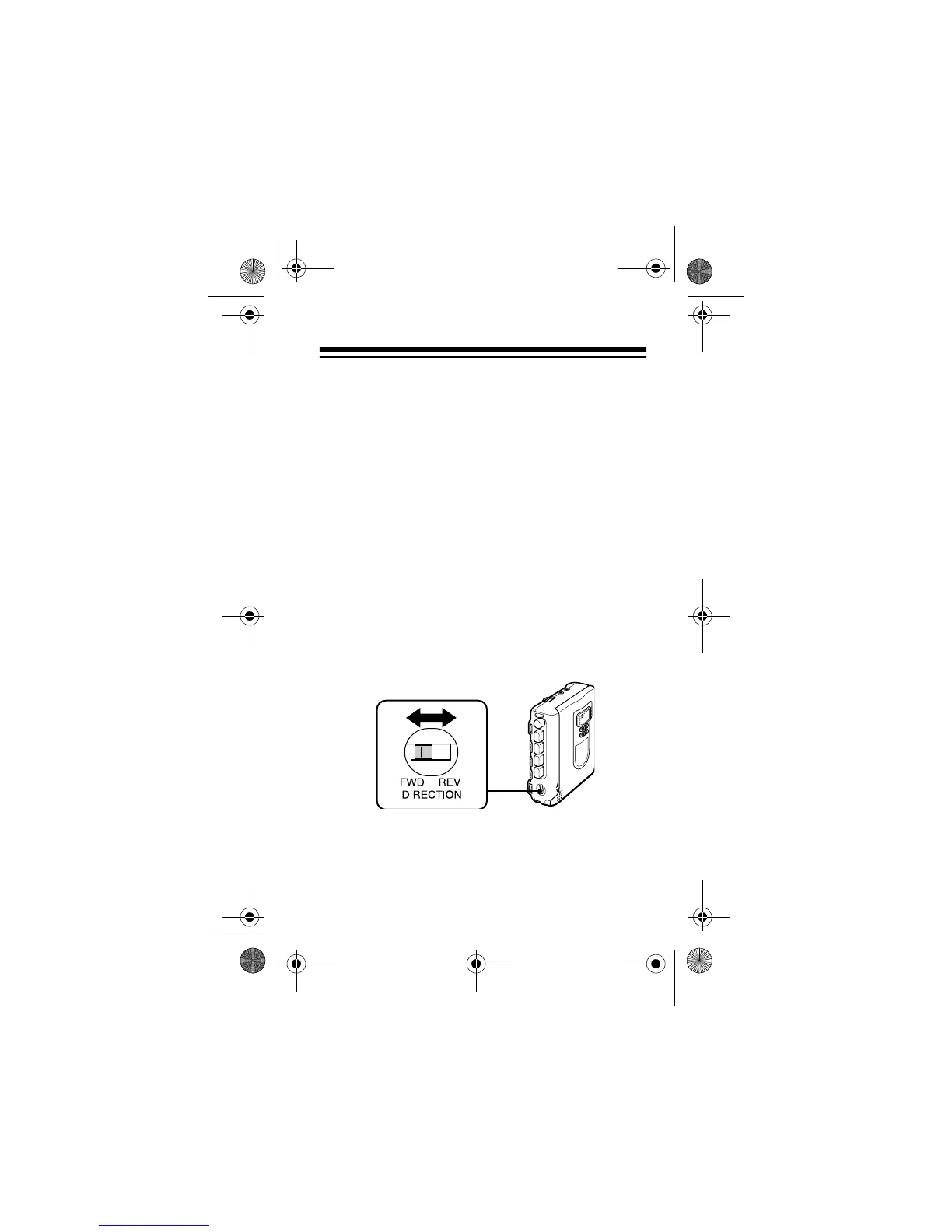
1. Switch
DIRECTION
to
FWD
to play the side of the
cassette facing out, or to
REV
to play the side
facing in.
14-1120.fm Page 23 Wednesday, January 19, 2000 4:27 PM



 To Next Page