24
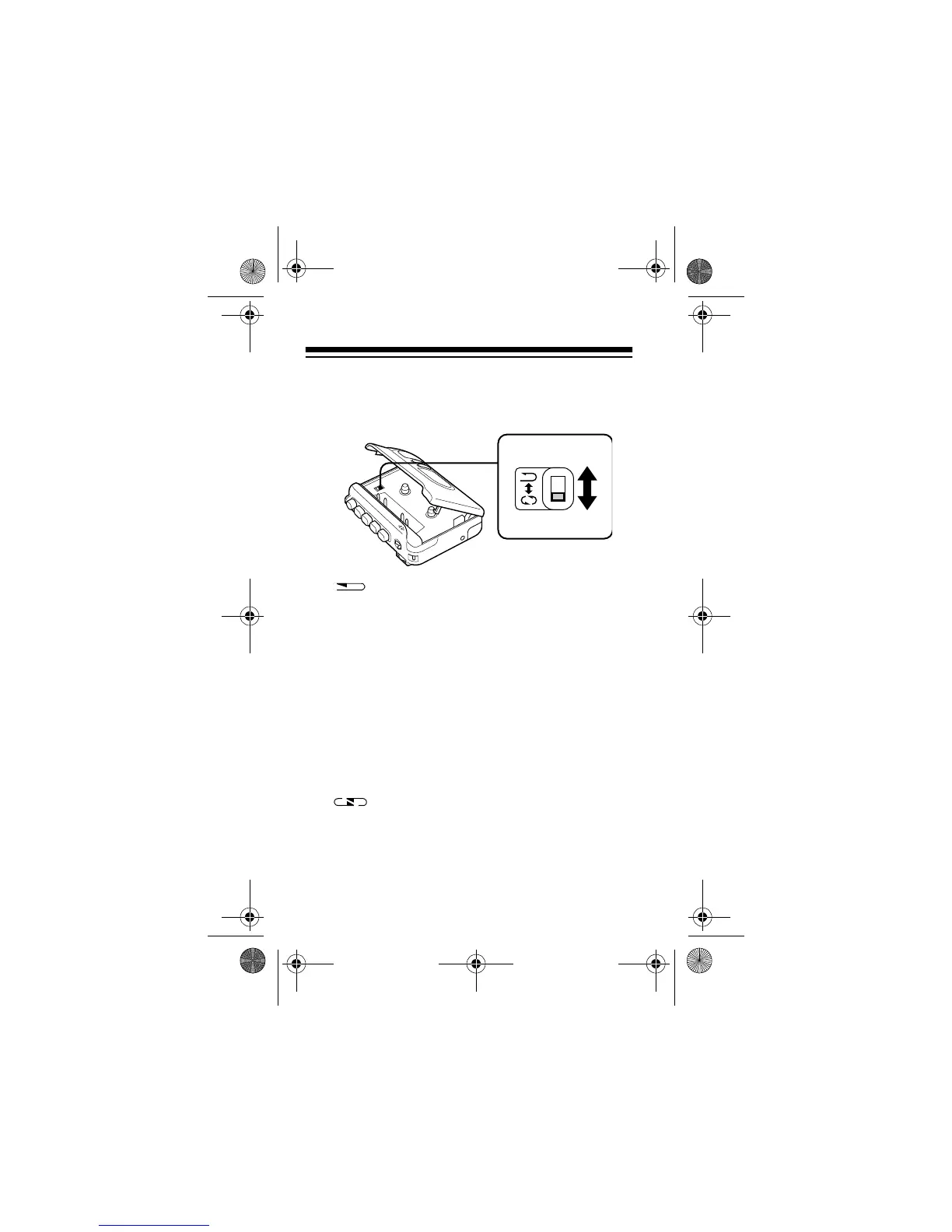
2. Set the auto reverse switch in the cassette com-
partment to either one-time or continuous play-
back.
One-Time Playback:
plays one side of
the tape to its end, then automatically reverses
the tape’s playback direction, plays the reverse
side of the tape, then automatically stops.
Notes:
•If you set
DIRECTION
to
REV
, the cassette
recorder plays only the reverse side and stops
at the end of that side.
• If you move
DIRECTION
from
REV
to
FWD
dur-
ing playback,
the cassette recorder stops.
Continuous Playback:
plays both sides
of the tape continuously until you press
STOP
.
14-1120.fm Page 24 Wednesday, January 19, 2000 4:27 PM



 To Next Page