27
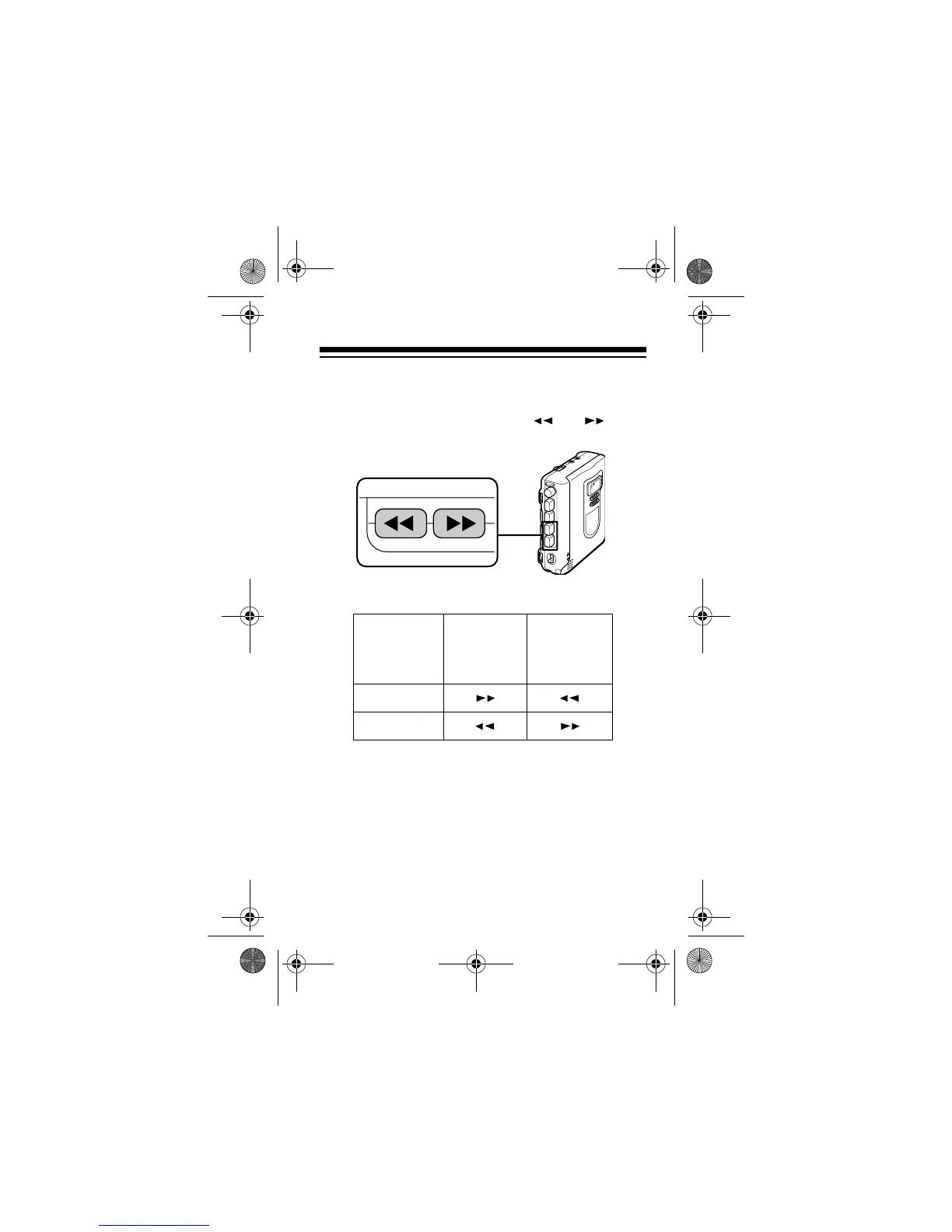
Using Fast Forward and Rewind
When the tape is stopped, press or to re-
wind or fast-forward it.
To stop the tape, press
STOP
.
Note:
The CTR-114 does not automatically stop
when it reaches the end of the tape. To protect the
tape after the tape has fully wound to either end,
press
STOP
to release fast-forward or rewind.
DIRECTION
setting
To
rewind,
press
To fast-
forward,
press
FWD
REV
14-1120.fm Page 27 Wednesday, January 19, 2000 4:27 PM



 To Next Page