19
• If you want to record on only one side of a tape,
load the tape so the side you want to record on
faces inside the cassette compartment, set
DIRECTION
to
REV
, then start the recording.
Caution:
If you load a cassette with the erase-pro-
tection tabs broken off, do not try to force down
RECORD
. This can damage the recording mecha-
nism. (See “Preventing Accidental Erasure” on
Page 29.)
Follow these steps to record.
1. Load a blank cassette tape, or one you want to
record over, into the cassette compartment.
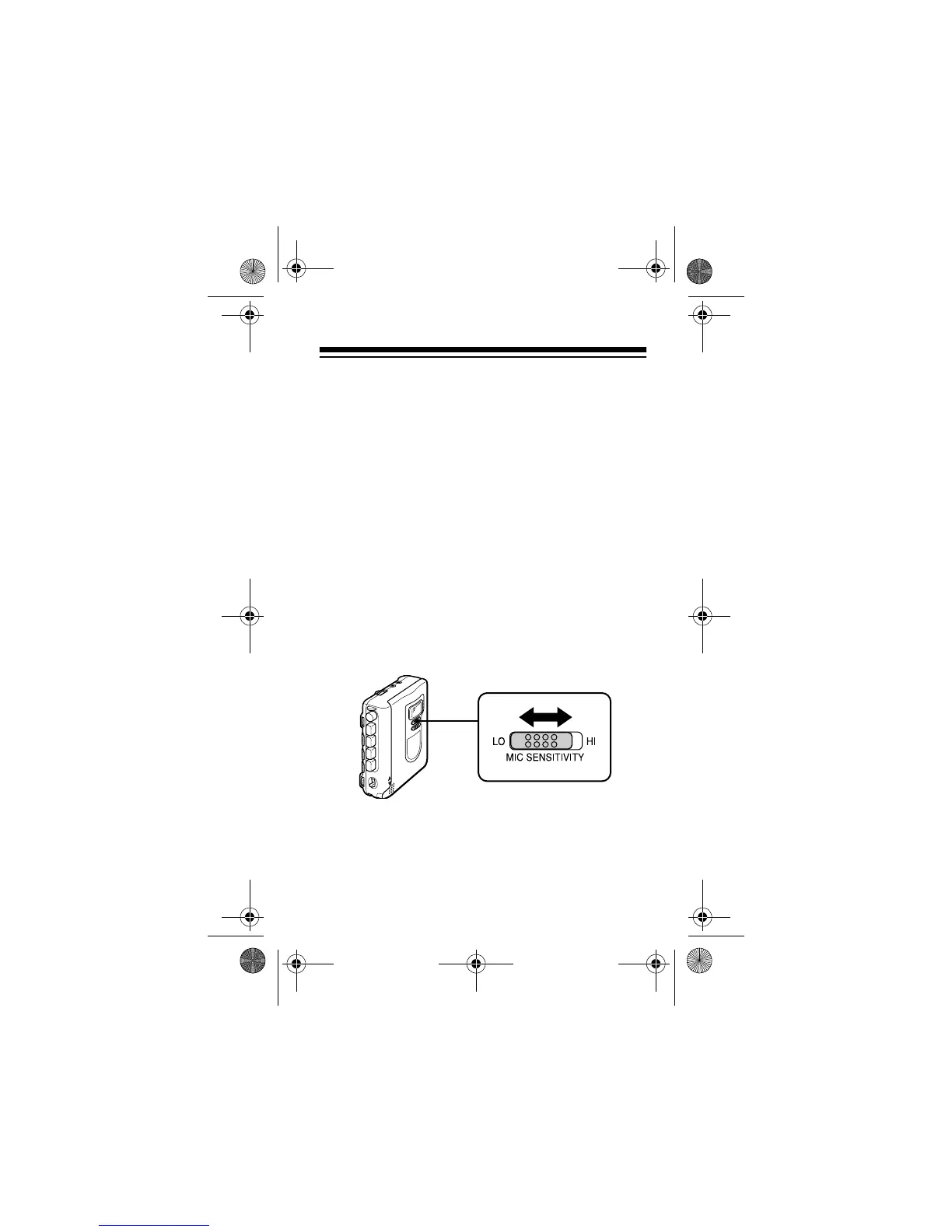
2. Slide
MIC SENSITIVITY
to
LO
or
HI
, depending on
the sound source you want to record.
LO
(Low): Select
LO
when the sound source is
near the recorder.
HI
(High): Select
HI
when the sound source is far
from the recorder, as in a board room, a semi-
nar, or a lecture hall.
14-1120.fm Page 19 Wednesday, January 19, 2000 4:27 PM



 To Next Page