20
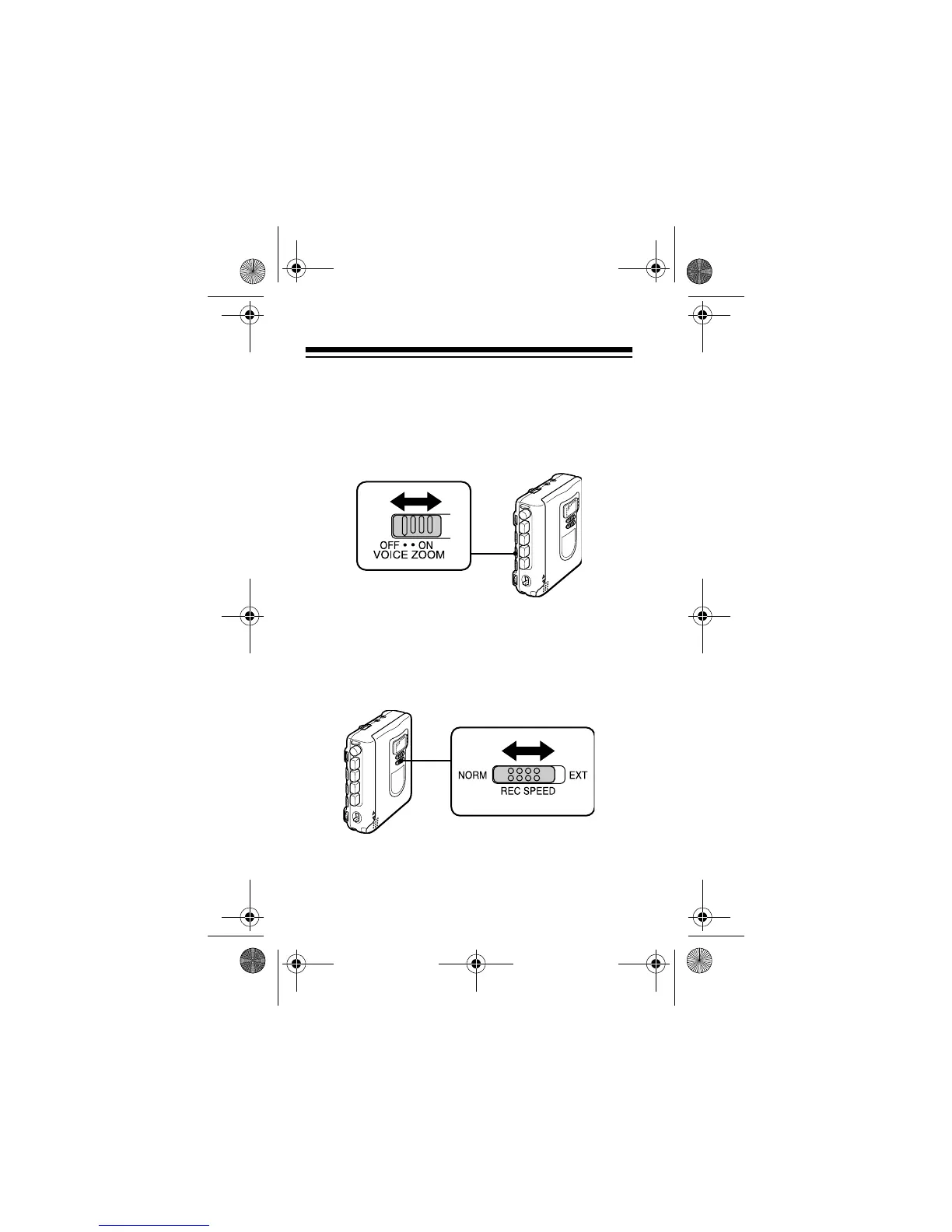
3. To record specific voices without background
interference, slide
VOICE ZOOM
to
ON
. The CTR-
114 cuts off higher and lower frequency signals
(background noise) and enhances the mid-
range.
4. Slide
REC SPEED
to
NORM
for normal recording,
or to
EXT
for extended recording (twice the nor-
mal recording time). At the EXT setting, the
recorder puts the recording in half the space
used during normal speed.
Note:
Tapes recorded at the EXT setting can
play only on this recorder or on another recorder
that has the extended recording feature.
14-1120.fm Page 20 Wednesday, January 19, 2000 4:27 PM



 To Next Page