21
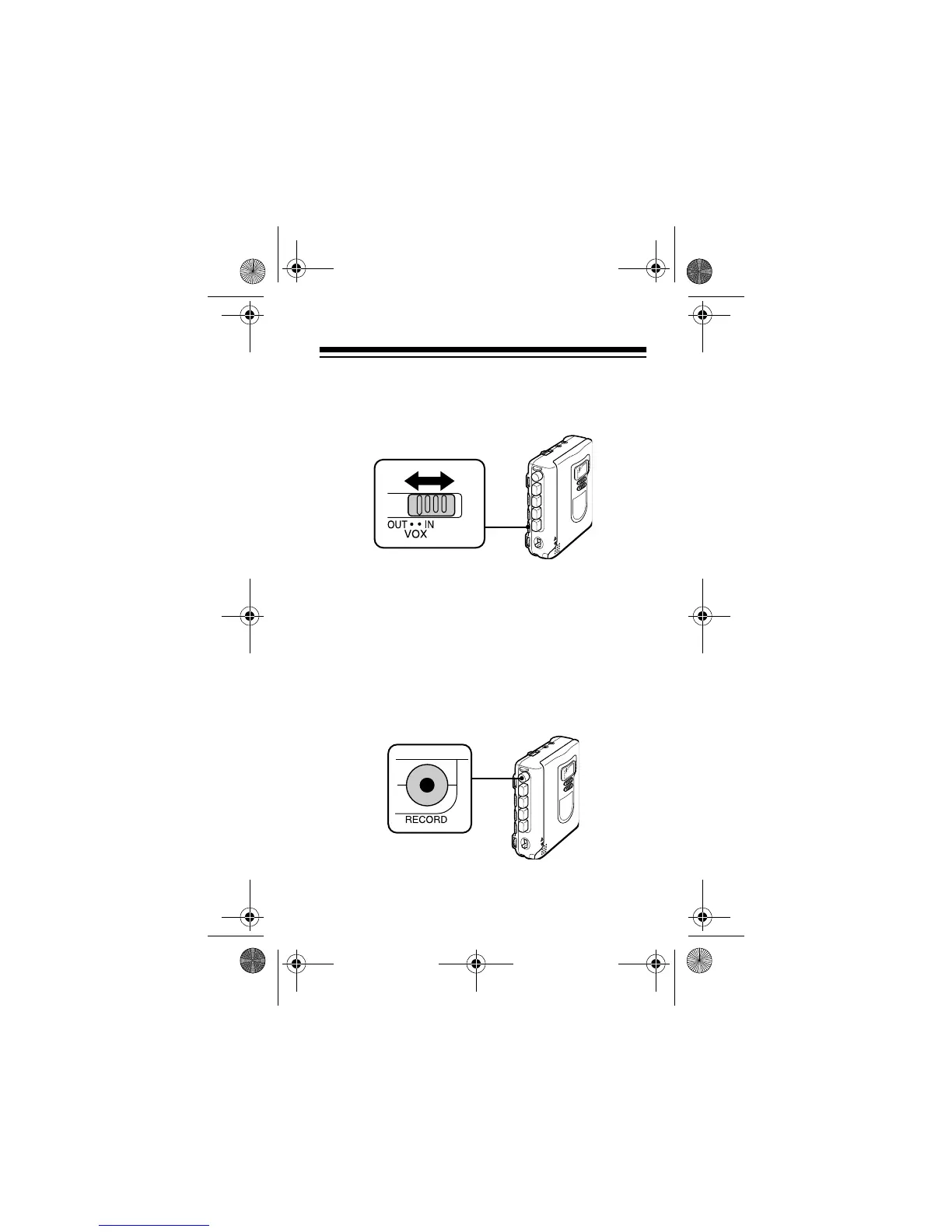
5. Set
VOX
to
OUT
if you want to manually start and
stop recording. Or, set
VOX
to
IN
to use voice-
activated recording.
At the VOX setting, recording begins when the
recorder picks up sound and stops a few sec-
onds after the sound stops.
Hint:
The voice-activated feature saves power
and tape if there are long or frequent pauses in
the material you are recording.
6. Press
RECORD
when you want to begin record-
ing.
RECORD
and
PLAY
automatically lock down.
14-1120.fm Page 21 Wednesday, January 19, 2000 4:27 PM



 To Next Page