28
You can also hold down or during play-
back to help you locate a specific portion of the tape
(for example, if you are listening for a particular
speech, statement or other audio cue). While holding
it down, you hear the tape at a faster speed. To re-
turn to normal playback, release the button.
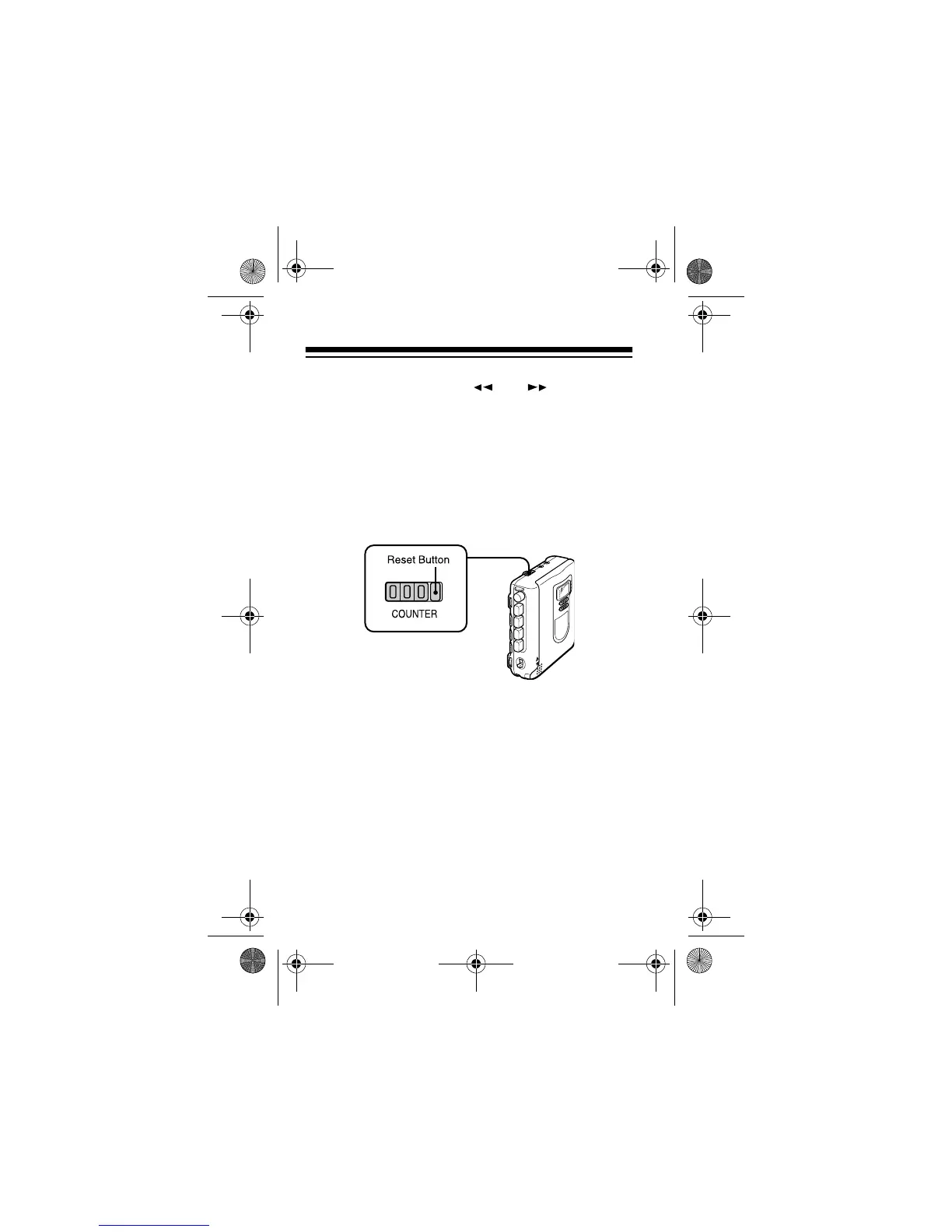
USING THE TAPE COUNTER
You can use the tape counter to note different posi-
tions or locations on your tape during recording or
playback. Before playing a tape, press the tape
counter reset button to set the counter to 000.
During play or recording, the numbers advance to
show the amount of tape that has moved past the
tape heads since the tape began moving. When the
tape rewinds, the numbers decrease.
14-1120.fm Page 28 Wednesday, January 19, 2000 4:27 PM



 To Next Page