21
... English
Image-I
Computer / Video Mode
Image-I Image-II Audio
Language Management Lamp setting
Display Mode PC Movie sRGB Game User
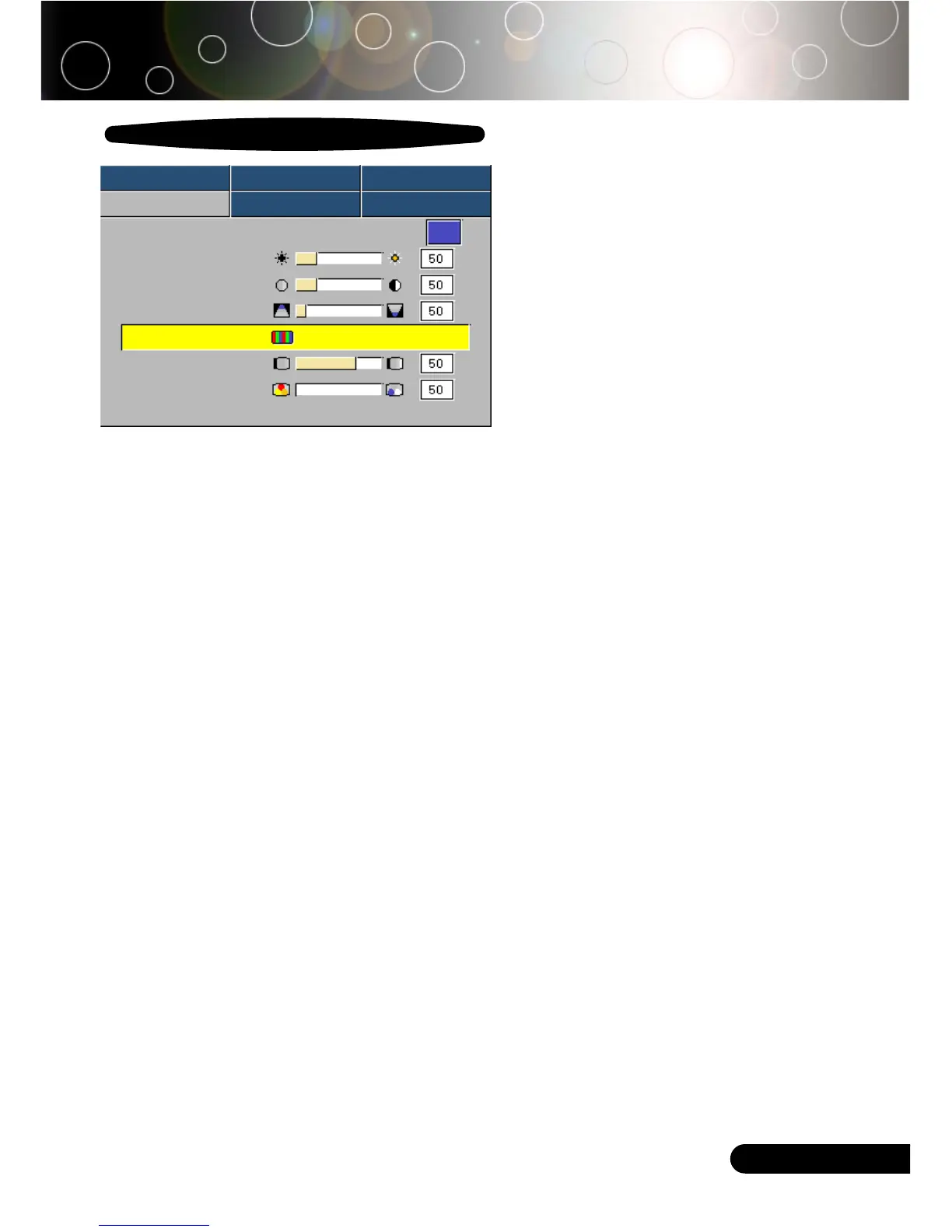
Brightness
Contrast
Keystone
Color Press Enter to Set
White Peaking
Color Temp.
User Controls
White Peaking
Use the white peaking control to set the white peaking level of
DMD chip. 0 stands for minimal peaking, and 10 stands for
maximum peaking. If you prefer a stronger image, adjust towards
the maximum setting. For a smooth and more natural image,
adjust towards the minimum setting.
Color Temp.
Adjust the color temperature. At higher temperature, the screen
looks colder; at lower temperature, the screen looks warmer.



 To Next Page