23
... English
Image-II
(Computer Mode)
Computer Mode
Image-I Image-II Audio
Language Management Lamp setting
Frequency
Tracking
H. Position
V. Position
Degamma
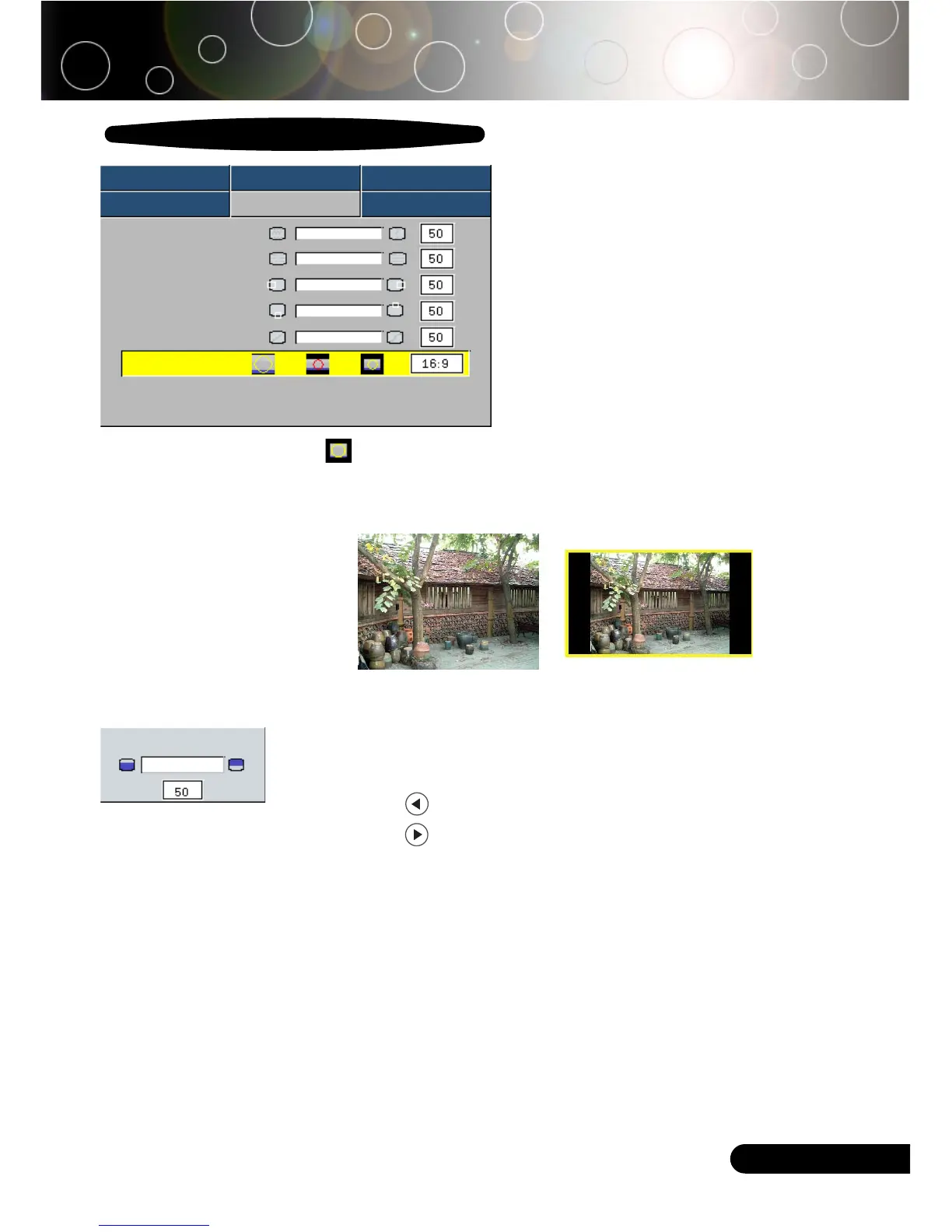
Aspect Ratio
16:9 Image Position Press Enter to Set
4
Window: When a 4:3 image is bigger than a 16:9 screen,
select the “Window” mode to fit the image onto the screen
without changing the projection distance.
16:9 Image Position
Adjust the image position to up or down, when you select the
aspect ratio to 16:9.
4
Press the to move the image down.
4
Press the to move the image up.
16:9 Image Position
WindowOriginal Pixel



 To Next Page