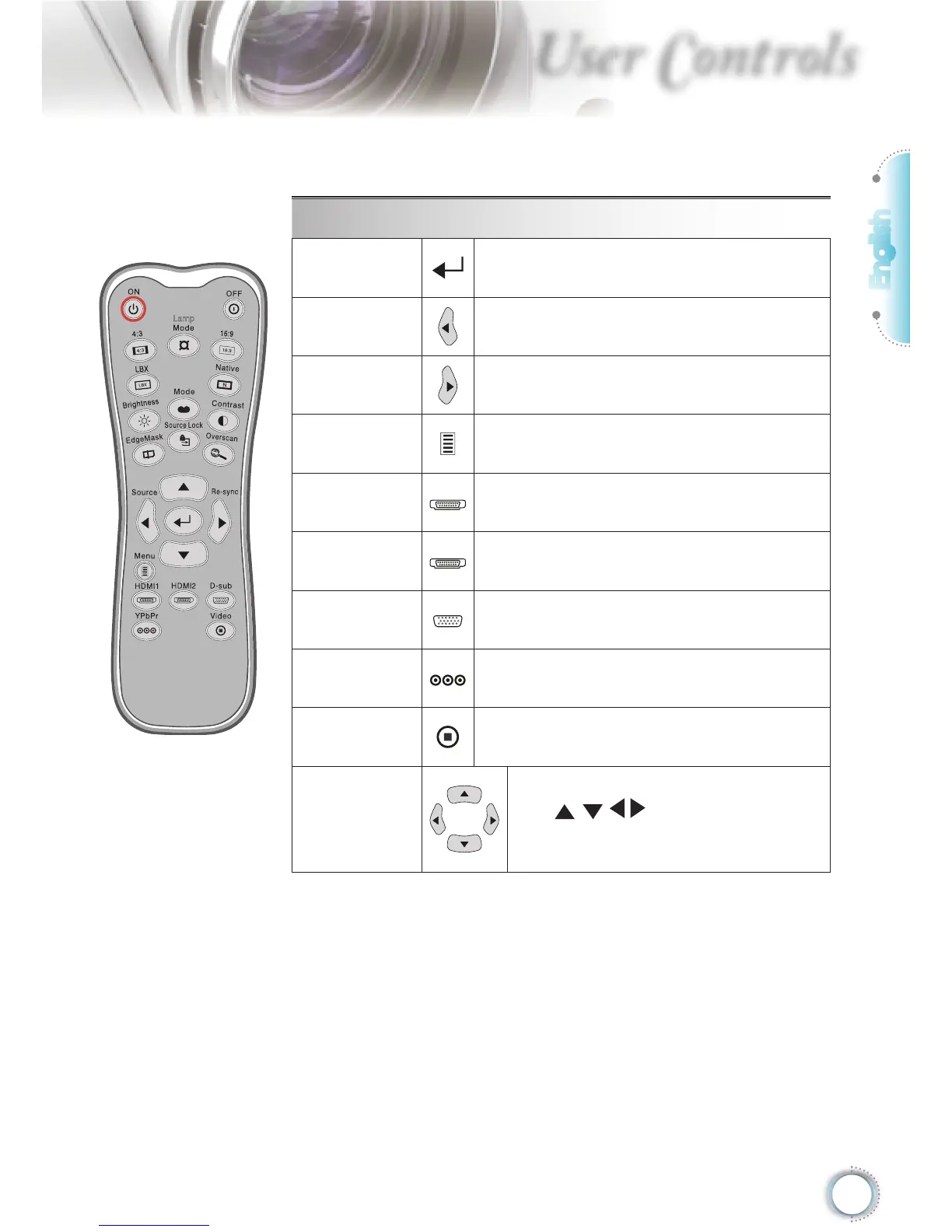
Using the Remote Control
Enter
Confi rm your item selection.
Source
Press “Source” to select an input signal.
Re-sync
Automatically synchronizes the projector
to the input source.
Menu
Display or exit the on-screen display
menus for projector.
HDMI 1
Press “HDMI 1” to choose source from
HDMI 1 connector.
HDMI 2
Press “HDMI 2” to choose source from
HDMI 2 connector.
D-Sub
Press “D-Sub” to choose source from
VGA/SCART/YPbPr connector.
YPbPr
Press “YPbPr” to choose Component
video source.
Video
Press “Video” to choose Composite
video source.
Four
Directional
Select Keys
Use to select items or
make adjustments to your selection.





 To Next Page