41
English
Appendices
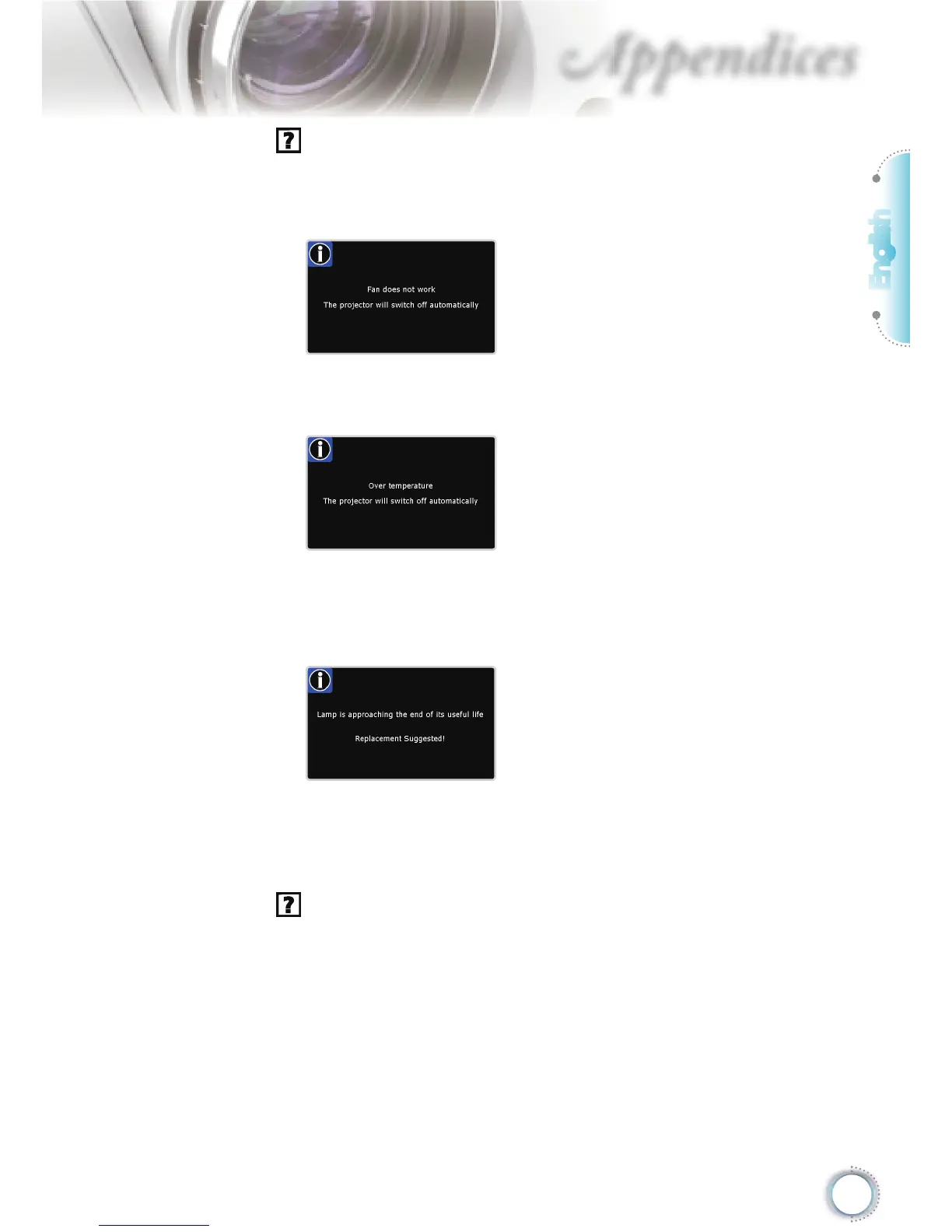
On Screen Messages
Fan failed:
The projector will switch off automatically.
Over temperature:
The projector will switch off automatically.
Replacing the lamp:
Lamp is approaching the end of it’s rated life.
Replcement suggested.
Remote Control Problems
If the remote control does not work
Check the operating angle of the remote control is within ±15°
both horizontally and vertically of one of the IR receivers on the
projector.
Make sure there are not any obstructions between the remote
control and the projector. Move to within 8 m of the projector.
Make sure the batteries are inserted correctly.
Replace batteries if they are exhausted.





 To Next Page