35
English
User Controls
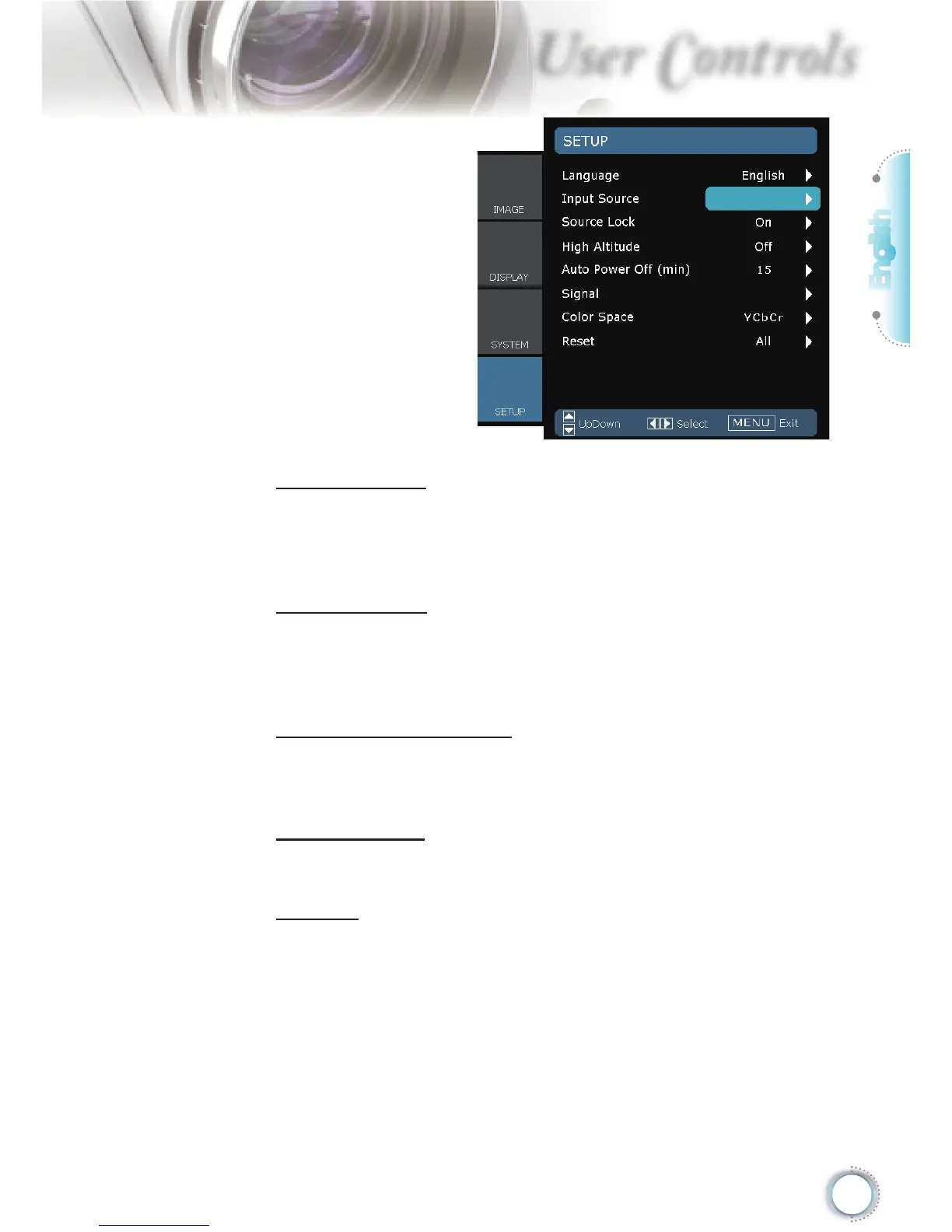
Source Lock
When this function is turned off, the projector will search for other
signals if the current input signal is lost. When this function is
turned on, it will search for a specifi ed connection port.
High Altitude
Choose “On” to turn on High Altitude mode. Operates the fans at
full speed continuously to allow for proper high altitude cooling of
the projector.
Auto Power Off (min)
Set the interval of power-off of the system, if there is no signal
input.
Color Space
Select an appropriate color matrix type from RGB or YCbCr.
Reset
Return the adjustments and settings to factory default values.
Current : Return the current menu’s settings to factory default.
All : Return the settings for all menus to factory default values.
SETUP





 To Next Page