30
User Controls
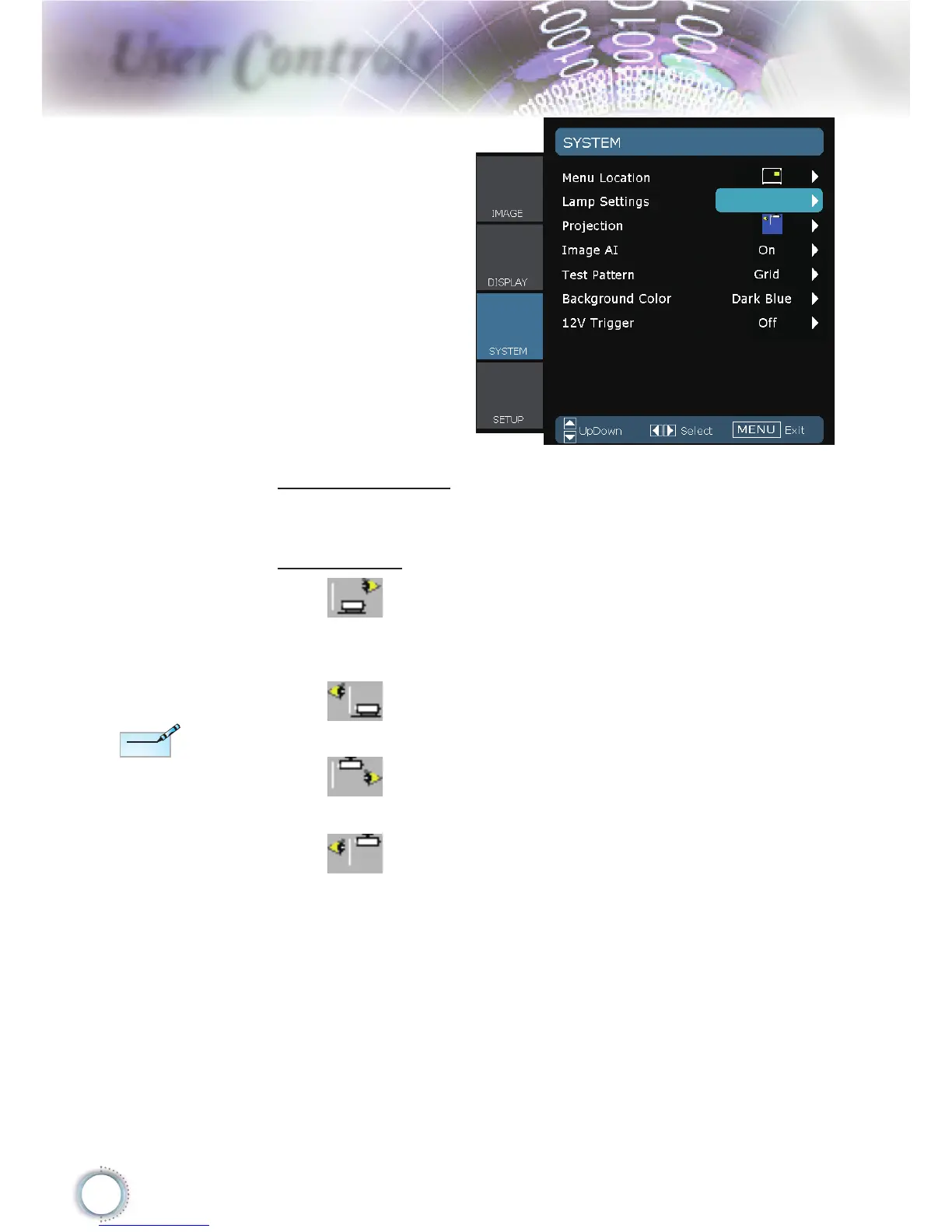
SYSTEM
Menu Location
Choose the menu location on the display screen.
Projection
Front-Projection
This is the default selection. The image is projected straight on
the screen.
Rear-Desktop
When selected, the image will appear reversed.
Front-Ceiling
When selected, the image will turn upside down.
Rear-Ceiling
When selected, the image will appear reversed in upside down
position.
Rear-Desktop
and Rear-Ceiling
are to be used
with a translucent
screen.





 To Next Page