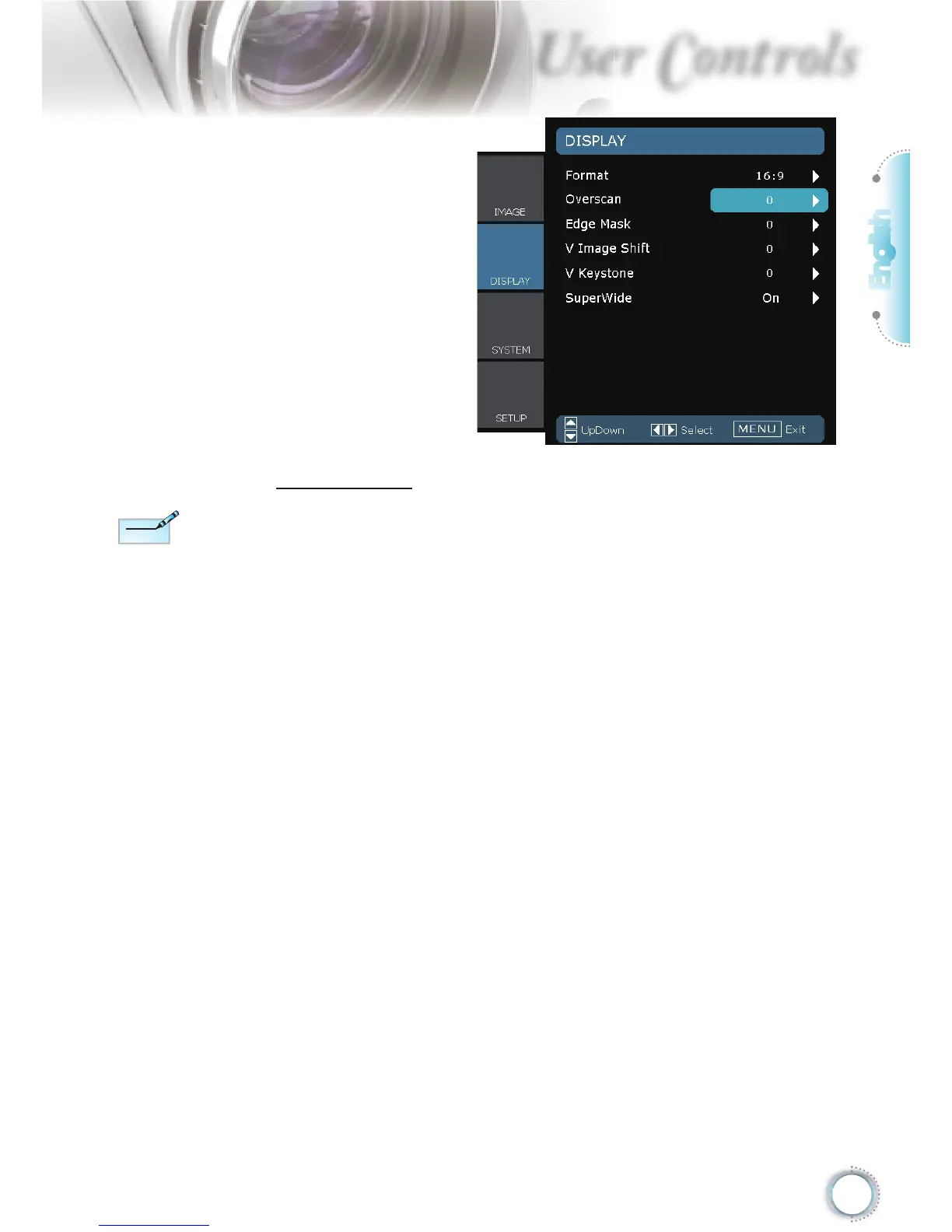
SuperWide
SuperWide is a feature that uses a special 2.0:1 aspect ratio
screen enabling both 16:9 and 2.35:1 aspect ratio movies to be
shown without black bars at the top and bottom of the screen
Off: Your desired aspect ratio can be selected - 4:3, 16:9, LBX
and Native.
On: Only formats 4:3 and 16:9 can be selected.
Auto: To solve the differences of the fi lm formats, the option can
keep the format in the same ratio.
How to use “SuperWide”
1. Obtain a 2.0:1 aspect ratio screen
2. Switch SuperWide ON
3. Align the projector image correctly on the screen
4. Enjoy movies without black bars





 To Next Page