36
User Controls
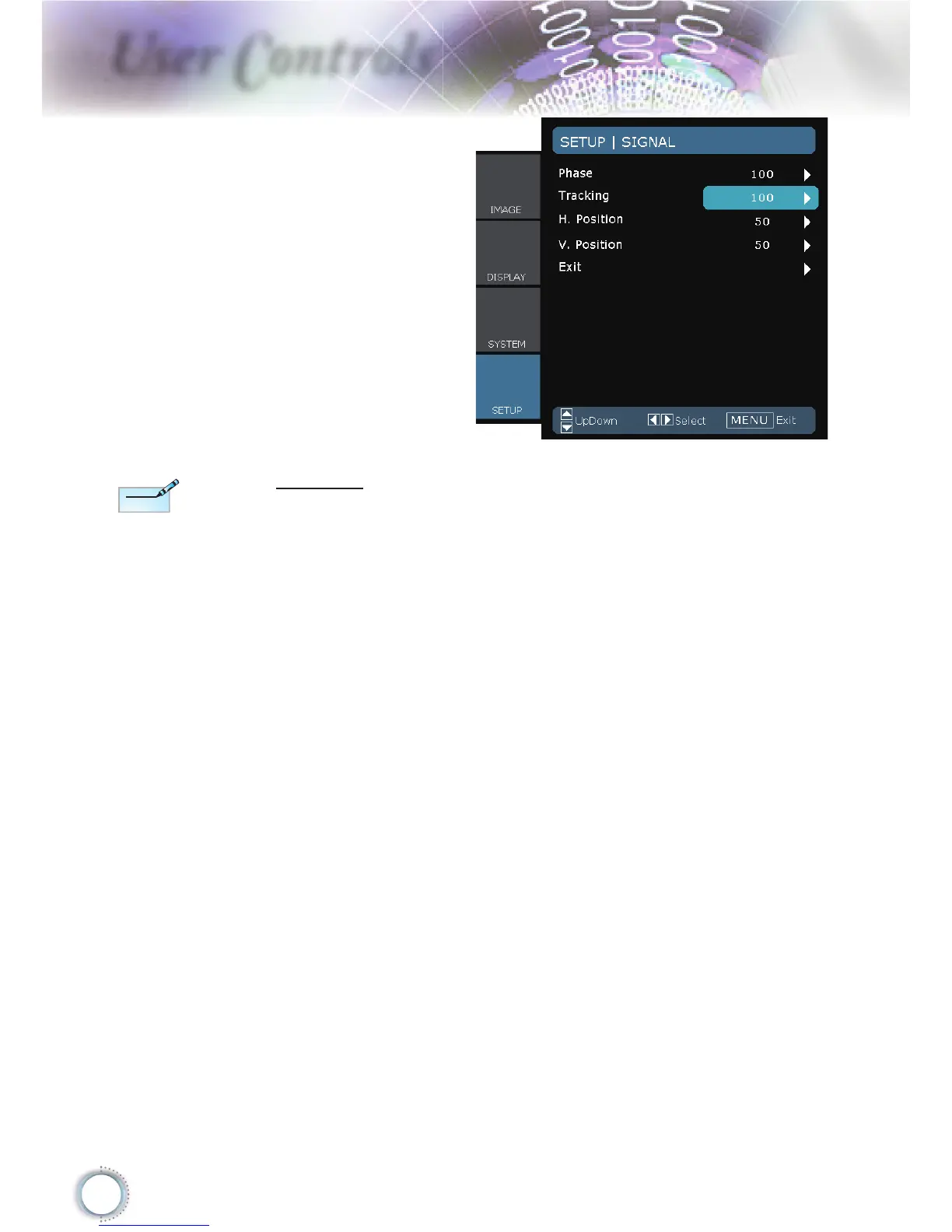
Signal
Phase: Change the display data frequency to match the
frequency of your computer’s graphic card. When you
experience a vertical fl ickering bar, use this function to
make an adjustment.
Tracking: Synchronize the signal timing of the display with
the graphics card. If you experience an unstable or
fl ickering image, use this function to correct it.
H Position: Adjust the horizontal position.
V Position: Adjust the vertical position.
“Signal” is not
supported when the
source is HDMI or
DVI-D.





 To Next Page