23
English
User Controls
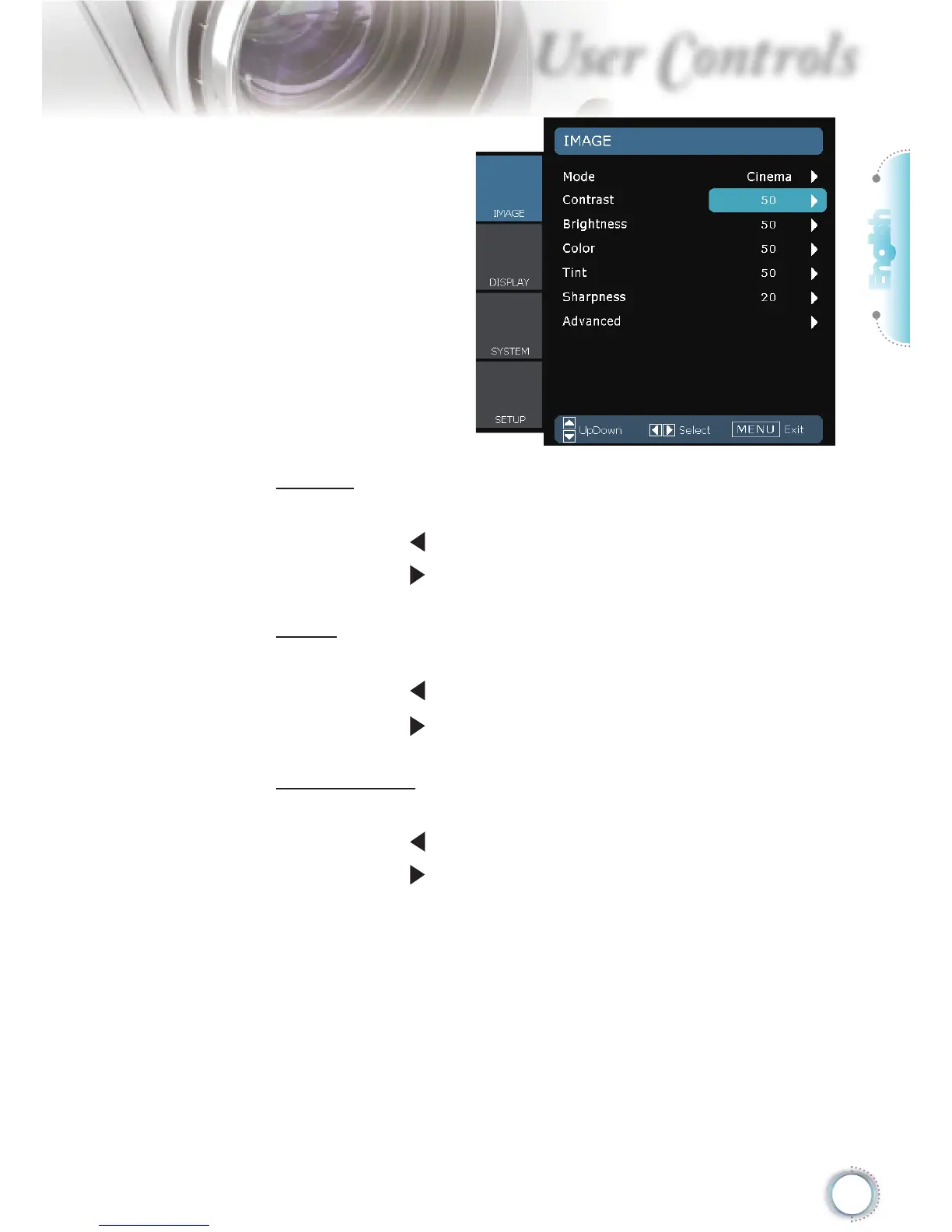
IMAGE
Color
Adjust a video image from black and white to fully saturated color.
Press the to decrease the color saturation in the image.
Press the to increase the color saturation in the image.
Tint
Adjust the color balance of red and green.
Press the to increase the amount of green in the image.
Press the to increase the amount of red in the image.
Sharpness
Adjust the sharpness of the image.
Press the to decrease the sharpness.
Press the to increase the sharpness.





 To Next Page