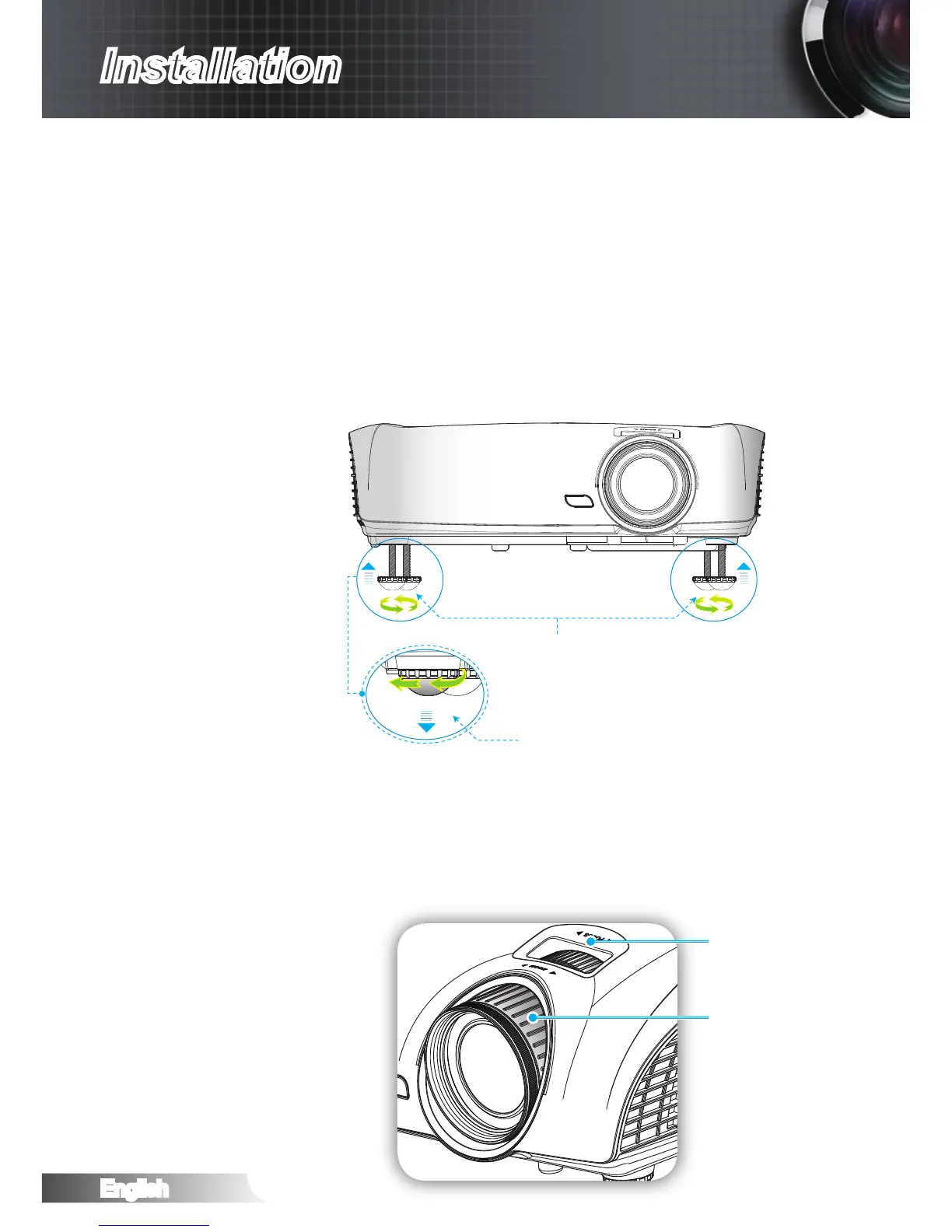
Adjusting the Projector’s Height
The projector is equipped with elevator feet for adjusting the
image height.
Locate the adjustable foot you wish to modify on the underside of 1.
the projector.
Rotate the adjustable ring clockwise to raise the projector or 2.
counter clockwise to lower it. Repeat with the remaining feet as
needed.
Adjusting the Projected Image
Tilt-Adjustment Feet
Tilt-Adjustment Ring
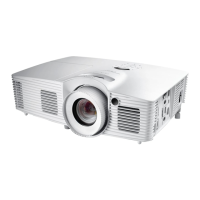
Adjusting the Projector’s Zoom / Focus
You may turn the zoom ring to zoom in or out. To focus the im-
age, rotate the focus ring until the image is clear.
The projector will focus at distances from 4.92 to 32.8 feet (1.0
to 10.0 meters).
Zoom Ring
Focus Ring



 To Next Page