32
More Information
On - Screen Menu
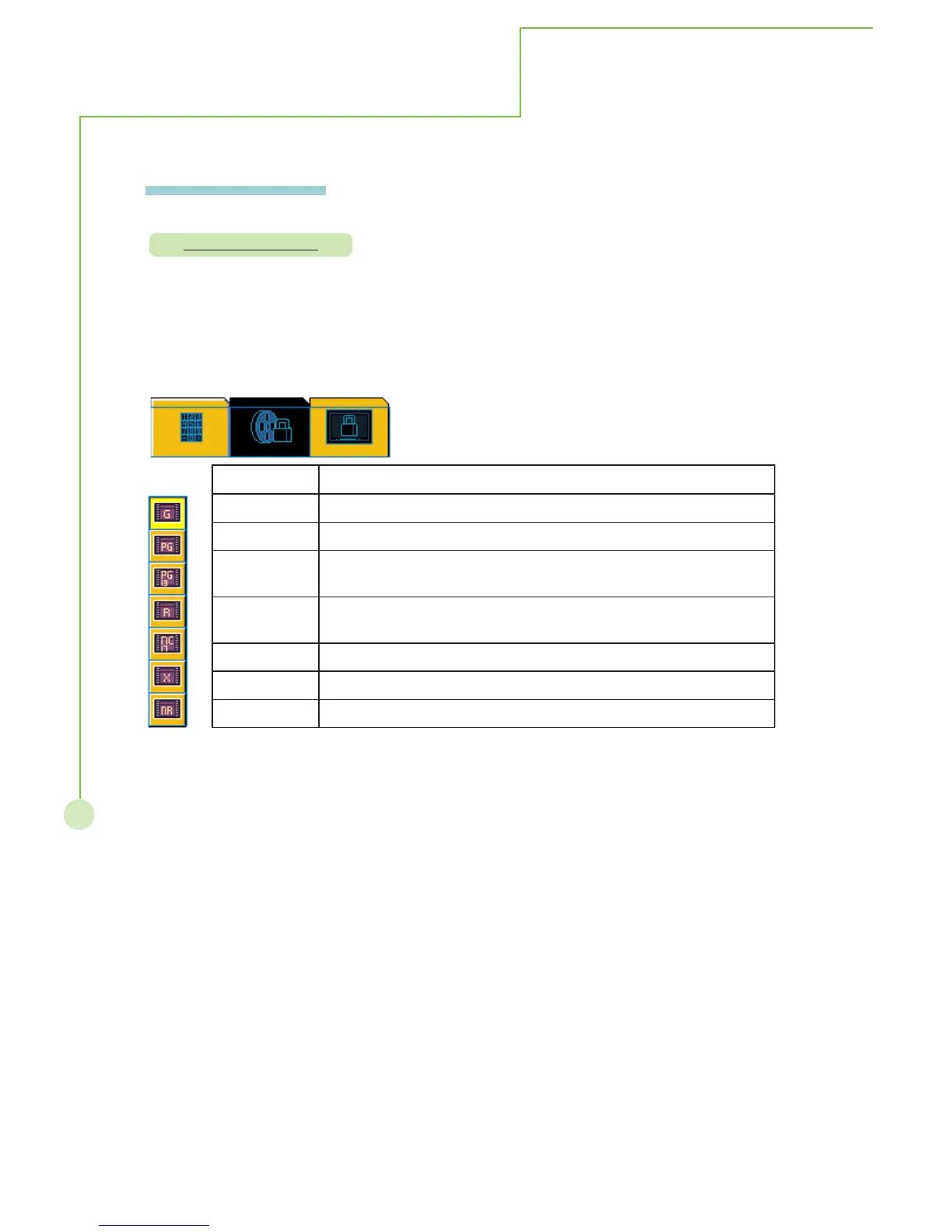
Movie blocking
Description : Independent rating system for movies.
Steps : Press STbutton to highlight the desired rating then press
MENU/EXIT to exit selection. Move to blocking enable/disable
item to activate function.
gnitaRAAPMnoitpircseD
GdettimdasegallA-secneiduAlareneG
GPdetsegguSecnadiuGlatneraP
31-GProfetairporppaniebyamtnetnoC-denoituaCylgnortSstneraP
31rednunerdlihc
Rtludarotnerapgniynapmoccaseriuqer71rednU-detcirtseR
naidraug
71-CNdettimdasi71rednuenooN
XylnostludaotdetcirtseR
RNgnitaroN



 To Next Page