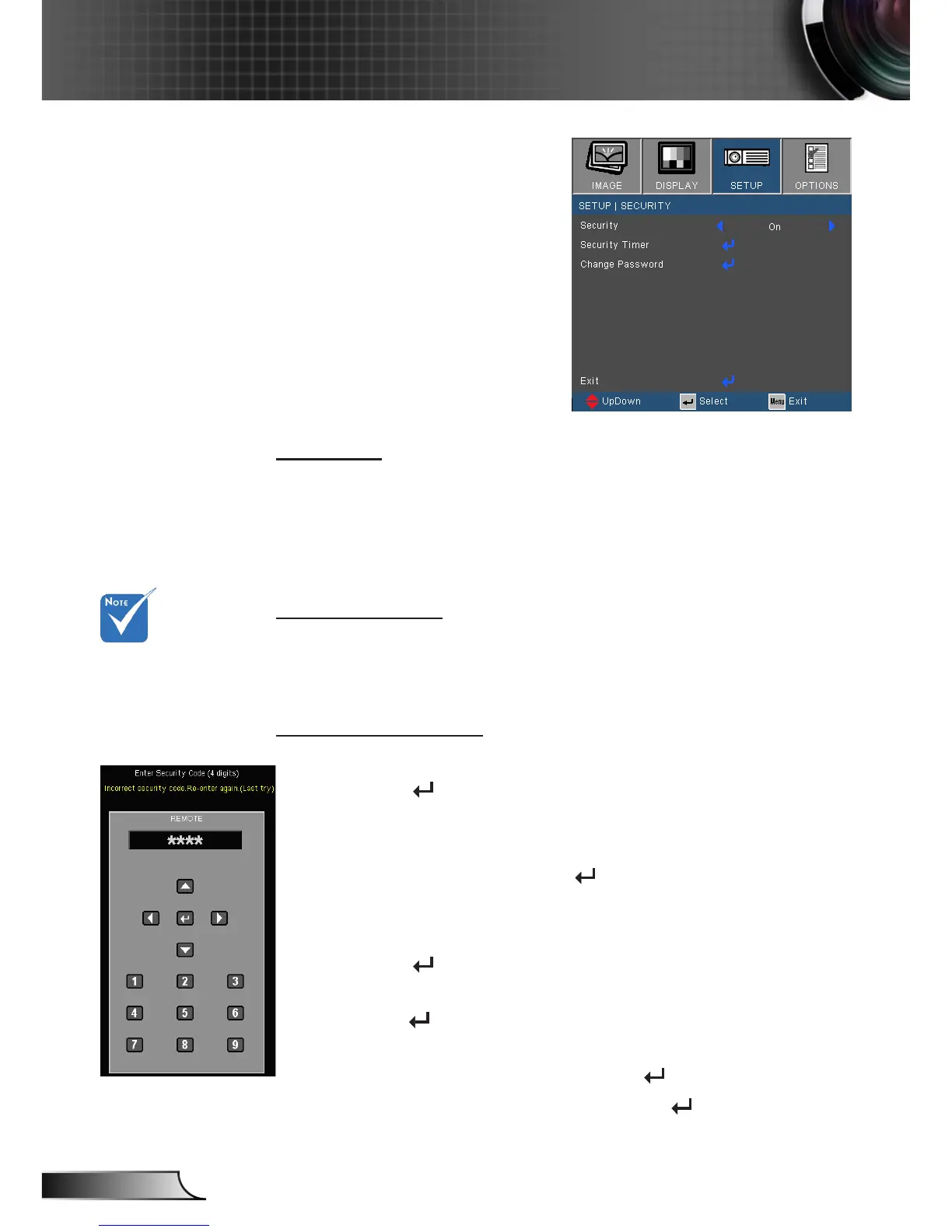
SETUP | Security
Security
On: Choose “On” to use security verication when the turning
on the projector.
Off: Choose “Off” to be able to switch on the projector without
password verication.
Security Timer
Use this function to set the how long (Month/Day/Hour) the
projector can be used. Once this time has elapsed you will be
requested to enter your password again.
Change Password
First time:
1. Press “ ” to set the password.
2. The password has to be 4 digits.
3. Use number button on the remote to enter your new
password and then press “ ” key to conrm your
password.
Change Password:
1. Press “ ” to input old password.
2. Use number button to enter current password and then
press “ ” to conrm.
3. Enter new password (4 digits in length) using the number
buttons on the remote, then press “ ” to conrm.
4. Enter new password again and press “ ” to conrm.
Password default
value is “1234” (rst
time).












 To Next Page