Click the following icons under “Play Control”
• : Click to disconnect host PC.
• : Click to switch session to background.
• : Click to change display region.
Crestron RoomView
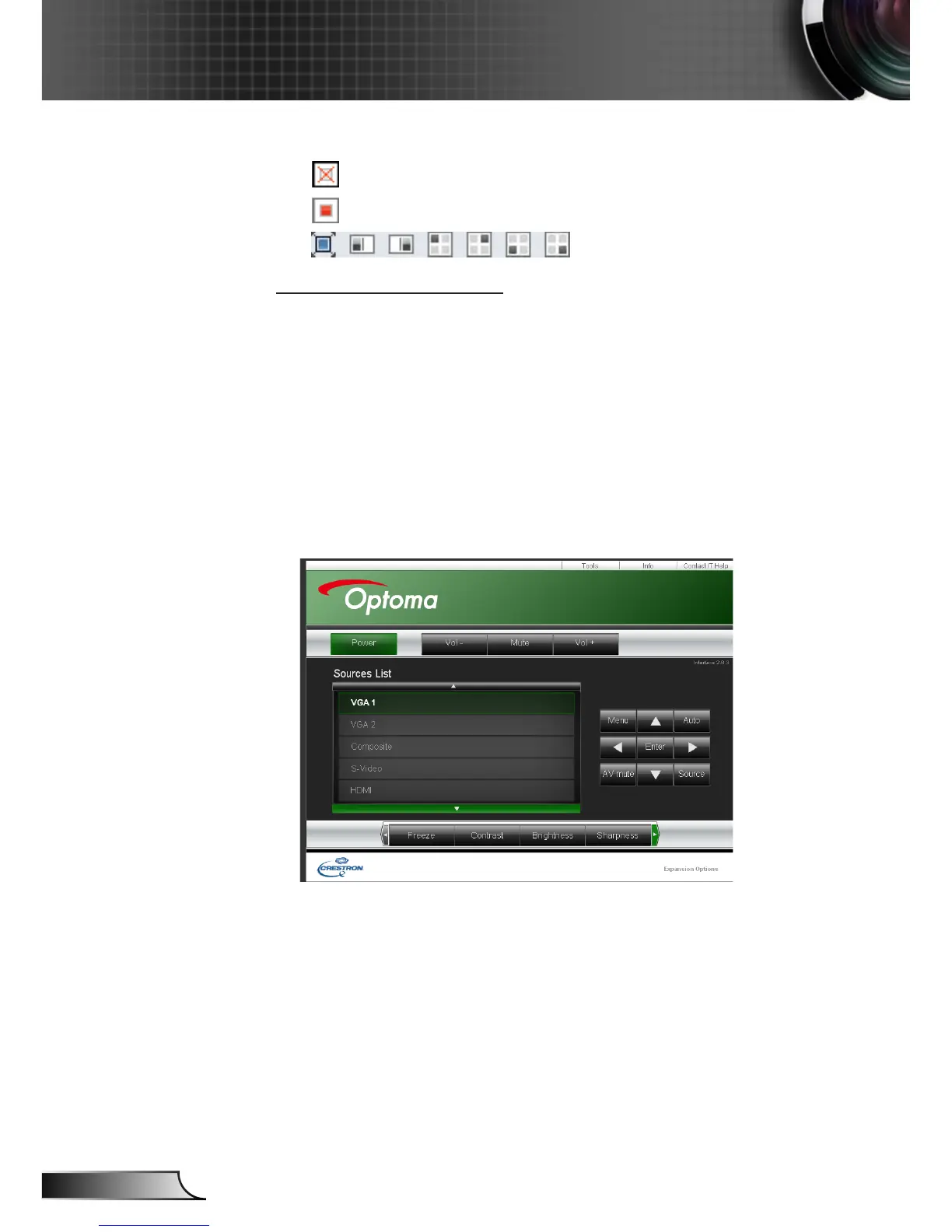
This is the control page of Flash UI.
Click “Power” to control power on/off of projector.
Click “Vol-, Mute, Vol+” to control volume.
In the SourceList, it includes all sources that the projector can
process.
Click “Menu” to open menu; click “Source” to choose next source;
click “Auto” to detect the source automatically; click “Blank” for AV
mute function.
“Contrast, Brightness, Color, Sharpness, Zoom, Freeze” can be
adjusted in the control panel below.











 To Next Page